

정보
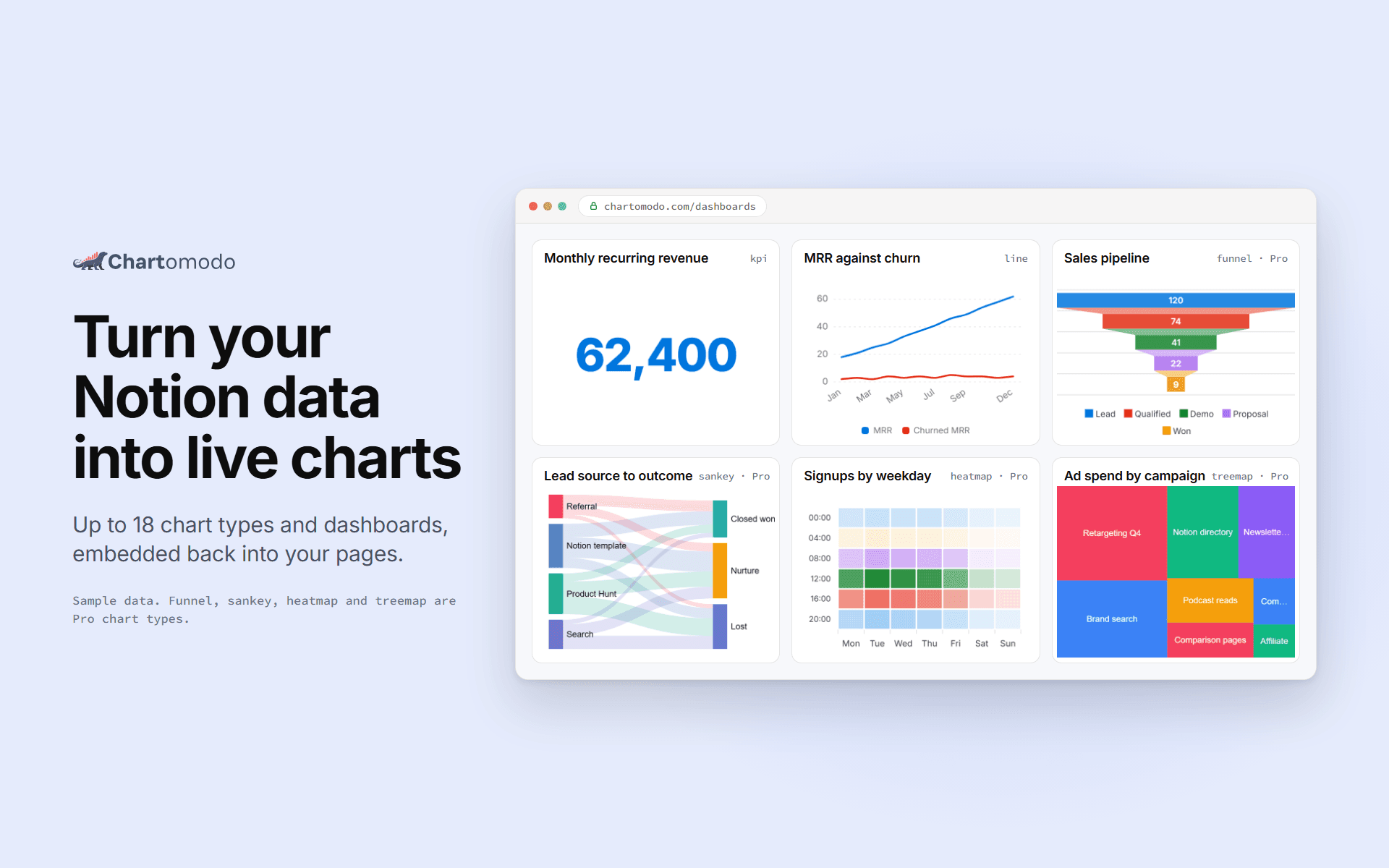
ChartOmodo turns a Notion database into a live chart or dashboard. Connect your
workspace, pick a database, choose from up to 18 chart types, and embed it
back into any Notion page with /embed. Charts refresh on their own as rows change
(every 5 minutes on Free, faster on paid plans), and you can
connect more than one workspace. ChartOmodo only reads the databases you share with it.
기능
- 콘텐츠 읽기이 연결과 공유된 페이지, 데이터베이스, 블록을 읽기 수 있습니다.
- 워크스페이스 사용자 보기이메일 주소를 포함한 워크스페이스 멤버와 게스트에 대한 기본 프로필 상세정보를 읽습니다.
사용 방법
1. Sign up at chartomodo.com.
2. Click Connect Notion and pick the pages or databases to share.
3. Build a chart from a database in the builder.
4. Copy the chart's embed link.
5. In Notion, type /embed and paste the link.
