

정보
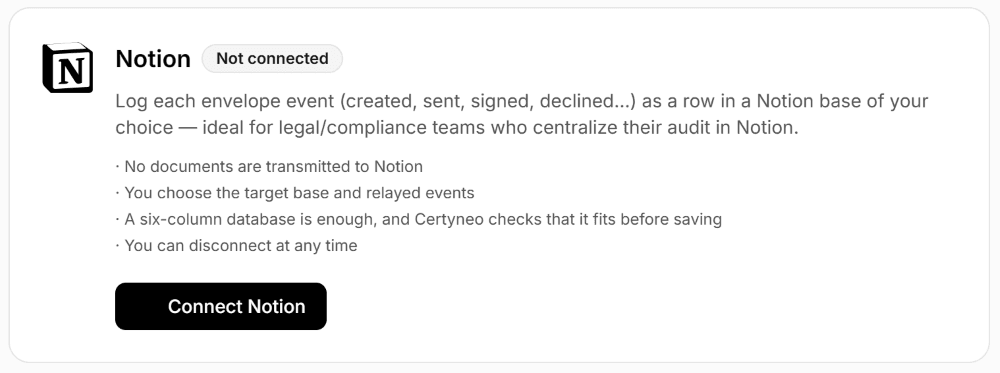
Certyneo is a French electronic signature solution compliant with the eIDAS regulation. This connection automatically logs every envelope event (created, sent, signed, declined, voided, expired) as a row in a Notion database you choose.
It is built for legal, compliance and HR teams who centralize their audit trail in Notion: the status of every signature file lands where the team already works, with no re-entry or export.
No document is sent to Notion: only event metadata (subject, status, signer, timestamp) is written.
You choose the target database and which events are relayed.
You can disconnect at any time from Certyneo, or revoke access from Notion.
Important: the target database must have these exact columns — Subject (title), Event (select), Timestamp (date), Envelope ID (text), Status (select), Signed By (multi-select).
기능
- 콘텐츠 읽기, 삽입 및 업데이트이 연결과 공유된 페이지, 데이터베이스, 블록을 읽기, 삽입 및 업데이트 수 있습니다.
- 댓글 읽기 및 추가접근할 수 있는 페이지와 블록에 댓글을 읽기 및 추가 수 있습니다.
- 워크스페이스 사용자 보기워크스페이스 멤버와 게스트에 대한 기본 프로필 상세정보를 읽습니다.
사용 방법
Step 1: Create an account at certyneo.com (free trial, no credit card required). Step 2: In Notion, create or pick the database that will hold the audit trail. It must have the following columns, with these exact names: Subject (title), Event (select), Timestamp (date), Envelope ID (text), Status (select), Signed By (multi-select). Step 3: In Certyneo, open Settings then Integrations, click "Connect Notion" and authorize access to the database created in step 2. Step 4: Choose the target database and which events to relay, then save. From your first envelope sent, every event appears as a new row in the database: subject, status, signer, and timestamp.
