

정보
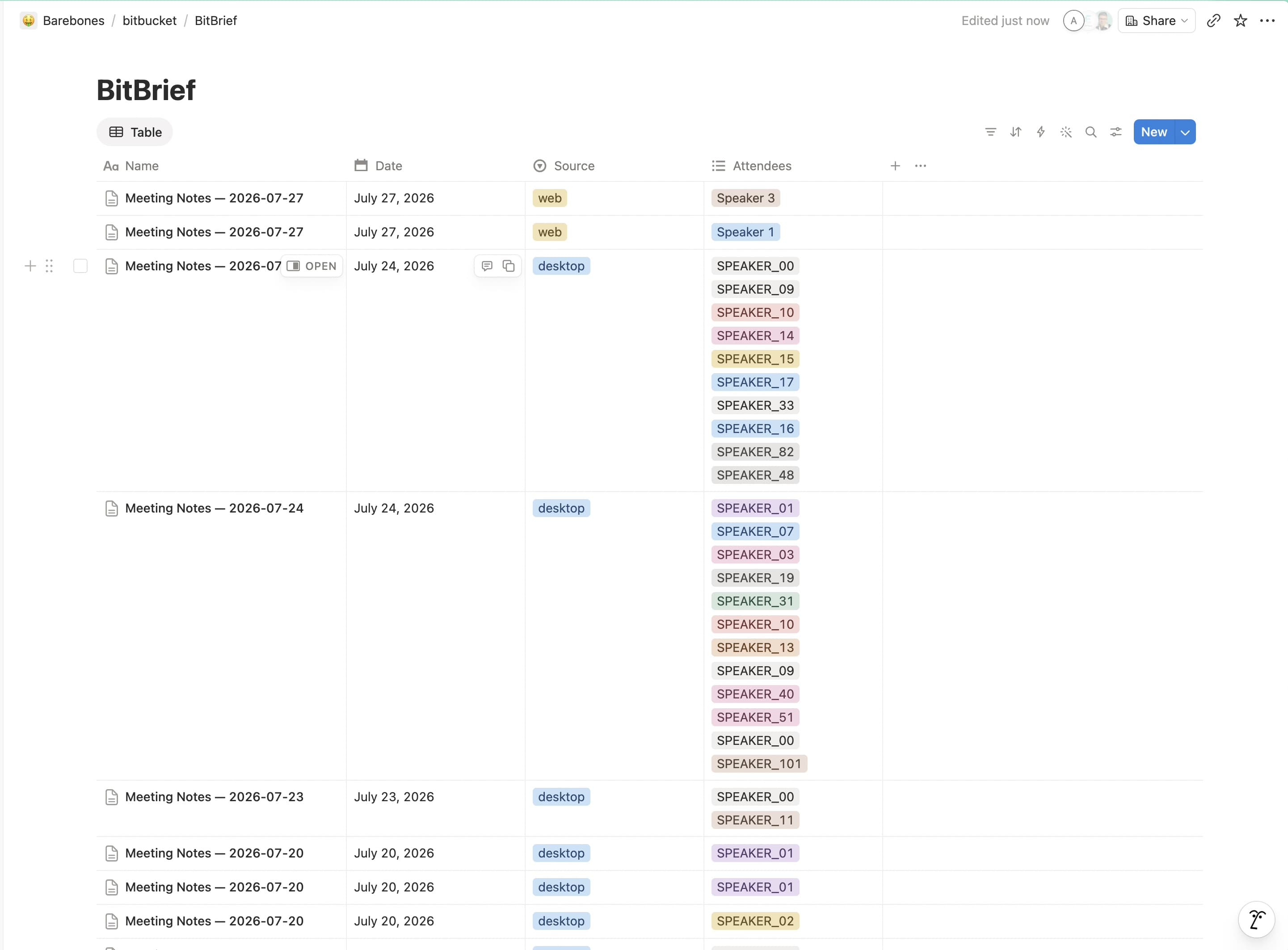
BitBrief turns your meeting recordings into structured notes: summary, decisions, action items, and a full transcript. It then publishes each meeting as a page in a "BitBrief Meetings" database in your workspace. Use the provided template during connection and BitBrief sets the database up for you; it only creates and updates the meeting pages you've shared with it.
기능
- 콘텐츠 읽기, 삽입 및 업데이트이 연결과 공유된 페이지, 데이터베이스, 블록을 읽기, 삽입 및 업데이트 수 있습니다.
- 워크스페이스 사용자 보기이메일 주소를 포함한 워크스페이스 멤버와 게스트에 대한 기본 프로필 상세정보를 읽습니다.
사용 방법
1. Install BitBrief on your Mac and open it.
2. In the setup wizard or Settings → Notion export, click Connect to Notion.
3. Approve access in your browser and choose Use a template — BitBrief adds a "BitBrief Meetings" database to your workspace automatically.
4. Record or upload a meeting. Your notes, action items, and transcript appear in that database when processing finishes — no other setup needed.
