

정보
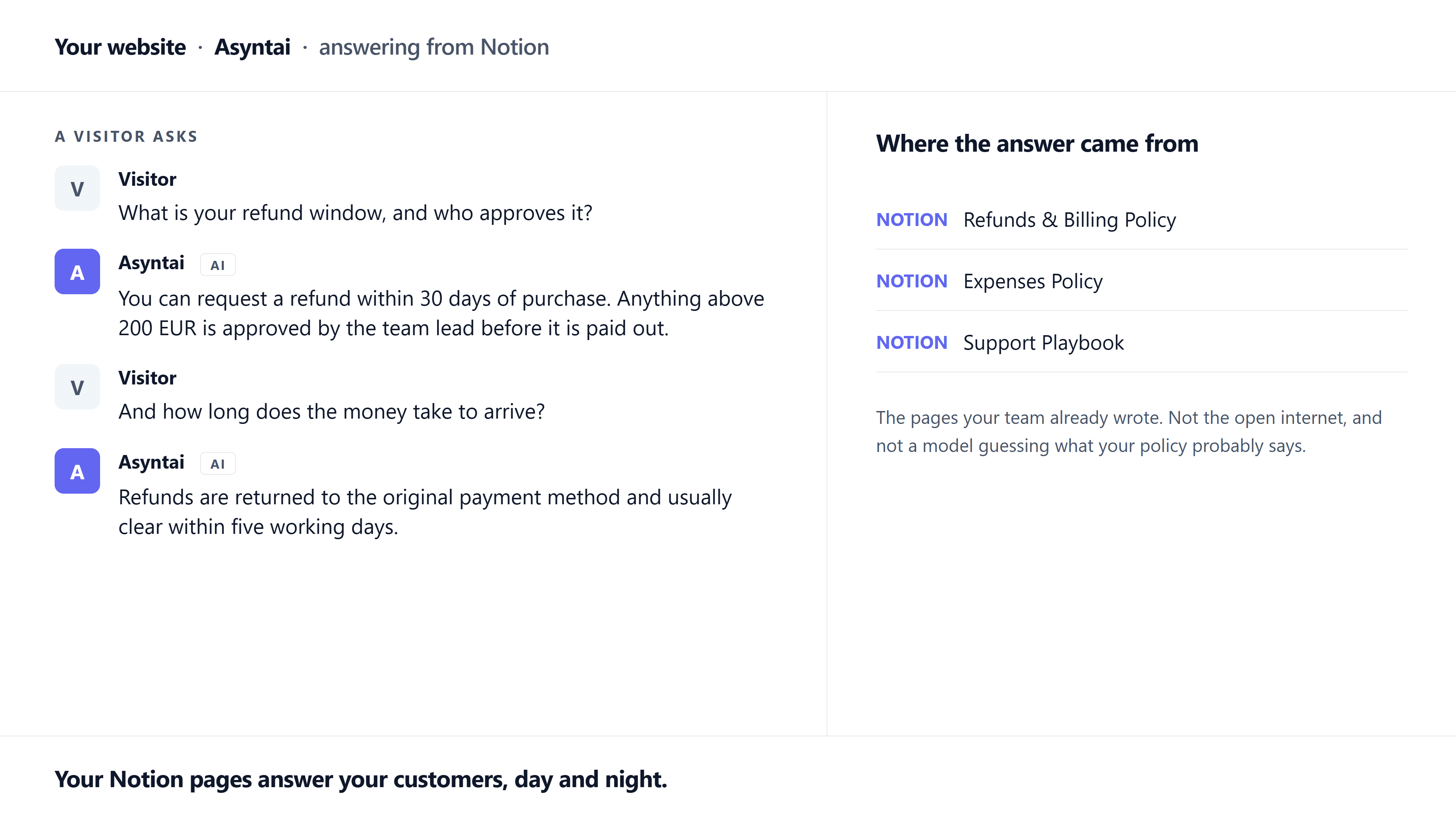
Asyntai turns your Notion pages into an AI assistant that answers questions on your website, in your help centre, and in every other channel you use.
You choose which pages to share. Notion's own page picker does the choosing, so Asyntai can only ever read the pages you selected. It reads the title and text of each page, including anything folded inside a toggle and the pages nested underneath the ones you picked, and adds them to your knowledge base.
Asyntai asks for read access only. It never edits, creates or deletes anything in your workspace.
From then on, the answers your team already wrote in Notion serve every visitor and every colleague, without copying them anywhere. Your handbook answers policy questions. Your product notes answer product questions. Your frequently asked questions answer the rest.
Asyntai replies in 36 languages, detected automatically from the question, and keeps the conversation in context so follow-up questions are understood.
Re-run the import after a big edit and pages update in place, so nothing is duplicated and pages you stopped sharing drop out.
Available on every Asyntai plan, including the free one.
기능
- 콘텐츠 읽기이 연결과 공유된 페이지, 데이터베이스, 블록을 읽기 수 있습니다.
사용 방법
1) Create a free Asyntai account at https://asyntai.com and add your website.
2) In your Asyntai dashboard, open the Knowledge Base and select "Select Source", then choose Notion.
3) Sign in to Notion. Asyntai asks to read pages only.
4) Tick the pages you want the assistant to use. Selecting a parent page also shares the pages inside it. Anything you leave unticked stays private.
5) Wait for the import. A few pages take seconds; a large workspace takes a few minutes.
6) Ask your assistant a question that only your Notion pages can answer.
To refresh after editing in Notion, open the Notion source in your dashboard and select Sync.
Full instructions: https://asyntai.com/documentation/integrations/notion/
