 2anki
2anki
2anki
정보
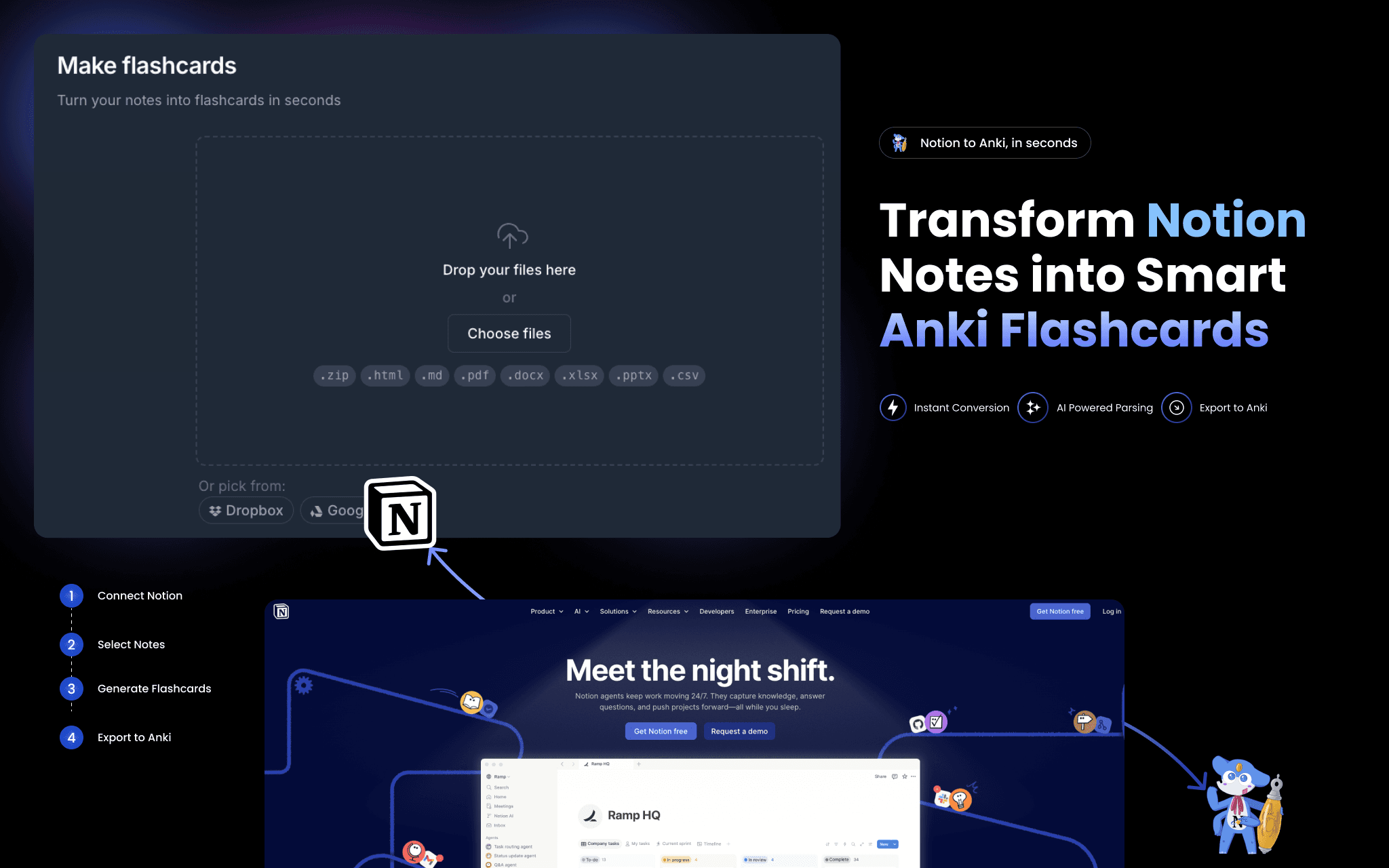
2anki reads your Notion pages and converts them into ready-to-import Anki flashcard decks (.apkg files).
Connect your Notion workspace once — no API token to copy-paste — then paste any page URL to convert. What gets converted:
• Toggle blocks → question/answer flashcards
• Tables and databases → structured card decks
• Images and code blocks → embedded in cards, formatting preserved
• Strikethrough text → card tags
A one-time conversion is a snapshot. For continuous sync, Hosted Anki polls your Notion pages every few minutes and keeps your decks current automatically.
기능
- 콘텐츠 읽기, 삽입 및 업데이트이 연결과 공유된 페이지, 데이터베이스, 블록을 읽기, 삽입 및 업데이트 수 있습니다.
- 워크스페이스 사용자 보기이메일 주소를 포함한 워크스페이스 멤버와 게스트에 대한 기본 프로필 상세정보를 읽습니다.
사용 방법
- Go to 2anki.net and sign in or create a free account.
- Click "Connect Notion" and authorize 2anki to read your workspace.
- Open the Notion to Anki page and paste a Notion page URL.
- Click Convert — your .apkg deck downloads immediately.
- Open Anki on any device and import the file. Start studying.
