コネクトのアイコン

Notion AI Connector for Box

Overview

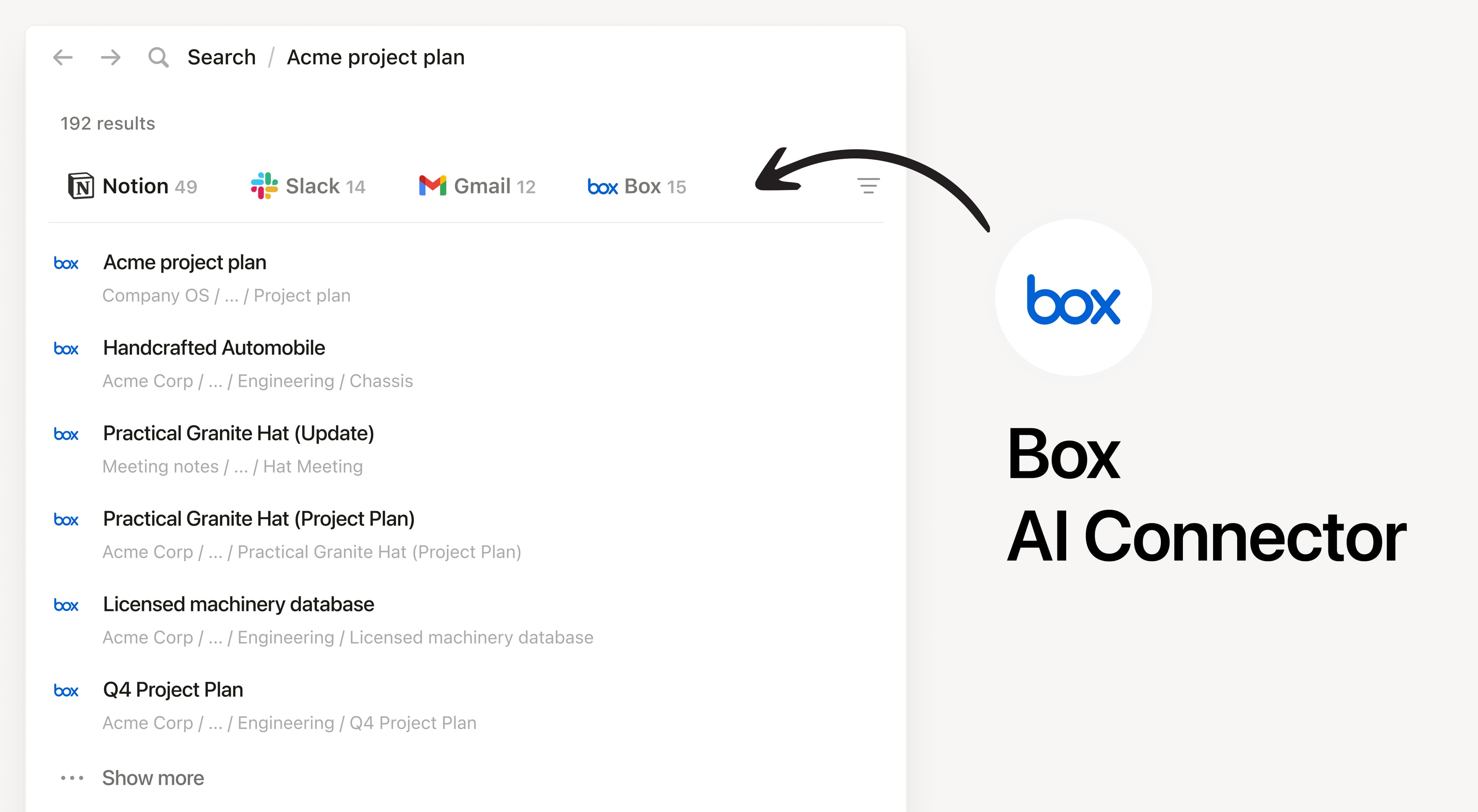
Install Notion’s AI Connector to your Box account. Search your files and folders hosted in Box to answer questions and summarize information without having to leave Notion.

How to use

Must be a Notion workspace owner on the Enterprise plan and Box Admin to connect.

In Notion, navigate to the Box AI Connector by going to Settings → Notion AI → AI Connectors tab → Box and follow the setup steps. You’ll be taken to Box to continue.

For detailed instructions, check out our Help Center.

After installation is complete, ask Notion AI to summarize the key decisions and action items in a specific file or compare two docs to list what changed.

本規約で言及されるサードパーティの商標(ロゴやアイコンを含む)はすべて、各々の所有者に帰属します。「Made by Notion(Notionが作成)」と明記されていない限り、インテグレーションはNotionによりサポートされることも、管理されることもありません。インテグレーションが連携するサードパーティの製品やサービスは、Notionのアプリケーションではありません。それについては、NotionのMaster Subscription Agreement(マスターサブスクリプション契約)をご覧ください または 個人利用規約に定義されています(該当する場合)。インテグレーションを有効にしたり、Notionインテグレーションギャラリーを使用したりすると、NotionのIntegration Gallery Terms(インテグレーションギャラリー利用規約)に同意したものとみなされます。.