Rilisan / 3.2
Notion 3.2: AI versi mobile, model baru, dan direktori orang
Pembaruan awal 2026 sudah tersedia! Rilis ini membantu Notion lebih fleksibel dengan cara kerja Anda. Tetap produktif kapan pun di mana pun, pilih model AI sesuai kebutuhan, dan pantau hal-hal yang paling penting bagi tim Anda.
AI Notes versi mobile

Baik Anda ikut panggilan saat di perjalanan, brainstorming sambil jalan pagi, atau menghadiri rapat tanpa laptop, semuanya tetap berjalan lancar seperti yang Anda harapkan. Cukup satu ketukan untuk memulai transkripsi catatan berbasis AI (bahkan saat Anda berpindah aplikasi atau layar terkunci). Dalam hitungan detik, catatan berubah menjadi ringkasan yang rapi, daftar tindak lanjut, dan dokumen yang siap dibagikan.
Agent Anda kini selalu di saku
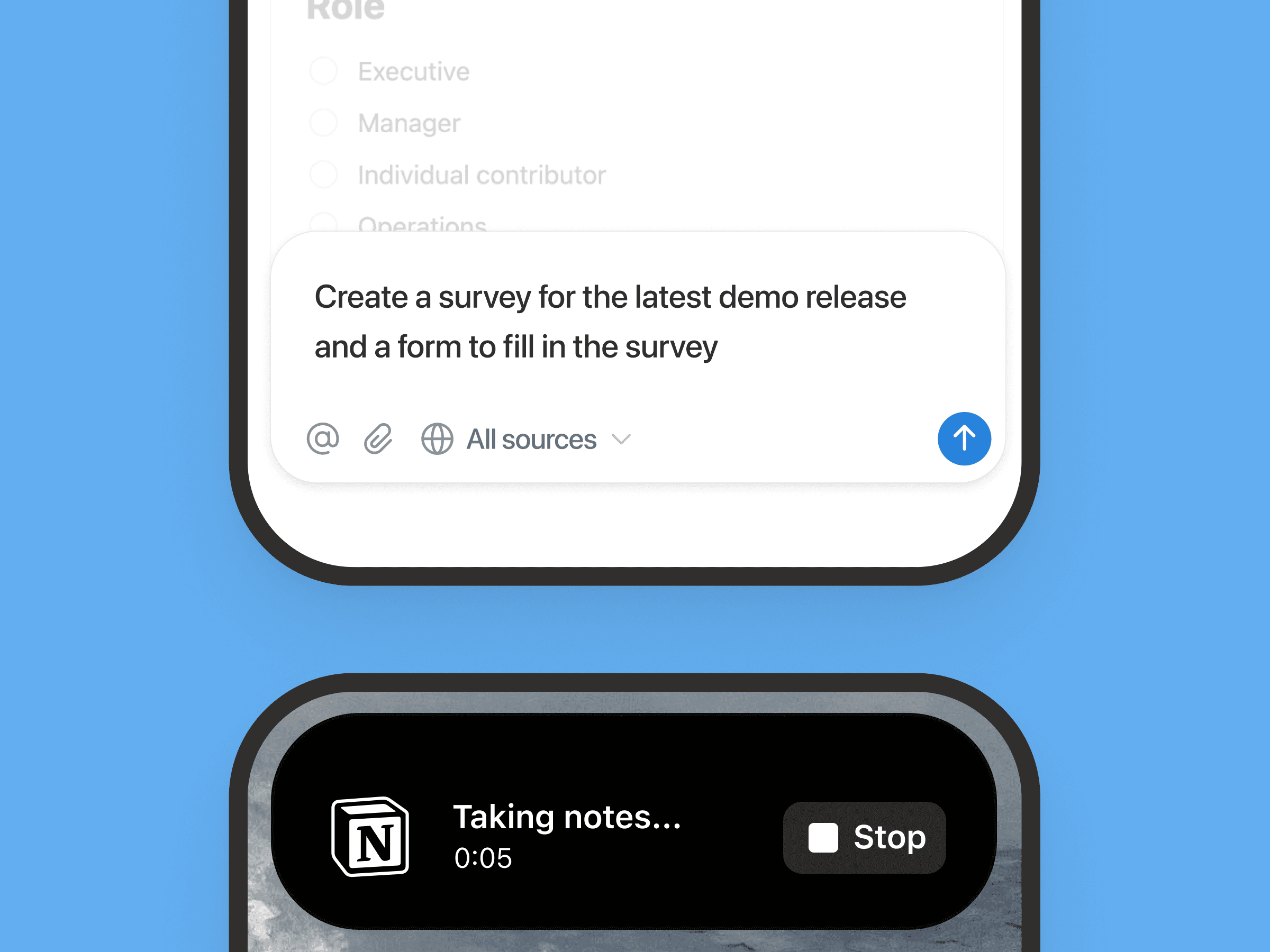
Apa pun yang bisa dilakukan Notion Agent di desktop, kini bisa Anda lakukan langsung dari ponsel. Buat formulir, bangun database, telusuri pengetahuan perusahaan, semuanya dari genggaman. Punya tugas di daftar kerja? Serahkan saja ke agent Anda, lalu lanjutkan ke pekerjaan berikutnya. Agent Anda akan bekerja di latar belakang. Tak perlu menunggu. Lihat demo langsung untuk melihat apa saja yang bisa dilakukan Notion Agent.
Model baru, memori tetap sama
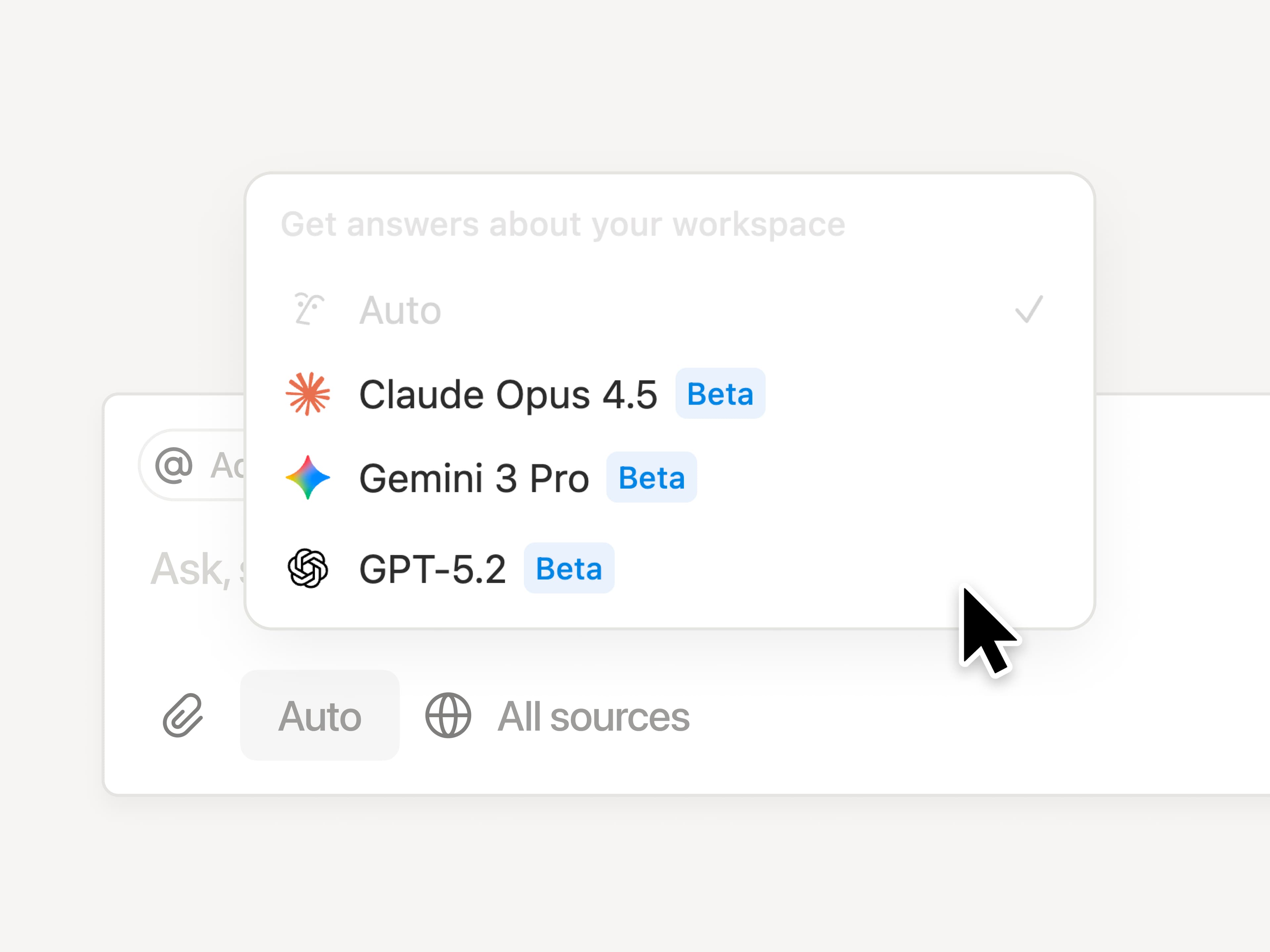
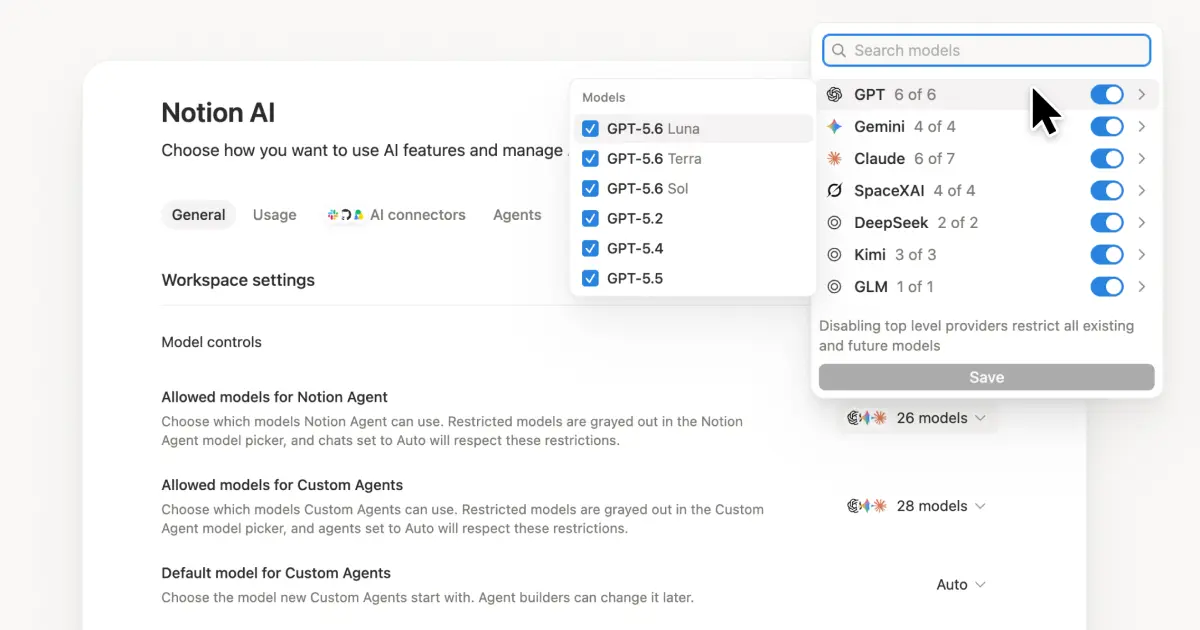
Begitu model baru dirilis, Notion langsung siap menggunakannya. Pilih GPT-5.2, Claude Opus 4.5, atau Gemini 3, atau biarkan Otomatis memilihkan model terbaik untuk Anda. Berpindah model kapan saja, tanpa kehilangan konteks. Model boleh berganti, tetapi memori Anda di Notion tetap utuh.
Pahami cara tim Anda menggunakan Notion AI
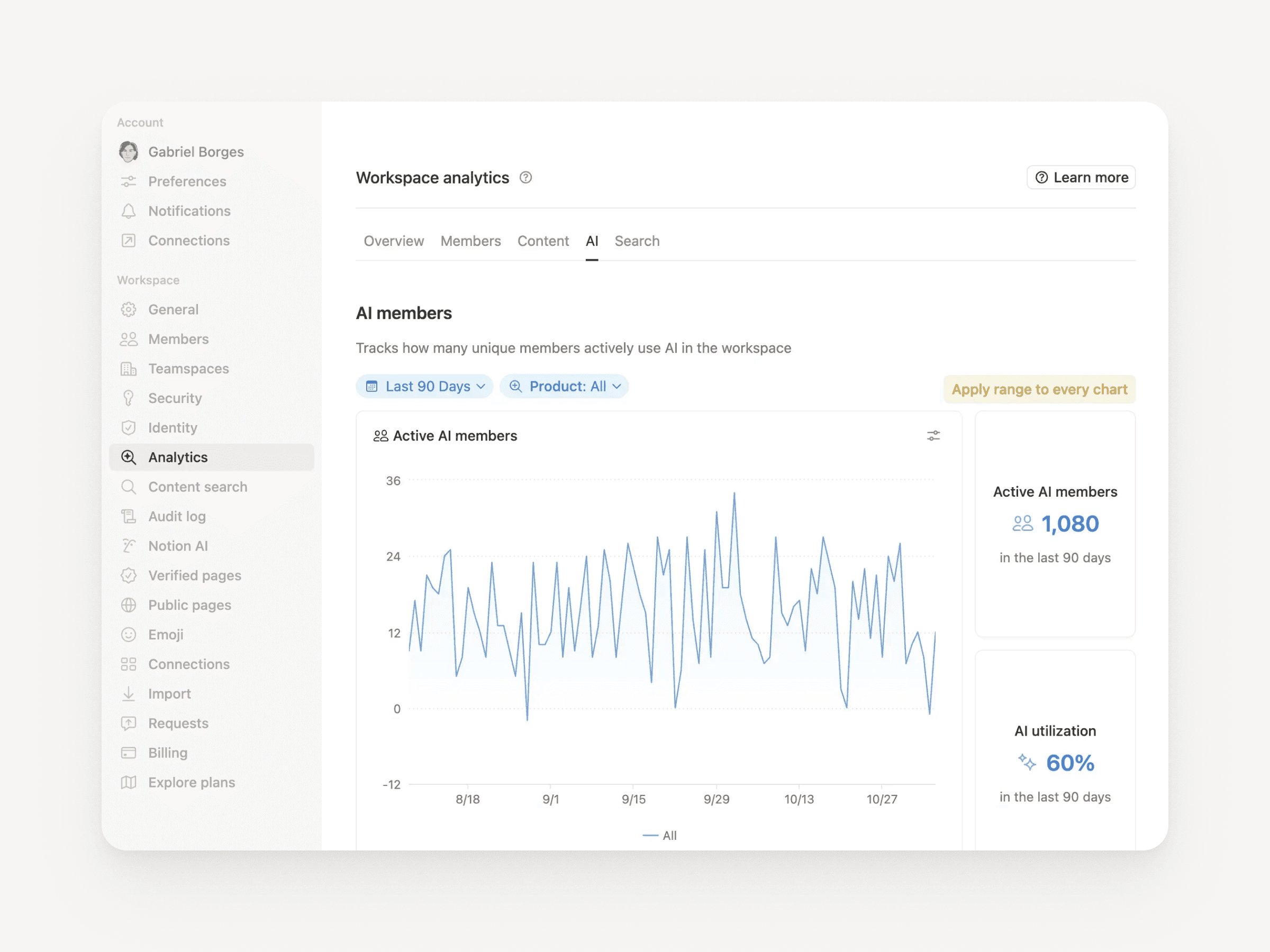
Kini admin paket Perusahaan punya visibilitas yang lebih jelas terhadap penggunaan AI. Lihat siapa yang paling aktif menggunakan AI, fitur apa yang paling sering dipakai, dan di mana AI benar-benar berdampak. Buka Pengaturan → Analitik → AI untuk mengakses. Wawasan baru akan segera hadir.
Direktori Orang
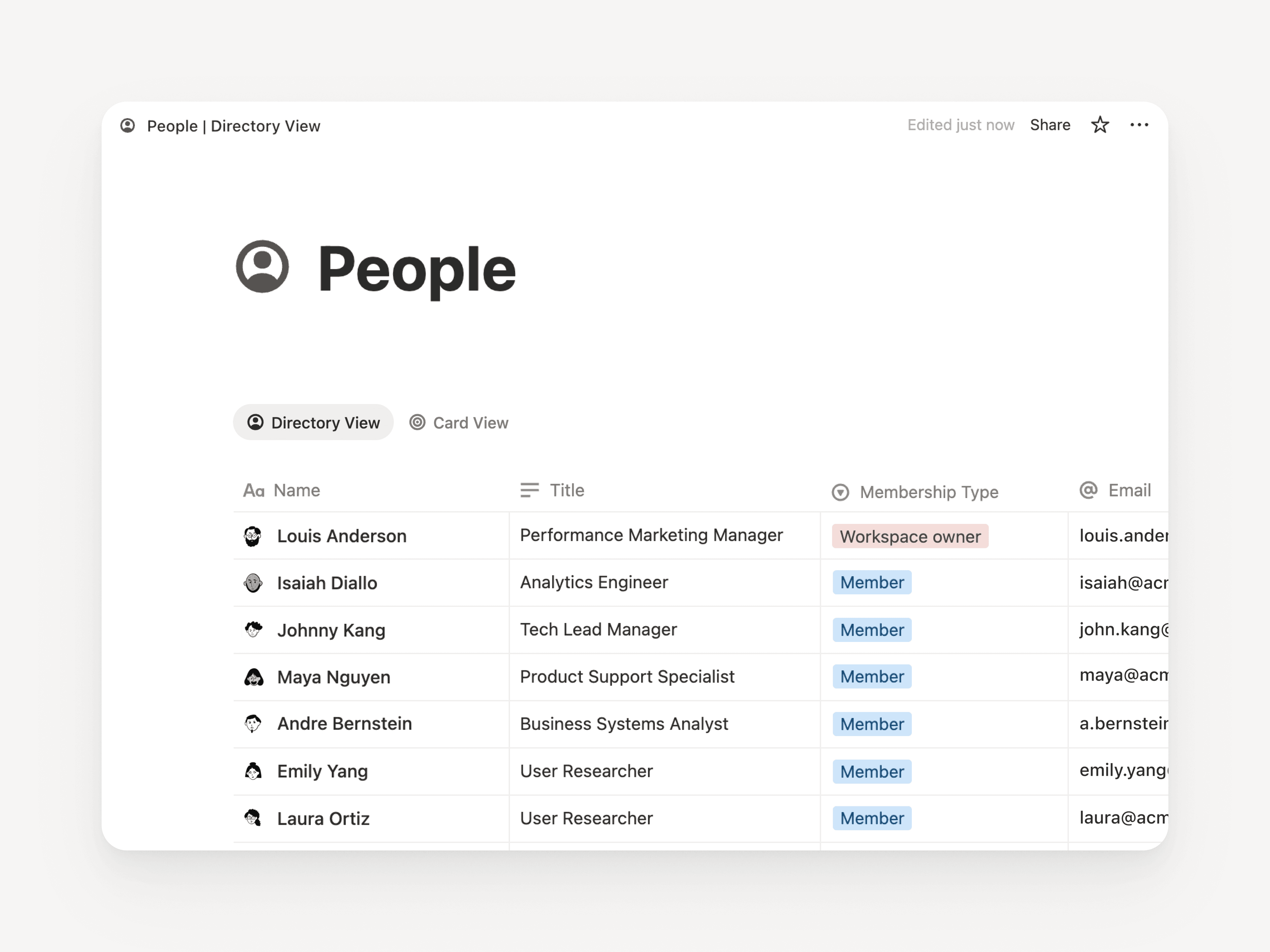
Direktori Orang yang baru menampilkan semua anggota di ruang kerja Anda. Ini adalah database siap pakai yang bisa Anda sesuaikan atau impor langsung dari sistem SDM (pelajari selengkapnya). Cukup cari “Orang”, atau buka Pengaturan → Anggota → Lihat Direktori Orang (tersedia di pojok kanan atas).
Lebih produktif dengan Notion & Jira
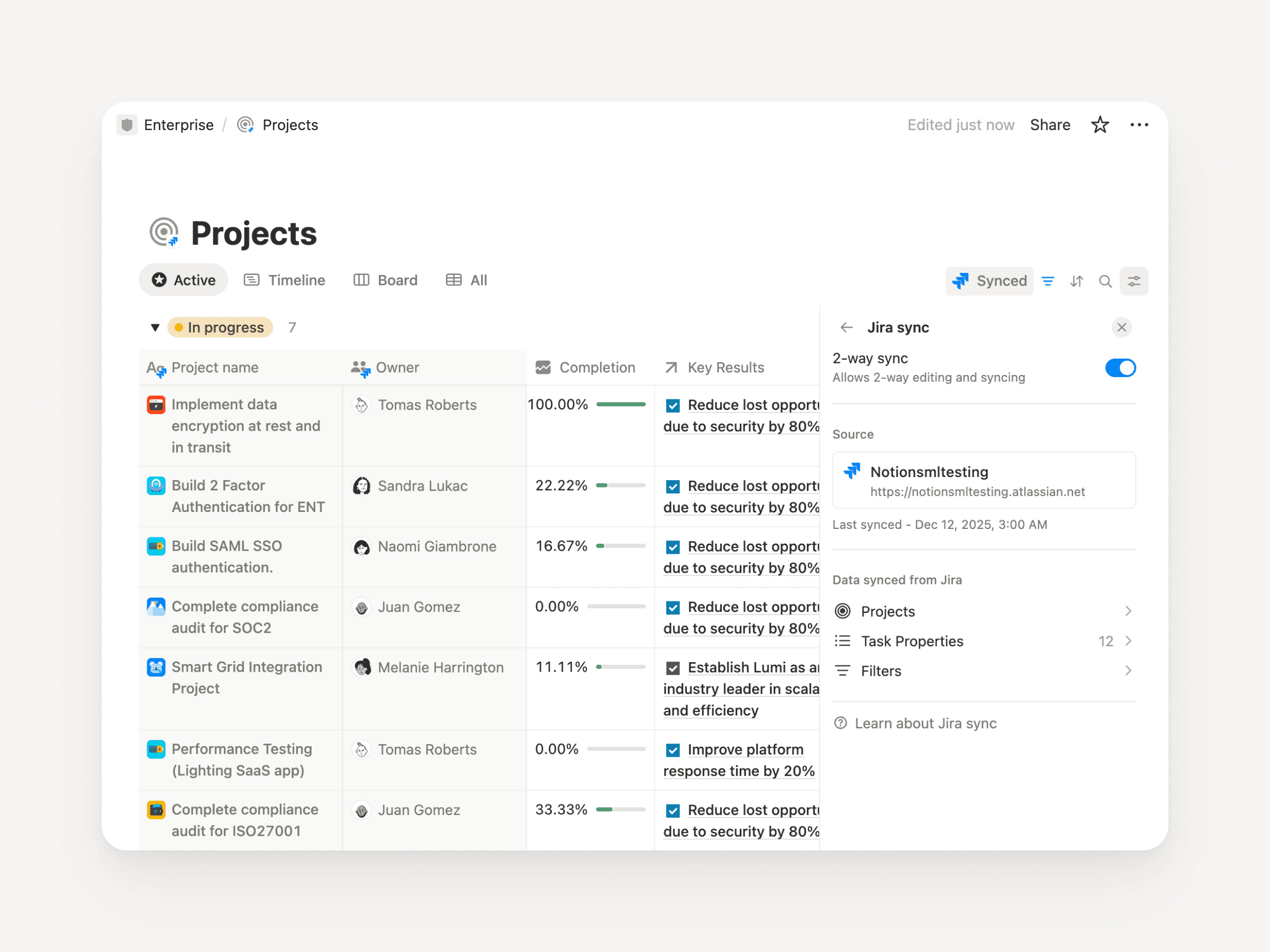
Integrasi Jira kini makin solid, cocok untuk tim dengan engineer yang bekerja di Jira, sementara perencanaan dilakukan di Notion. Sinkronkan pekerjaan pengembangan, lalu tambahkan konteks khas Notion seperti target kuartalan, masukan pelanggan, atau dampak pendapatan. Satukan semuanya dalam satu dasbor untuk melihat gambaran utuh. Di paket Perusahaan, Anda bahkan bisa mengedit kolom penting Jira langsung dari Notion dan menyinkronkannya kembali secara otomatis.
Multi-akun di Notion Mail
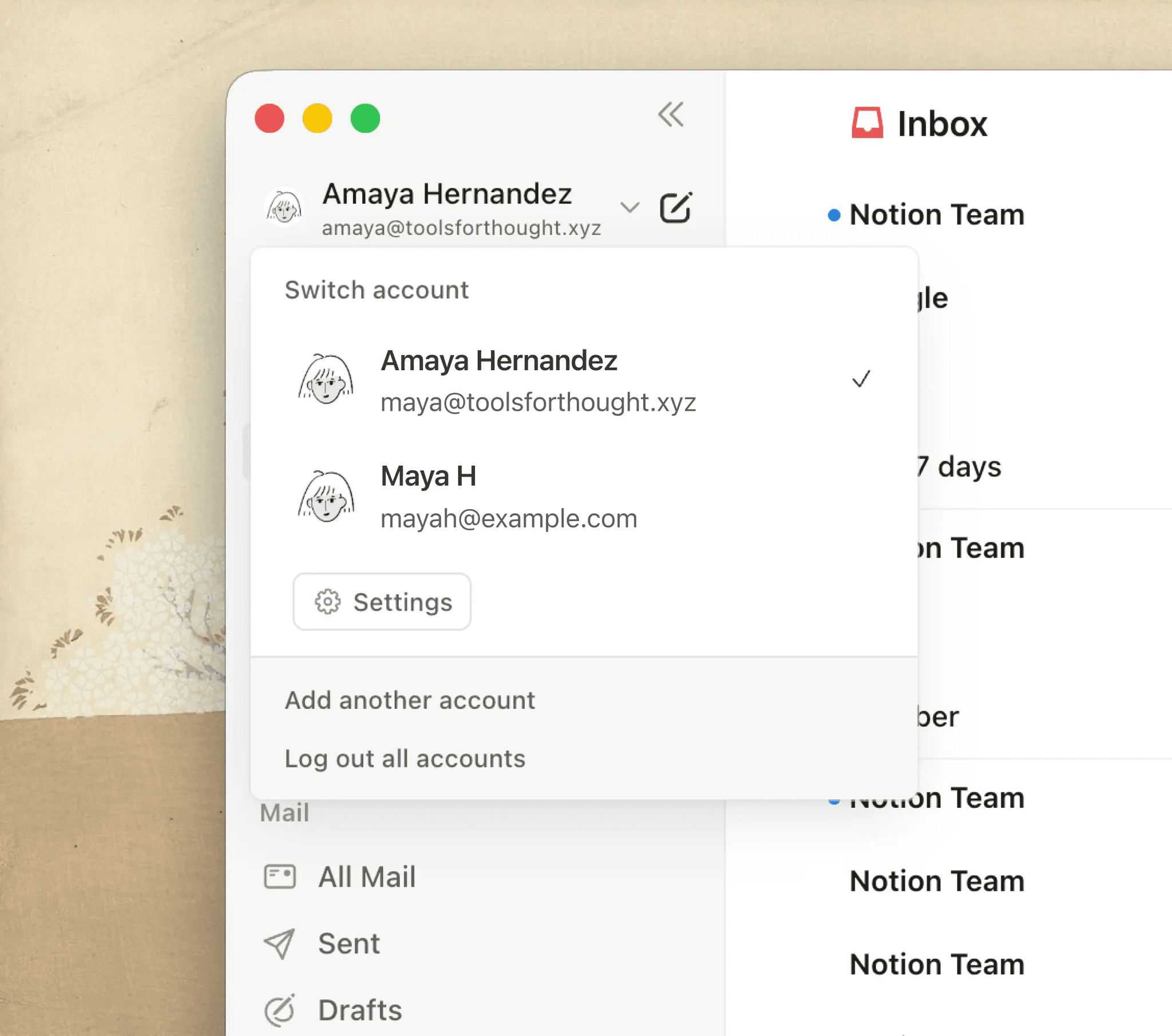
Kini Anda bisa mengelola beberapa alamat email dalam satu akun Notion. Berpindah antara kotak masuk pribadi dan pekerjaan jadi jauh lebih mudah. Banyak dari Anda sudah menantikan fitur ini, terima kasih atas kesabarannya. Selamat mencoba Notion Mail!
Peningkatan lainnya
Peningkatan performa besar di desktop: Halaman di Windows kini terbuka 27% lebih cepat, sementara di Mac desktop meningkat 11%. Grafik ini jadi salah satu yang paling berarti bagi kami di 2025. Kini waktu muat halaman ⅓ lebih singkat. Dan tentu saja, kami akan terus meningkatkan performanya!
Sembunyikan panel Kalender:
Kini Anda bisa menyembunyikan panel konteks untuk tampilan kalender yang lebih lega (lihat demo).Email langsung ke halaman Notion:
Simpan email langsung ke halaman Notion untuk dokumentasi dan referensi proyek.Pencarian di halaman kini mendukung diakritik :
Mencari kata dengan aksen seperti “café” atau “naïve” kini bekerja persis seperti yang Anda harapkan.Efek konfeti dalam otomatisasi :
Tambahkan sentuhan perayaan kecil pada automasi Anda—seperti ini !Penyempurnaan Notion MCP untuk paket Perusahaan: Lacak aktivitas MCP melalui log audit dan lakukan kueri ke beberapa database sekaligus. Segera hadir: kontrol penuh atas alat AI eksternal yang dapat terhubung ke ruang kerja Anda.
Catatan: Tahun lalu kami menghadirkan Agents, AI Notes, enterprise search, mode offline, izin database, dan 90+ fitur lainnya. Lihat satu database berisi semua rilis sepanjang 2025 .