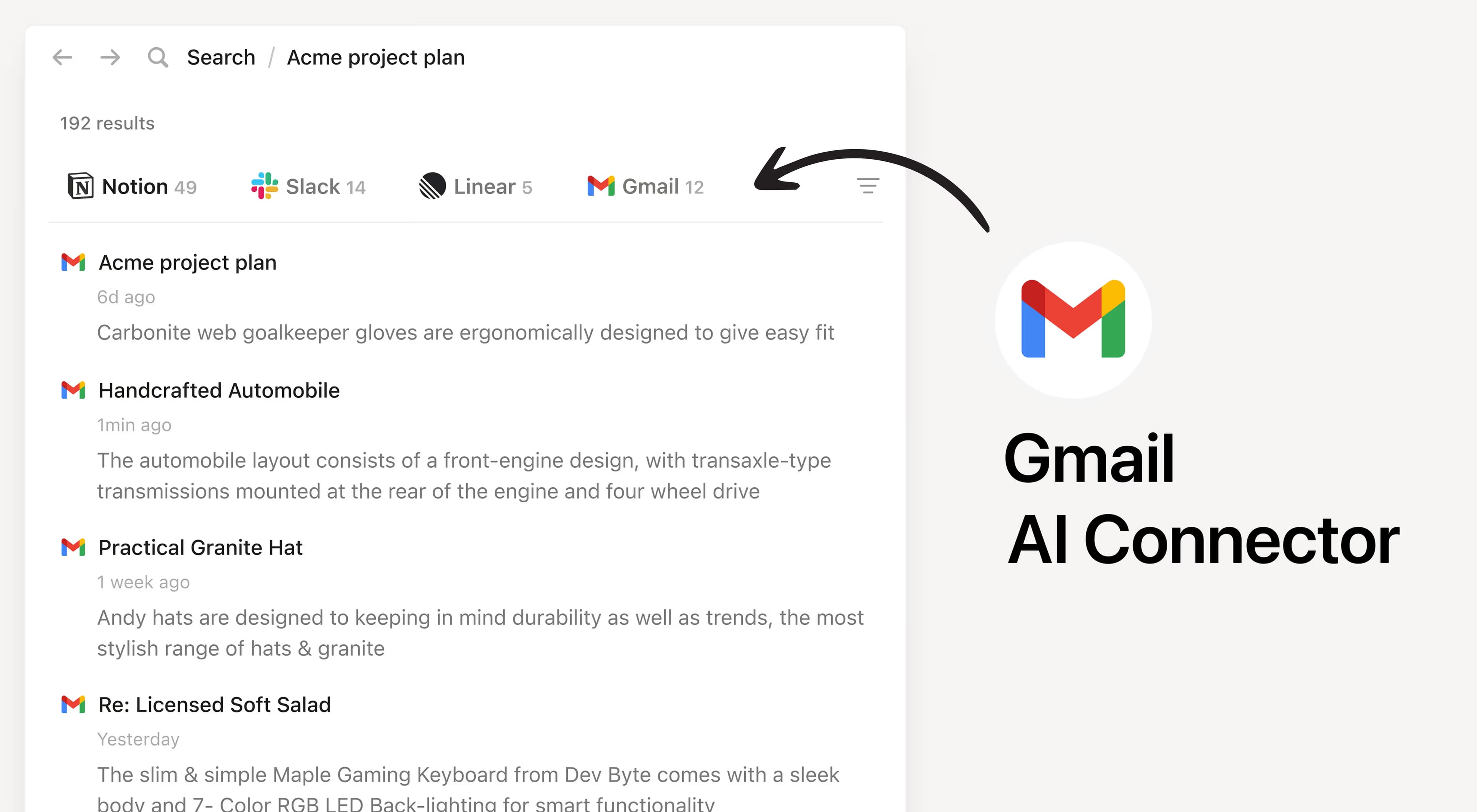
Install Notion's AI Connector to your Gmail account. Available for Gmail accounts with paid Google Workspace subscriptions. Easily find and summarize email threads, search your inbox with natural language, and access important communications without leaving Notion.
How to use
Must be a Notion workspace owner on the Business or Enterprise plan and a Google Admin with a paid Google Workspace account to connect.
In Notion, navigate to Gmail AI Connector by going to Settings → Notion AI → AI Connectors → Gmailand follow the setup steps. You'll be taken to the Google Marketplace to continue.
For detailed instructions, check out our Help Center.
After installation is complete, ask Notion AI to summarize recent emails from a specific sender or search for emails about a particular topic for quick access.
Kaikki tässä käytetyt kolmansien osapuolten tavaramerkit (mukaan lukien logot ja kuvakkeet) ovat omistajiensa omaisuutta. Integraatiot eivät ole Notionin tukemia tai ylläpitämiä, paitsi jos niissä on erillinen Made by Notion -merkintä. Kolmansien osapuolten tuotteet tai palvelut, joihin integraatioyhteydet muodostetaan, ovat Notionin ulkopuolisia sovelluksia (kuten on määritelty Notionin päätilaussopimuksessa tai henkilökohtaisissa käyttöehdoissasoveltuvin osin). Ottamalla käyttöön minkä tahansa integraation tai muutoin hyödyntämällä Notionin integraatiogalleriaa hyväksyt Notionin integraatiogallerian ehdot.