
About this agent
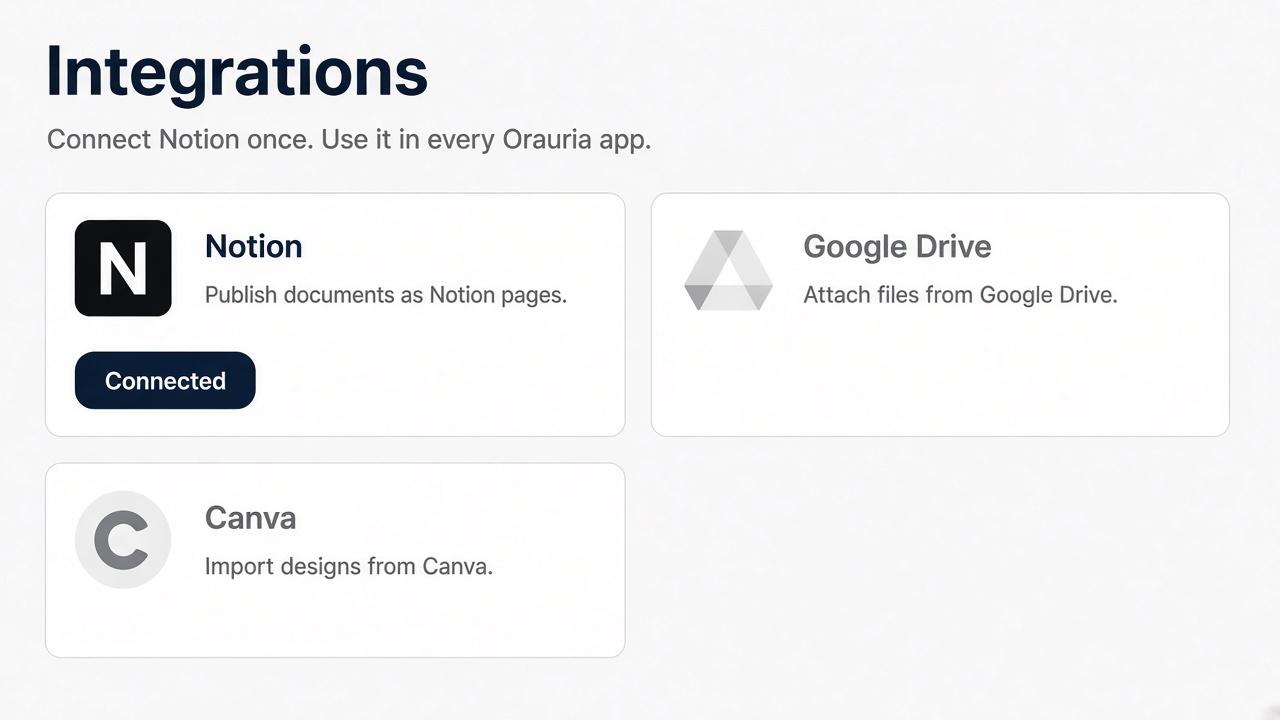
Orauria AI connects your Notion workspace so you can publish documents you create in Orauria into Notion pages you select. You approve the workspace and pages on Notion’s own screen. Orauria keeps the connection on your Orauria account.
Features
- Read, insert and update contentCan read, insert and update pages, databases and blocks shared with this connection.
- Read and add commentsCan read and add comments on the pages and blocks it can access.
- View workspace usersReads basic profile details about workspace members and guests, including their email addresses.
How to use
1. Sign in at https://orauria.com.
2. Open Account, then Integrations.
3. Select Connect on Notion.
4. Choose your Notion workspace and the pages to share, then allow access.
5. You return to Orauria and Notion shows as connected.
Disconnect any time from Account → Integrations, or remove Orauria AI in Notion Settings → Connections.