 Media2URL
Media2URL
About this agent
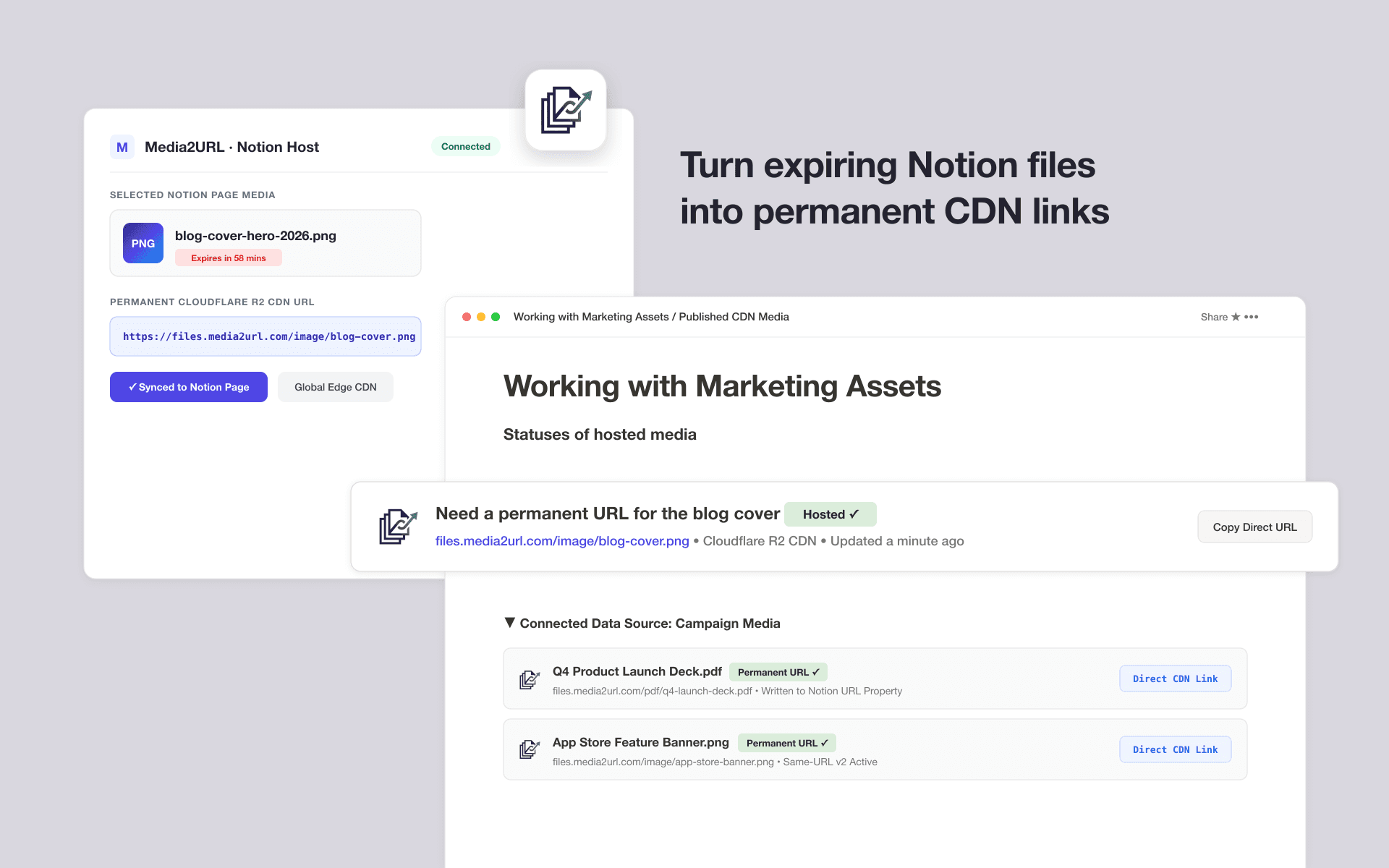
Connect Notion to Media2URL to convert temporary Notion file links into permanent, fast CDN direct URLs. Seamlessly import media from Notion pages and databases into Cloudflare R2 storage, insert hosted assets directly into documentation, and automatically populate database URL properties with live delivery links.
Features
- Read, insert and update contentCan read, insert and update pages, databases and blocks shared with this connection.
How to use
1. Visit https://media2url.com/connect/notion
2. Click 'Connect Notion Workspace' to initiate OAuth.
3. Select test pages/databases containing media.
4. Test 'Host on Media2URL' on media blocks to generate direct CDN links.
5. Test 'Insert into Notion' with an asset ID.
6. Test workspace disconnect.
Details
Made by

Category
- File management
- Productivity
Developer links