

About this agent
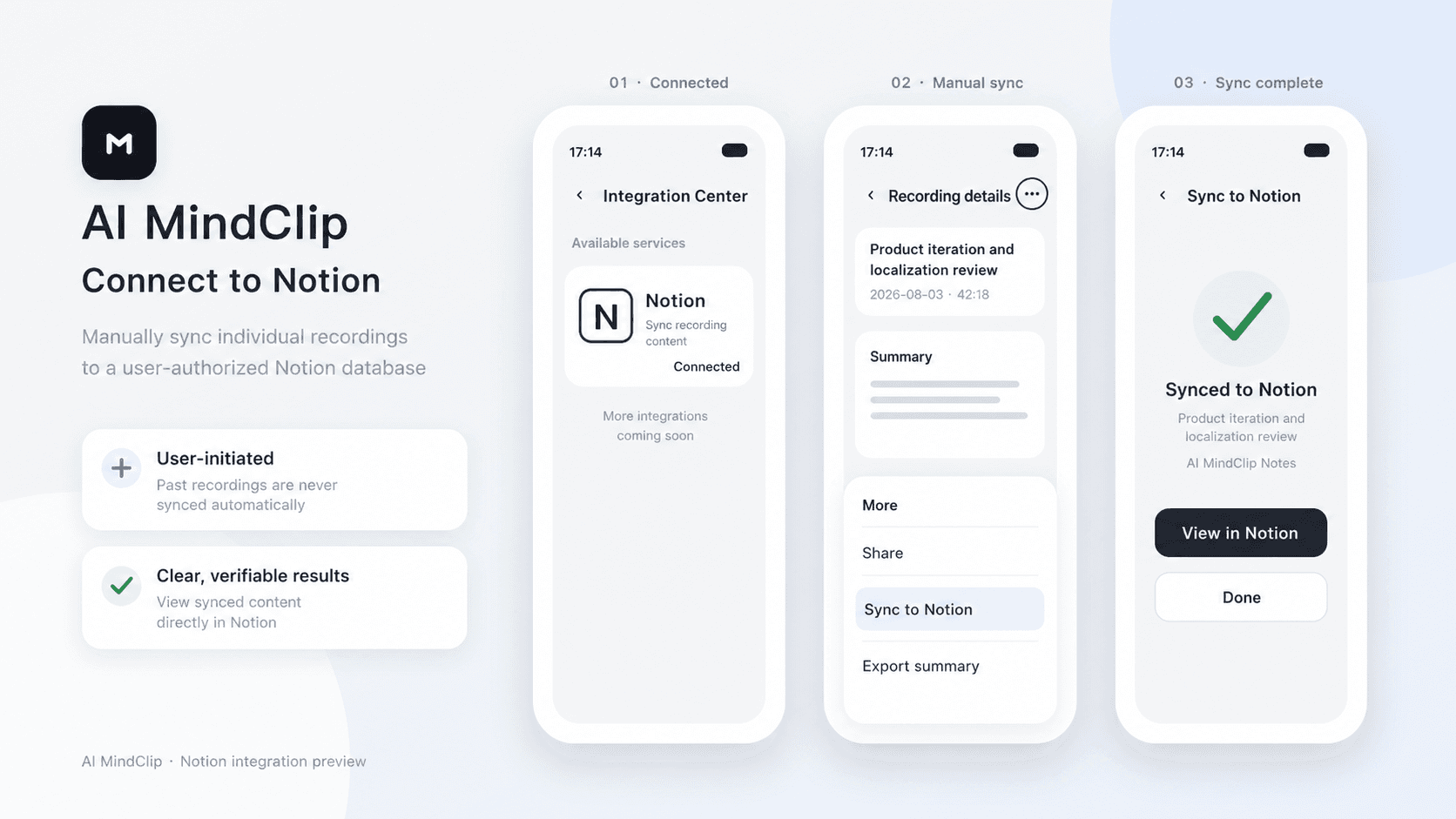
AI MindClip turns your recordings into structured summaries. After connecting Notion, you can manually sync any of your recording summaries to an authorized Notion page.
Features
- Read, insert and update contentCan read, insert and update pages, databases and blocks shared with this connection.
- View workspace usersReads basic profile details about workspace members and guests, including their email addresses.
How to use
1. In the AI MindClip app, go to Profile > Integration Center > Notion.
2. Tap Connect, sign in to Notion, and select the pages you want to grant access to.
3. Tap the three-dot menu in the top-right corner of a recording file, then tap Sync to Notion.
4. Select the target Notion page and confirm.
