最近更新

及时了解最新版本、改进和修复。

关注@NotionHQ
3.2

Notion 3.2:移动 AI、接入新 AI 模型、人员目录

2026 年首轮更新已上线!新版本让 Notion 全方位契合你的工作方式,支持随时随地办公、自由选择 AI 模型,轻松掌握团队关键动态。

移动端 AI 笔记功能

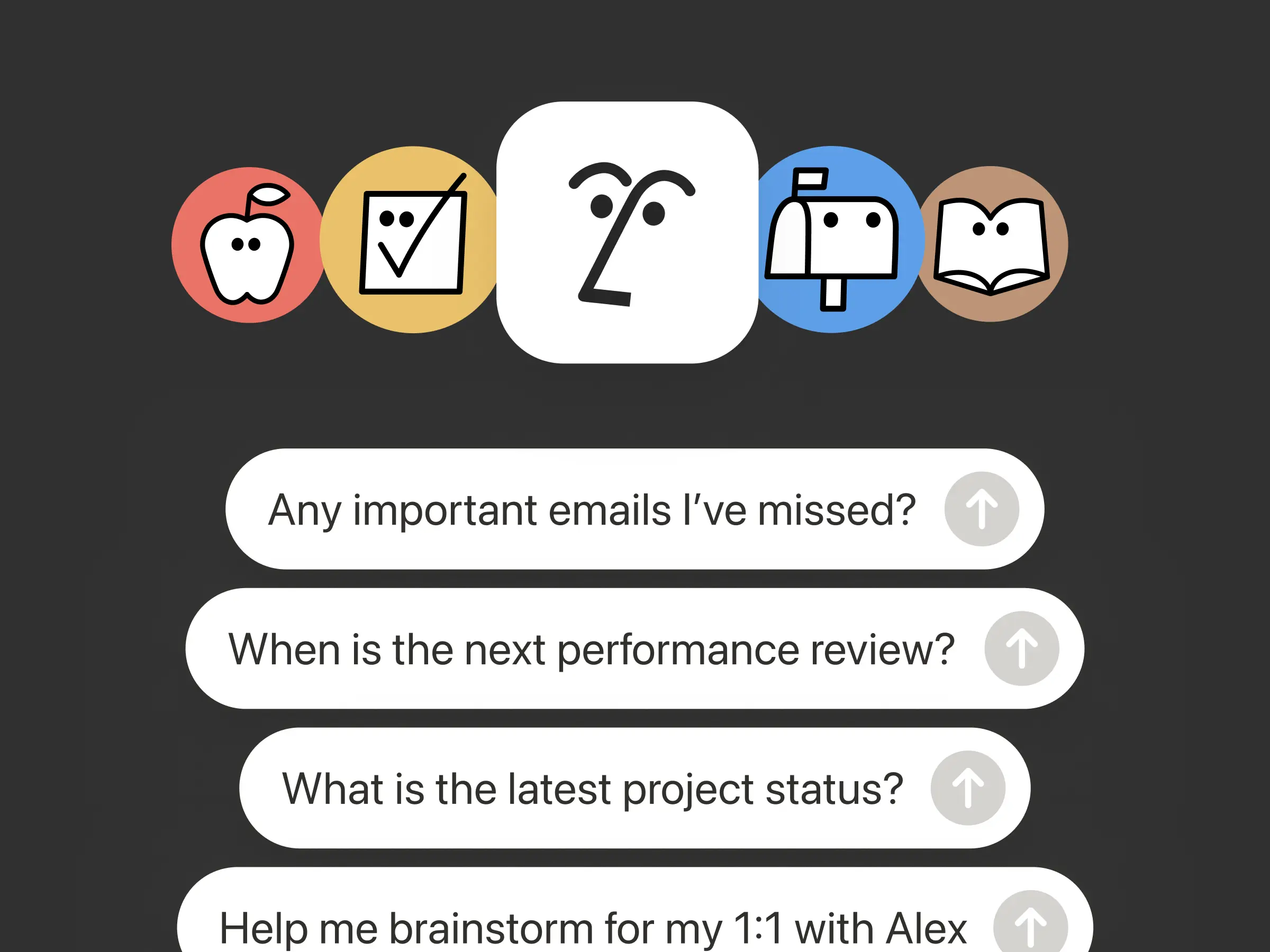
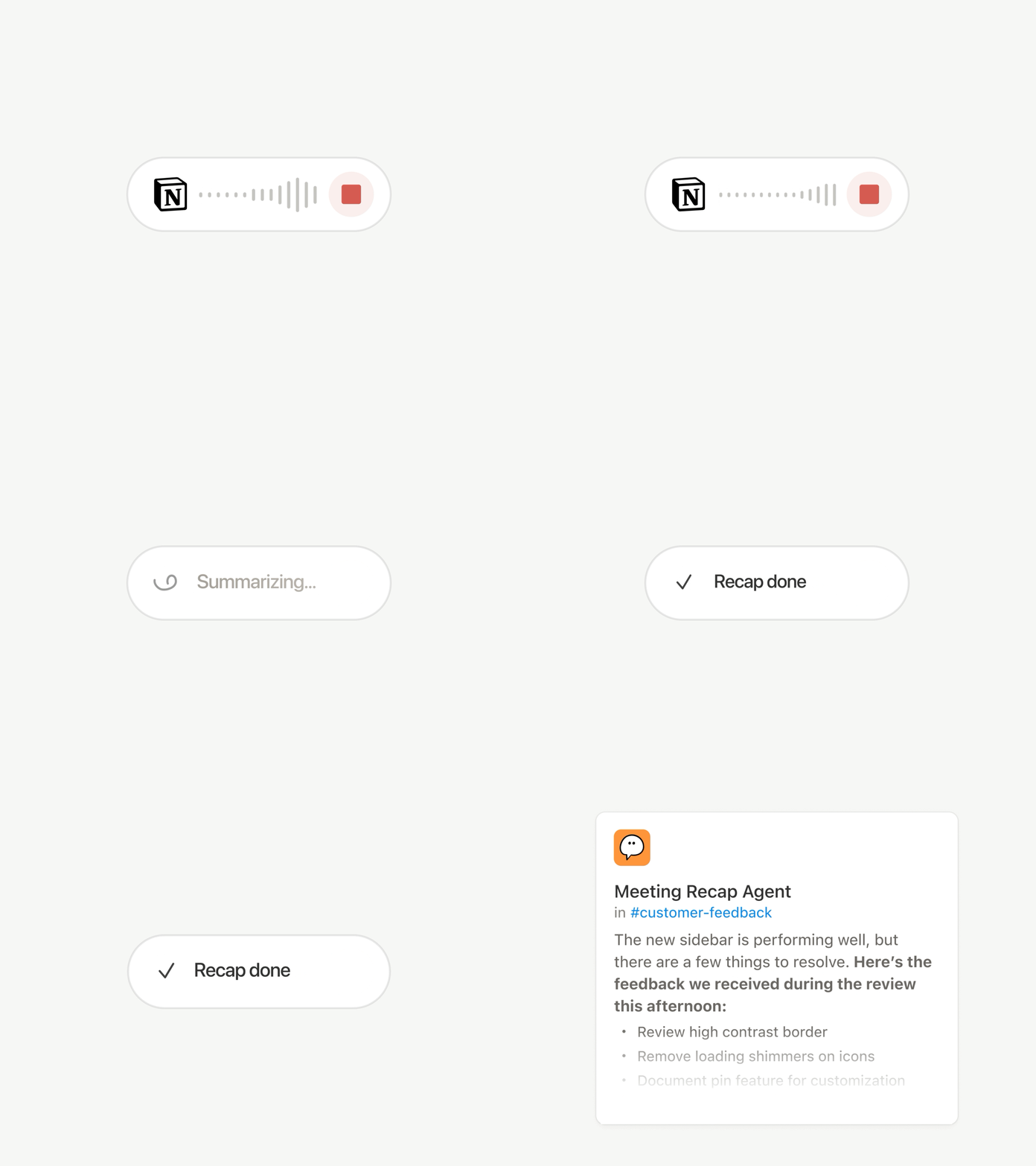
无论是通勤途中参加电话会议、晨间散步时进行头脑风暴,还是不带笔记本电脑参加会议,移动端都能如你所愿,顺畅运行。轻点一下即可启动 AI 笔记转录功能——即使切换应用或锁屏也能持续记录,并在几秒内将全部内容智能整理成清晰的摘要、行动事项和可分享的文档。

随身携带的智能助手

桌面端 Notion 代理能完成的所有任务,现在手机上同样可以实现。无论是创建表单、构建数据库,还是搜索企业知识库,只需在待办清单中选定事项,直接交给代理,它就会在后台自动处理,助你无缝转向下一项任务,无需等待。点击观看 Notion 代理的实时演示

模型更迭,记忆永续

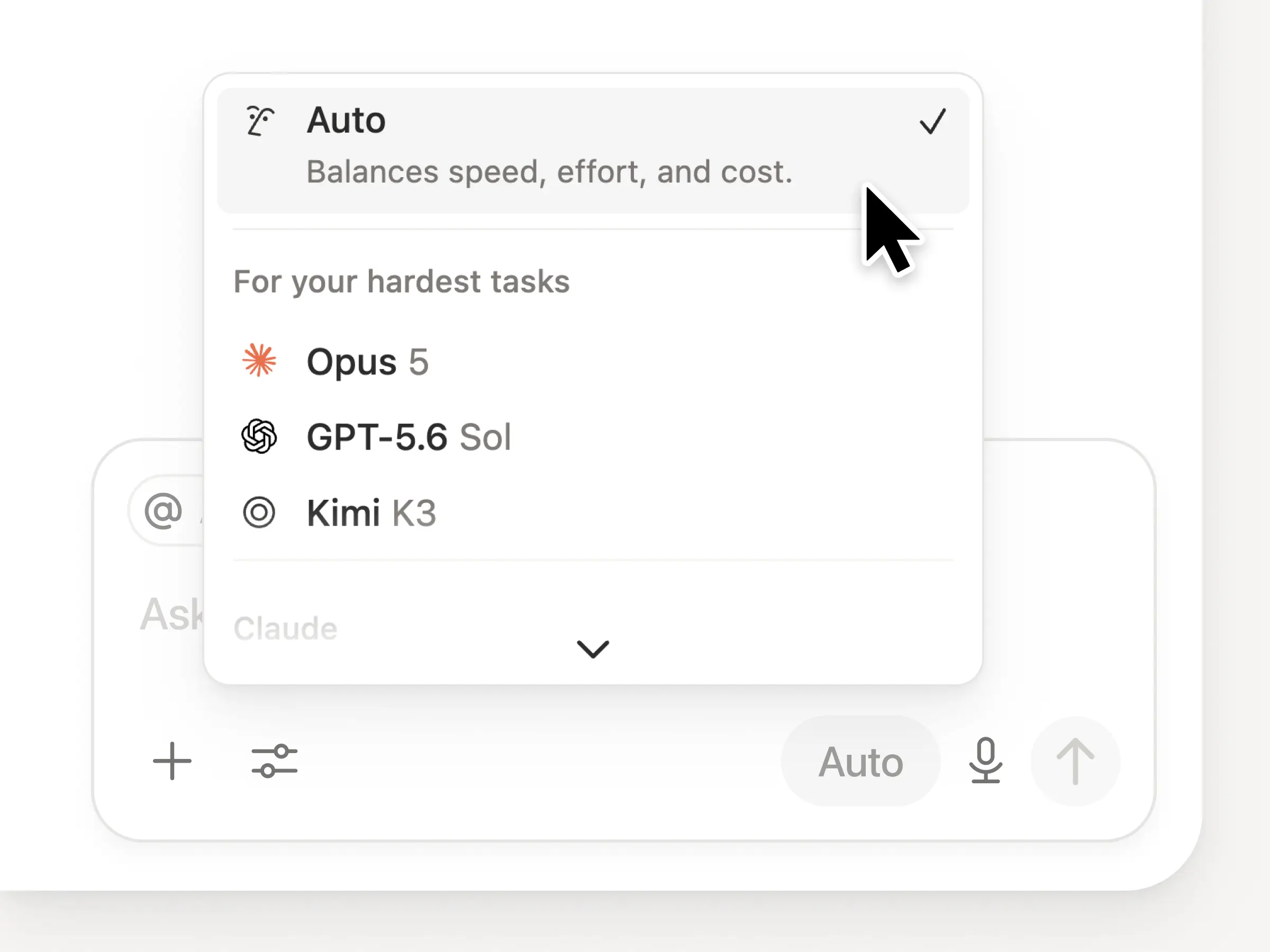
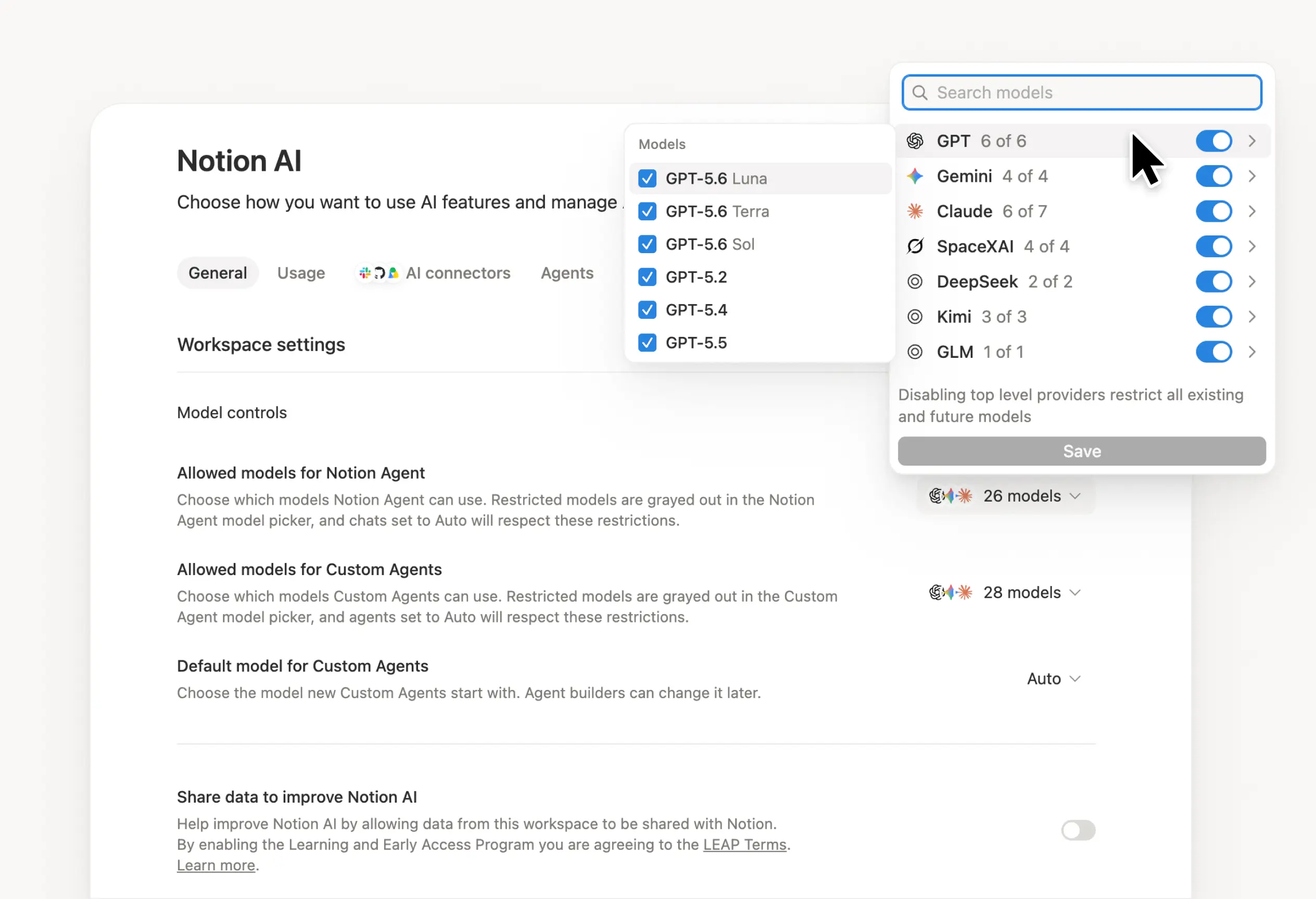
最新 AI 模型发布后,Notion 将第一时间接入。你现在可以选用 GPT-5.2、Claude Opus 4.5、Gemini 3,也可交由 Auto 为任务智能匹配最佳模型。你可以自由切换模型,而对话上下文将全程伴随。模型会不断迭代,但你在 Notion 中的记忆不会丢失。

洞察团队如何使用 Notion AI

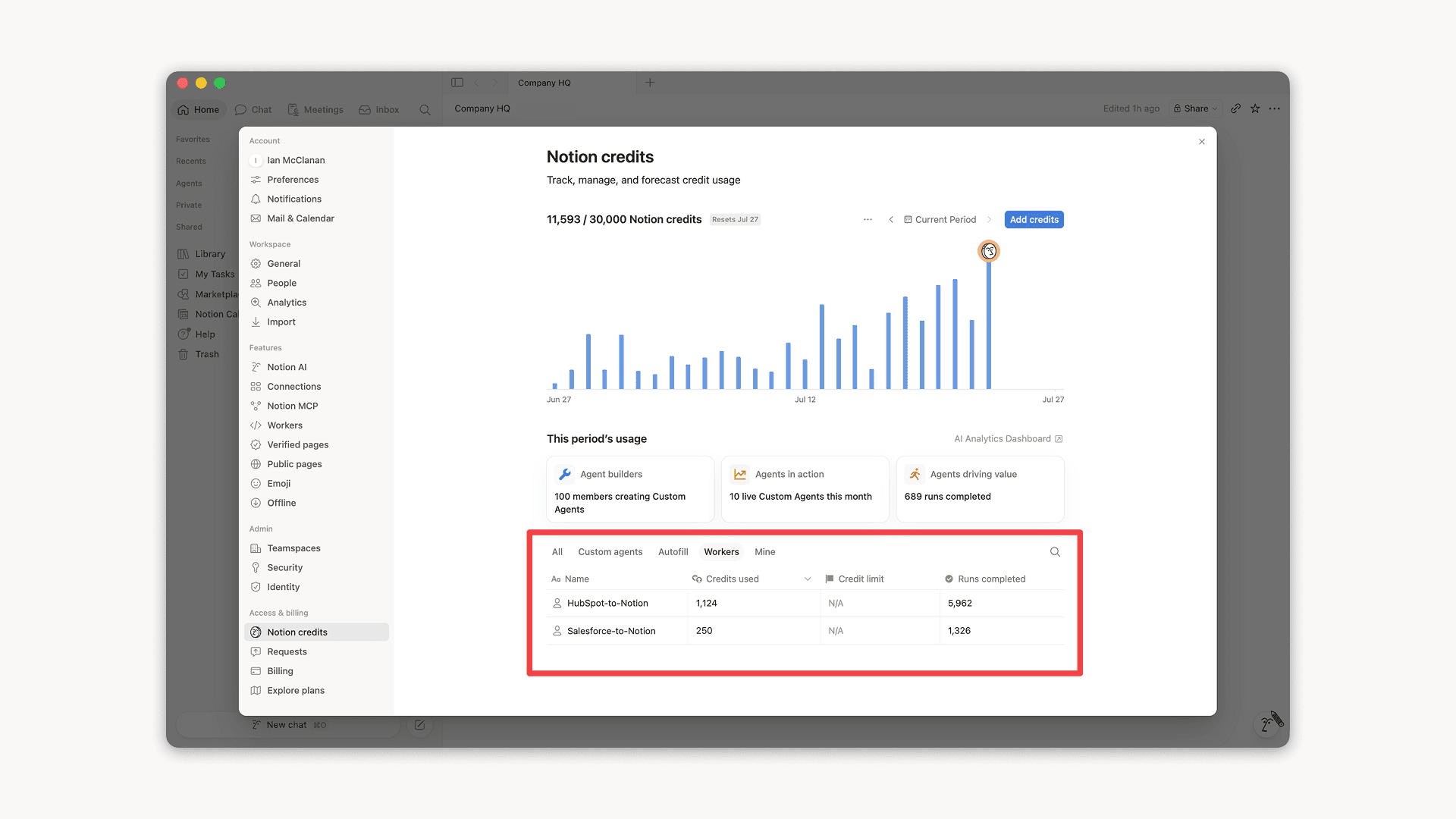
企业版管理员现在可以清晰查看团队中的 AI 使用情况,例如:谁用得最多、哪些功能最受欢迎,以及 AI 在哪里真正创造了价值。前往设置分析AI 即可查看详情。更多洞察即将上线。

人员目录

全新的人员目录展示了工作空间中的所有成员。这是一个预置数据库,支持自定义配置或从 HR 系统直接导入(了解更多)。在搜索框中输入“人员”,或前往设置成员查看人员目录(位于右上角)即可查看。

Notion 与 Jira 深度融合

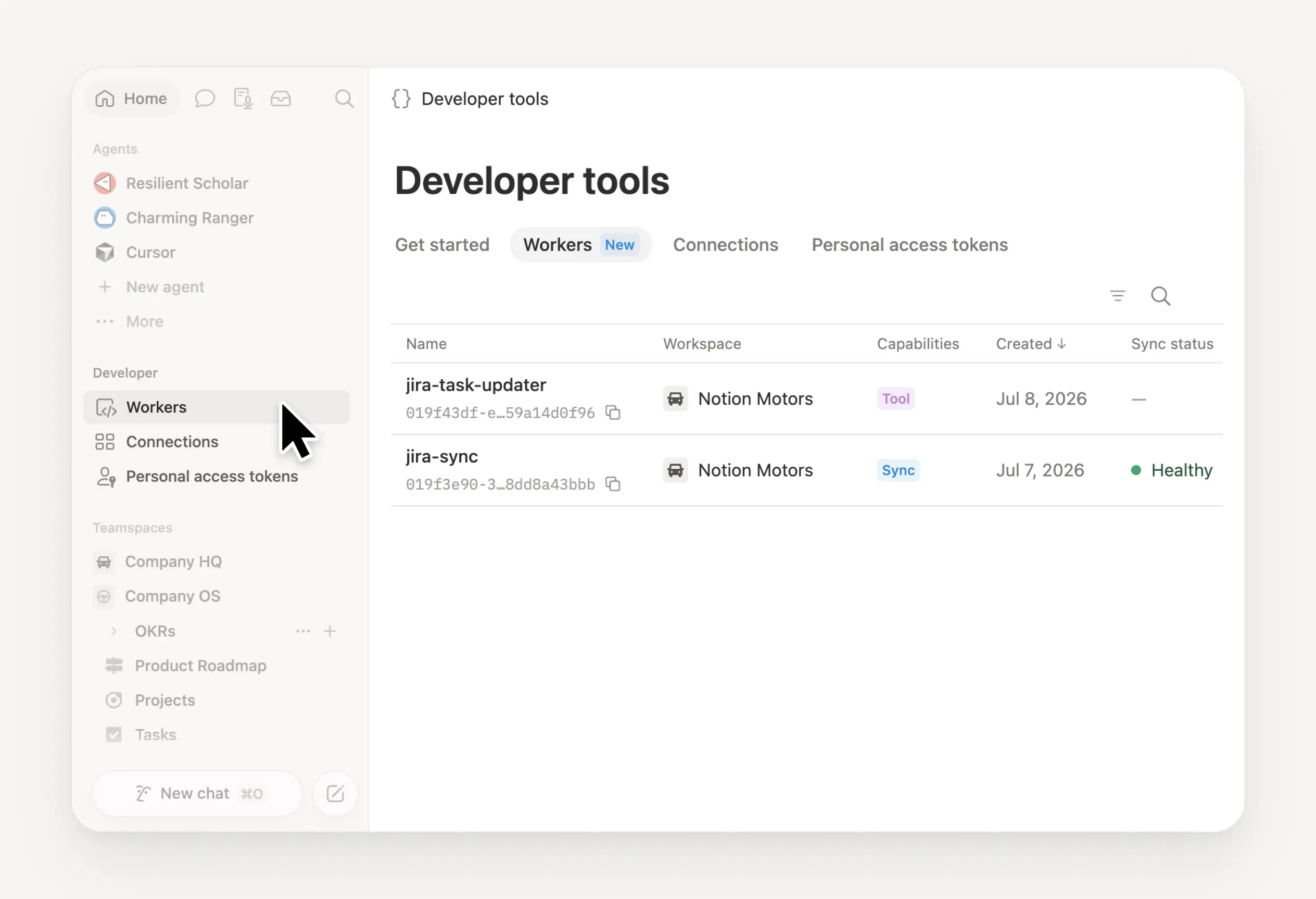
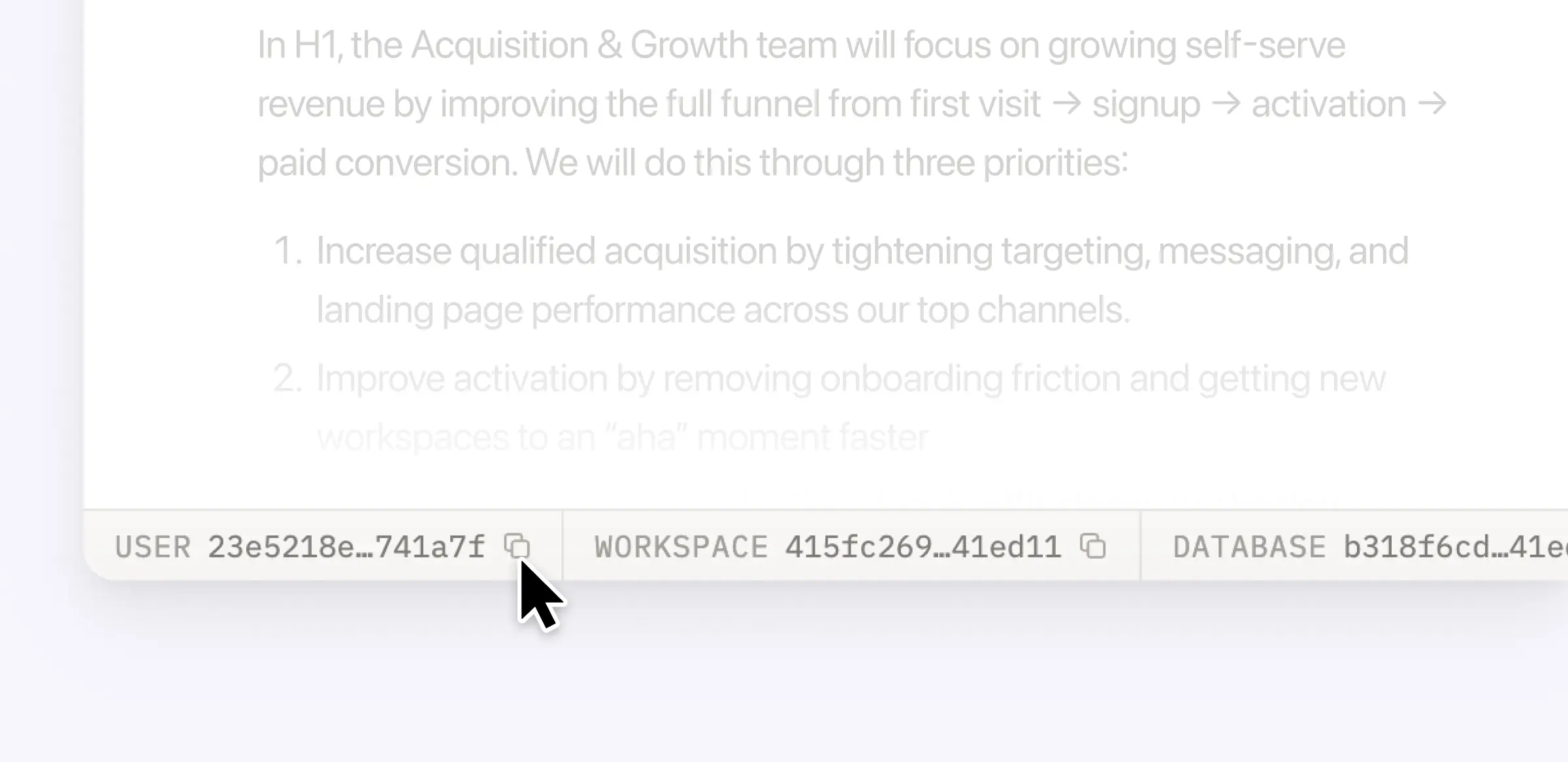
本次改进的 Jira 集成专为这样的场景设计:工程师在 Jira 中开发,其他成员在 Notion 中规划。你可以将 Jira 中的开发任务同步至 Notion,并直接为其添加专有 Notion 属性——如季度目标、客户反馈、营收影响等。构建融合双方数据的管理面板,从而纵览全局。企业版用户还可以直接在 Notion 内编辑 Jira 关键字段,此变更将自动同步回 Jira。

Notion Mail 支持管理多个账户

你可以在同一个 Notion 账户下管理多个邮箱地址,轻松切换个人与工作收件箱。这是许多人期待已久的功能,感谢你的耐心等待。欢迎体验 Notion Mail

更多优化升级

  • 桌面端性能大幅提升:Windows 端页面打开速度加快 27%,Mac 端速度提升 11%。这张图表显示了我们 2025 年最具意义的成果之一:页面加载时间缩短了三分之一。而且,我们还将持续优化!

  • 隐藏日历侧边栏:现在可以隐藏上下文面板,享受日历的全屏视图(观看演示)。

  • 邮件可直接保存至 Notion 页面:将邮件一键存储至 Notion 页面,便于项目归档与查阅。

  • 支持页内搜索变音符号:如今在页面中搜索带有重音符号的词汇(如“café”或“naïve”)时,其结果将完全符合你的预期。

  • 自动化添加彩纸特效:为你的自动化流程增添庆祝氛围——就像这样

  • 企业版 Notion MCP 功能增强:现可在审计日志中追踪 MCP 活动,并支持跨数据库查询。即将推出管理外部 AI 工具对工作空间访问权限的功能。

附注:2025 年,我们推出了智能代理、AI 笔记、企业搜索、离线模式、数据库权限等 90 多项新功能。这里是包含 2025 年所有更新内容的数据库。

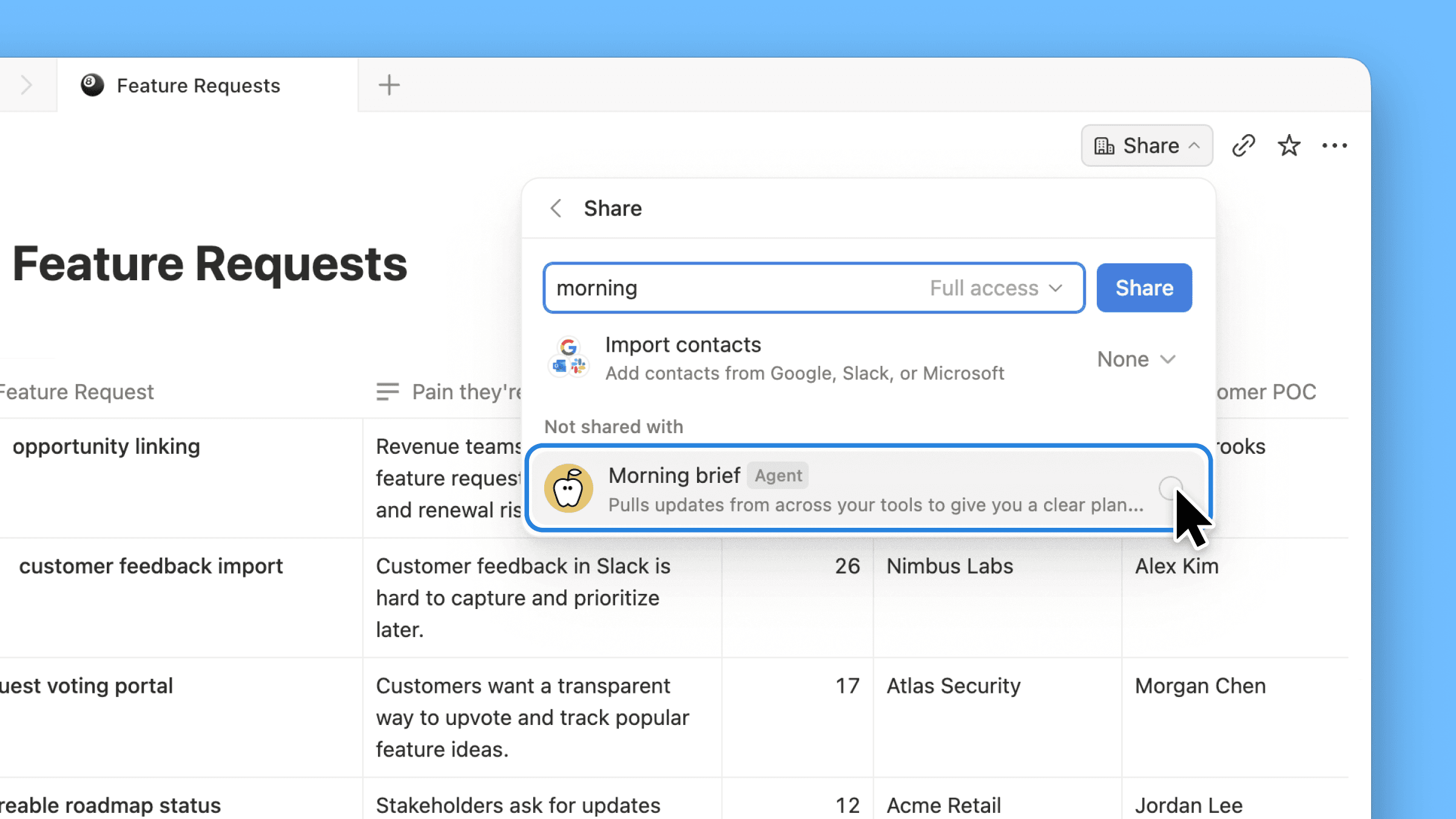
Agent can build forms

Notion Agent can now build beautiful forms in seconds.

Collect requests, get feedback, send surveys, & more—no manual form building required.

Gemini 3 Pro is live

Gemini 3 Pro is now available in Notion.

Your Notion Agent now has access to Google's latest model, alongside those from OpenAI and Anthropic. Pick your preferred model for each task, knowing your Notion Agent gets stronger with every model release.

3.1

Notion 3.1

With Notion 3.0, you met your Notion Agent—our biggest update yet.

Now, your Agent can analyze page comments, calendars, and private Slack messages and take action on CSVs. It gets all the context, and you don’t have to copy‑paste.

Meeting notes also got its biggest upgrade, including a new home in your sidebar.

Finally, pages are loading 15% faster. It’s a strong start to 3.0!

A new home for all your meetings

AI Meeting Notes new home in the sidebar

Too often, notes get scattered (or forgotten). The new Meetings tab in your sidebar organizes notes from every meeting you’ve run or joined. It syncs with your calendar so you can easily prep notes, join calls, and use AI Meeting Notes to transcribe every detail. Just type /meet on any page and click start to kick off a meeting note. Check it out →.

Get the full context from meeting summaries

Now you can go to the exact moment in the transcript for every takeaway

AI Meeting Notes summaries now links each takeaway to the exact moment in the transcript, so you can jump straight to the source. It’s great for understanding how decisions were made, catching up on meetings you missed, or handing off action items with the full context.

Agent analyzes comments and CSVs

Agent can now read and take action on comments and uploaded CSVs

Now your Agent can read comments and version history when answering questions and drafting updates. This makes it easy to summarize feedback and page updates, or just ask your Agent to make edits from a comment, like “implement Holly’s feedback,” and it will update the doc. You can also upload a CSV and turn it into a database, or ask your Agent to analyze the file and surface the answers you need. Big upgrades (with more soon)!

Your calendar is now searchable

Connect your Google and Notion Calendars with Notion AI for better Enterprise Search results.

Notion AI can now search your Google and Notion Calendars, making it easier for your Agent to help you manage your day. Get quick help with meeting prep or analyzing your schedule. Try “Brief me on my schedule for the next week” or “When did I last meet with Steven and what were the action items?” Connect your calendar →

Search private Slack messages

Now you can search private channels and DM's with the upgraded Slack AI Connector

Our Slack AI Connector got a nice upgrade. It now supports private channels and Direct Messages, giving you even better search results and your Agent more helpful context. As always, all Slack permissions are respected.

Place it on the map view

Databases now have a Map view and Place property

Need to track addresses or map locations? The new map view and place property in databases is for you. Whether you’re planning your next company event or your regional office expansion, map view brings it to life. You can also ask your Agent to add a place property and update an existing database with locations and watch the magic happen.

Less load time, more work time

Pages now load 15% faster and navigating between pages on mobile and desktop are faster

Pages are loading 15% faster! Navigating between pages on desktop and mobile is quicker than ever. Performance matters to you—and we’re on it.

Other updates we’re excited about

  • Restrict logins to approved IP addresses. This is an important and common request! Learn more →

  • The new database conditional coloring now supports formulas, relations, and rollups.

  • Database filtering now supports sub-items to see exactly what matters.

  • When a teammate reacts to your comment with an emoji, you’ll see quick notification (like this).

  • Create a two-way sync with Notion Calendar and your databases! Now you can edit text properties, like descriptions, in Calendar.

  • The Figma × Notion MCP integration is live! Here’s a demo that connects Figma Make to a Notion Product Requirements Doc to build a prototype.

  • You can now create pages from your database templates with the Notion API.

  • Stay on the lookout for seasonal Agent accessories—like these for Halloween!

Page discussions in one place

Catch up on comments

It’s now easier to review the latest comments when collaborating with your team. This simplified view of page discussions lets you navigate to recent comments, identify what's new, and mark comments to return to later.

Inbox made simpler

New grouped notifications in your inbox mean fewer notifications and a cleaner view, so you can spot what matters and jump to the latest comments fast.

Agent now reads CSVs

Notion Agent can now read CSVs to find insights in seconds. Drop in any CSV (up to 1,000 rows) and ask your Agent to create an analysis or visualize your data as a chart or board. Perfect for expenses, customer lists, or project trackers.

For larger files, see the CSV importer from your workspace settings. Learn more from our Help Center →

3.0

Notion 3.0: Agents

Notion 3.0 is here! We’ve rebuilt Notion AI from the ground up as Agents.

Now, anything you can do in Notion, your Agent can do for you. It’s the most advanced knowledge work agent in the world. It’s capable of over 20 minutes of multi‑step actions with a state‑of‑the‑art memory system (using Notion pages and databases).

With Notion 1.0 and 2.0, we gave you the tools to do your work in one place. With 3.0, you get Agents that do the work for you, so you can reclaim time and focus on building your life’s work.

Anything you can do in Notion, your Agent can do (across dozens of pages at once)

So how is this different from what Notion AI already does? Think of it as a complete upgrade. Your personal Agent can take on a whole project, like building a launch plan, breaking it into tasks, assigning them, and even drafting docs to give your team a head start.

With databases, it works at a scale no person could—updating or creating hundreds of pages at once. Ben Levick, the Head of AI & Ops at Ramp, put it perfectly: “We can now instantly spin up ready-to-use systems that used to take hours of busywork. Then we use those Notion Agents to power whole new workflows at scale.”

Your personal Agent pulls context from your workspace, connected tools like Slack, Google Drive, and GitHub, and even the web (always within your permissions) so the work it delivers feels made for you. The use cases are nearly endless, but here are a few standouts.

Personalize your Agent’s instructions and memory

“It’s like a coworker that’s been around and has genuine context.” That’s how Faire Product Manager Harsha Yeddanupudy described it, and it’s exactly what makes memory the most powerful (and fun!) part of Agent. Give your Agent an instructions page so it feels like a teammate who knows your work and style. Tell it how you like things written, what to reference, and even where to file tasks and it’ll do the work your way. Best of all, it remembers over time, so you don’t have to keep repeating yourself.

Make it cute (no, really)

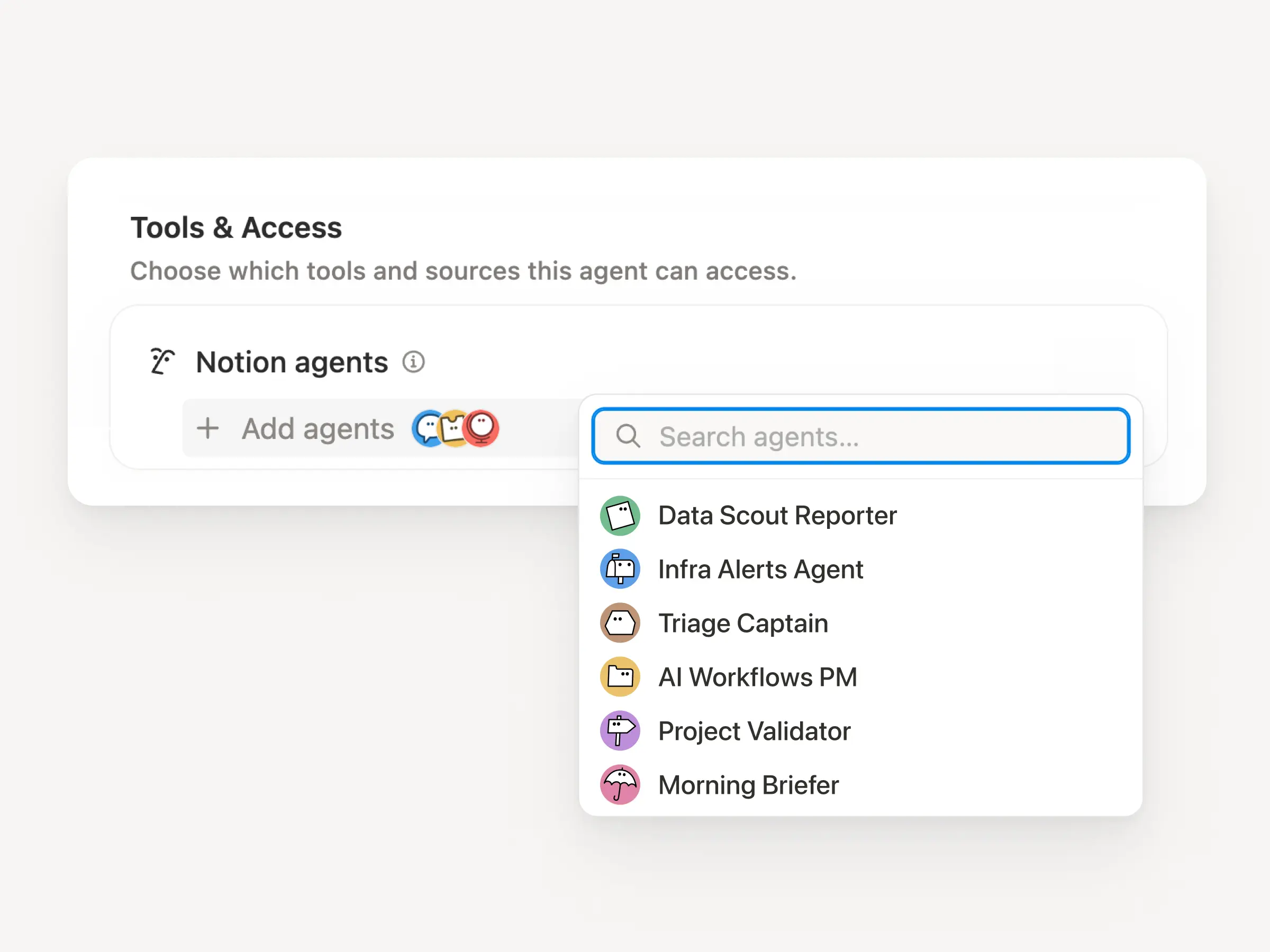
Imagine a whole team of Agents, each with their own specialty, running on autopilot. Soon, you’ll be able to build any Custom Agent your team needs. One to wrangle customer feedback, one to post weekly project updates, one to handle IT requests … your Agents have it covered.

Unlike your personal Agent, Custom Agents can run autonomously on a schedule or triggers you set, so work keeps moving even while you’re asleep. Just like your personal Agent, Custom Agents follow your instructions and permissions, so you’re always in control. If you want to learn more about Custom Agents, sign up here and we’ll be in touch!

Database row permissions are here!

Now you can control exactly who sees each row in your database with page-level access. Keep tasks visible to who they’re assigned to, collaborate easily with consultants and clients, and keep sensitive company info from getting in the wrong hands—all while maintaining a source of truth for your team. Available for Business and Enterprise plans. Learn more →

Give AI the context it needs with AI connectors

Notion AI, like any teammates, does its best work when it has the full picture. Connect your favorite tools to Notion so context lives where work happens. That way, Enterprise Search can surface answers quickly and your Agent can complete tasks with the right context. We’re continuing to add new connectors, with Notion Mail live today, and Box and Outlook Mail coming next.

When the team at Affirm connected their tools to Notion, it clicked right away: “We replaced our stand‑alone search with Notion AI because answers belong where people work.”

Notion’s MCP ecosystem just got bigger

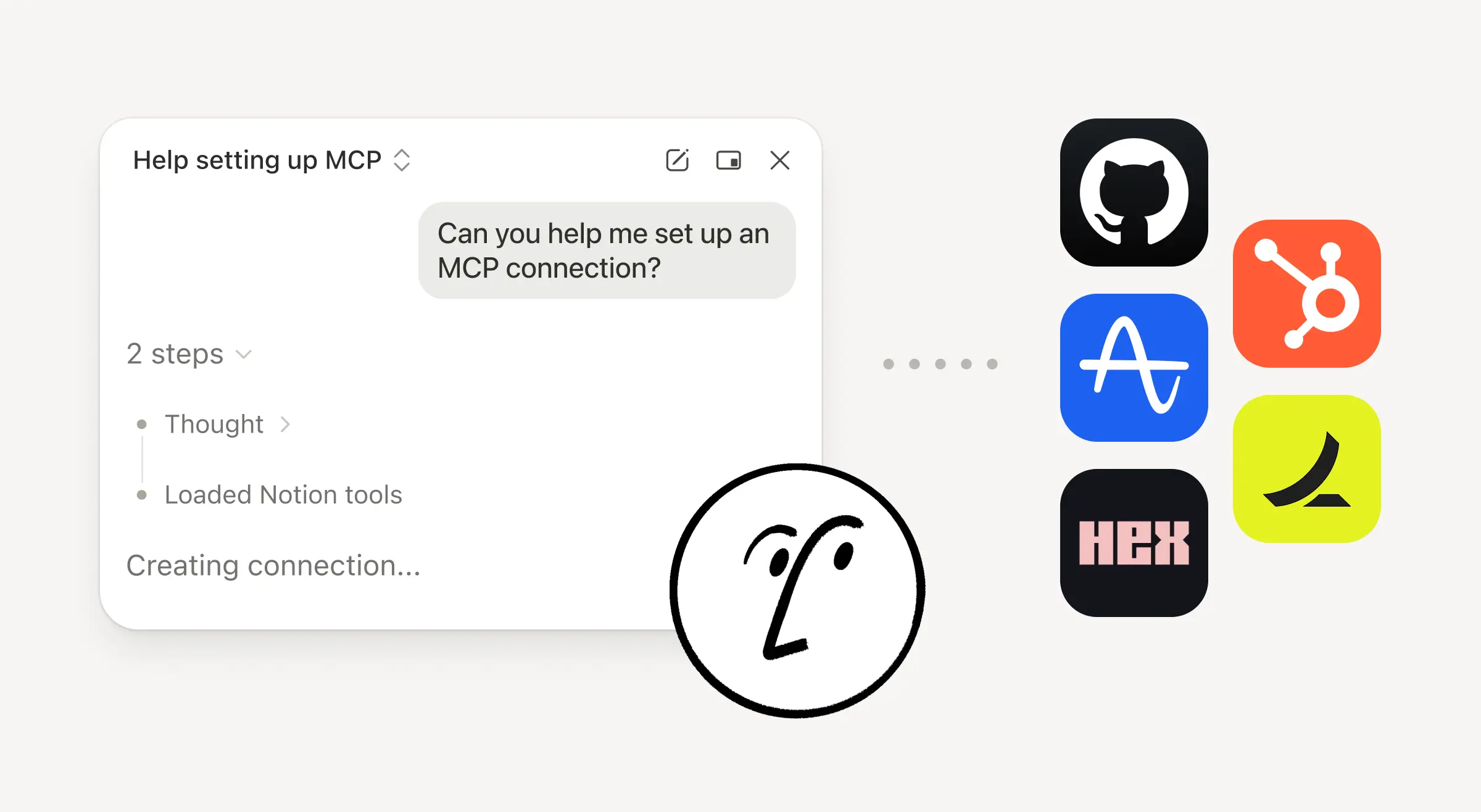
Another big upgrade today: We’ve expanded our list of first-party MCP integrations with lots of new partners like Lovable, Perplexity, Mistral, and HubSpot. With Notion MCP, your tools can read context from your Notion workspace (and your connected apps) and write back to Notion.

Here’s what that looks like in practice: If you’re coding in Cursor, it can pull the latest tech specs from Notion, update the codebase, then mark the task as done in Notion. The Notion ecosystem is more open than it’s ever been, and we’re just getting started.

The best AI models, built in

AI models evolve quickly. With Notion, you don’t pay extra for every model. The latest—like Claude Sonnet 4 and GPT-5—are already built in. Just pick the model you want for your Agent, and it instantly gets to work across your workspace while respecting existing permissions.

Notion AI will write your formulas

Formulas used to be their own language. Now you just describe what you want, from simple math to complex property logic, and Notion AI creates the perfect formula for you. Here’s a quick demo. Give them a try inside any database or automation!

2.53

Notion 2.53: Offline mode

Work offline in Notion

We’re excited to finally say it: you can access pages, capture ideas, and keep work moving on the Notion desktop and mobile app offline. Judging by Reddit, this is the feature everyone’s been waiting for. The most essential blocks work offline, with more on the way soon. Here's a quick guide to how offline works

Download pages for offline use

You can download any page and use it without the internet (and even create new ones). Manage them all from the new offline dashboard (SettingsOffline). Your Recents and Favorites are auto-downloaded for offline use if you’re on the Plus, Business, or Enterprise plan. We’re starting here and we’ll keep making offline in Notion even better.

Notion Mail is now on iOS

We hope Notion Mail has been bringing some joy to your inbox. Now you can stay on top of your emails on the go (even offline!). Download the Notion Mail iOS app →

Use your favorite AI tools with Notion’s MCP

Notion’s Model Context Protocol (MCP) server lets your AI tools securely reference, create, and update content within Notion. Just connect ChatGPT, Claude, or Cursor to turn prompts into new Notion pages, updated tasks, and more. Check out these quick demos from ChatGPT and Claude, and our technical docs to learn more!

Create and manage tasks right in Notion Calendar

Manage your work—tasks, milestones, even personal goals—alongside your schedule. Connect any Notion database with dates to Calendar, then create, schedule, and complete tasks in the same place you plan your time. Here’s a quick guide to get started. Try out Notion Calendar (it's free) →

印度尼西亚语、泰语和越南语版 Notion

Notion 现已推出印度尼西亚语、泰语和越南语版

我们很高兴地宣布,Notion 为了服务更多用户,现推出全新语言版本。即日起,你可以在 Notion 应用和网页版选择使用尼西亚语、泰语和越南语,Notion 日历、Notion 脸谱和市集也新增对上述语言的支持。

以下是设置语言的方法:

  • 在网页版或桌面版中, 前往设置偏好设置语言

  • 在移动设备上,在系统设置中将设备语言更改为印度尼西亚语、泰语或越南语,Notion 移动应用也会自动更改为该语言。

我们最受欢迎的帮助教程和使用手册也已完成本地化。如需特定语言的帮助,请访问:

2.52

Notion 2.52:一切都可以是数据库

数据库焕然一新

更清晰的名称、更整洁的表格、更简单的设置、更柔和的视觉效果和更少的干扰,让数据库变得更加简单!新的“+ 属性”让命名和选择属性更加顺畅。你现在可以直接从属性菜单对属性进行分组、插入或重命名。Web、桌面、移动设备,全部焕然一新! 查看完整的更新列表

数据库前后对比

用于查看的新动态视图

就像将数据库转换为博客动态一样!滚动浏览状态更新、用户研究、错误报告等等,可添加评论和表情符号反应。 👀

只需向数据库添加新视图,然后选择“动 态”

在探究模式下与数据库聊天

现在,Notion AI 可以回答有关数据库的超复杂问题,从数据库页面中的各个属性和所有笔记中提取信息。例如,“@Sales CRM 中的哪些帐户有提到欧洲数据驻留的通话笔记?”

前往主页,选择“ 研究 ”选项卡,并在问题中@提及数据库,即可试用。

图片 - 2025-07-10T105650.969

数据库行权限(即将推出)

Notion 第二大最热门需求的对应功能即将推出!(第一大功能是离线模式,也 即将 !)你将能够按数据库行授予权限。分配到这些数据库页面的人将无法看到数据库的其余部分。敬请期待。

数据库权限

使用企业搜索功能搜索 Gmail

你的 Gmail 收件箱中有 17,362 条消息?Notion AI 可以帮助你。搜索旧的存档和新的电子邮件,以获取项目的最新更新或总结长线程。我们保持严格的隐私控制,因此每个用户只能看到自己的收件箱。适用于商业版和企业版。

Gmail - 选项卡

…并在 Linear 中进行搜索

在 Linear 中管理项目?Notion AI 现在可以搜索这些项目和问题,包括标题、受托人、创建者和评论。提出诸如“本周分配给我的障碍是什么?”之类的问题,并通过引用获得即时答案,同时尊重你的 Linear 权限。适用于商业版和企业版。

Linear - 选项卡

使用 Replit 构建,使用 Notion 管理

氛围编程不断带给我们惊喜。现在,你可以将应用和网站连接到 Notion 数据库,以管理视觉资源、贴文、任务等所有内容。查看此 Replit 演示

Replit

CSV 导入内容变得更整洁

现在,你可以为 CSV 的每一列选择要使用的 Notion 属性类型,让导入内容更整洁!只需上传并创建新数据库,或将 CSV 与现有数据库合并即可。

An animation depicting Notion AI transcribing a meeting and then creating an AI summary of its contents.

改进多多!

  • 在移动设备上使用数据库更加方便。动动手指,即可查看、编辑或创建筛选条件。

  • 如果 Notion 日历中包含日期,你可以在其中管理任何 Notion 数据库。只需点击进入视图并选择

    在日历中打开。非常适合跟踪截止日期。

  • 借助企业搜索功能,在 Notion、Google 云端硬盘、SharePoint 和 OneDrive 中搜索 PDF!

  • Google 云端硬盘 AI 连接器现在可以搜索更多文件类型:.docx、pptx、xlsx、csv 和 PDF。

  • 组织所有者现在可以将用户置于依法保留状态,并保留他们创建、编辑或查看的所有文档,防止重要文件被删除。