

Next Step Nudge
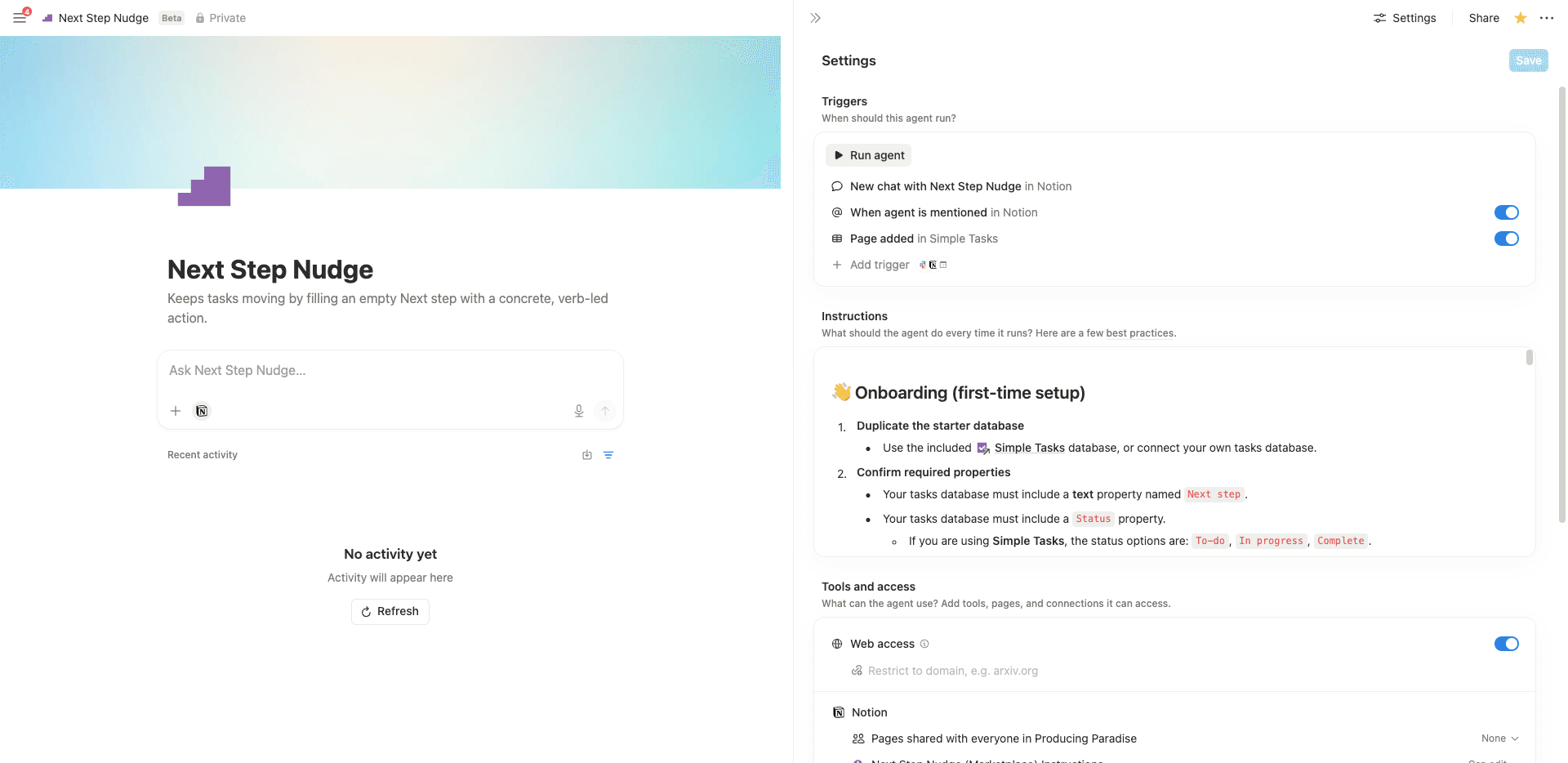
Stuck on where to start? @mention this agent on any incomplete task with an empty Next step, and it writes one small, concrete next action automatically. Designed to reduce overwhelm and help you get moving.- อัพเดทพร็อพเพอร์ตี้ฐานข้อมูล
- ตรวจสอบการเปลี่ยนแปลงหรือทริกเกอร์
- แปลหรือจัดรูปแบบข้อความใหม่
เกี่ยวกับเอเจนต์นี้
You know that moment where you open a task, stare at it, and still cannot figure out what to actually do first? That is where Next Step Nudge comes in.
How it runs:
- When you @mention it on a task page.
If the task is incomplete and the Next step field is empty, it writes one concrete, small-enough-to-start action for you.
It is built around a simple idea: knowing what to do and knowing where to start are two different problems. This solves the second one.
What it does
When the agent runs, it reads the task title, status, and due date. If the title is vague or broad, it may also look at the page content for context. If Next step is empty and the task is not complete, it writes a single next action into Next step.
It never overwrites an existing Next step, and it never changes any other properties.
What it writes looks like this
- Email Alex to confirm the delivery date.
- Open the brief and highlight the three key requirements.
- Set a 10-minute timer and draft the first paragraph.
Who it is for
Particularly useful if task initiation is a sticking point, whether that is ADHD, decision fatigue, or a long list and not enough brain. Getting a tiny, ready-to-go starting point reduces the friction between “I should do this” and actually doing it.
Requirements
Your tasks database needs:
-
A text property named
Next step -
A
Status
property (or equivalent) so the agent knows what is complete -
Edit access for the agent to your tasks database
How to use
- Open any incomplete task with an empty
Next step
field. - @mention
Next Step Nudge
on the task page. - Read the suggestion, edit it if you want, then go do the thing.
Pairs well with a task database you already use.
แกลเลอรี
รายละเอียด
เอเจนต์ที่เกี่ยวข้อง

