About
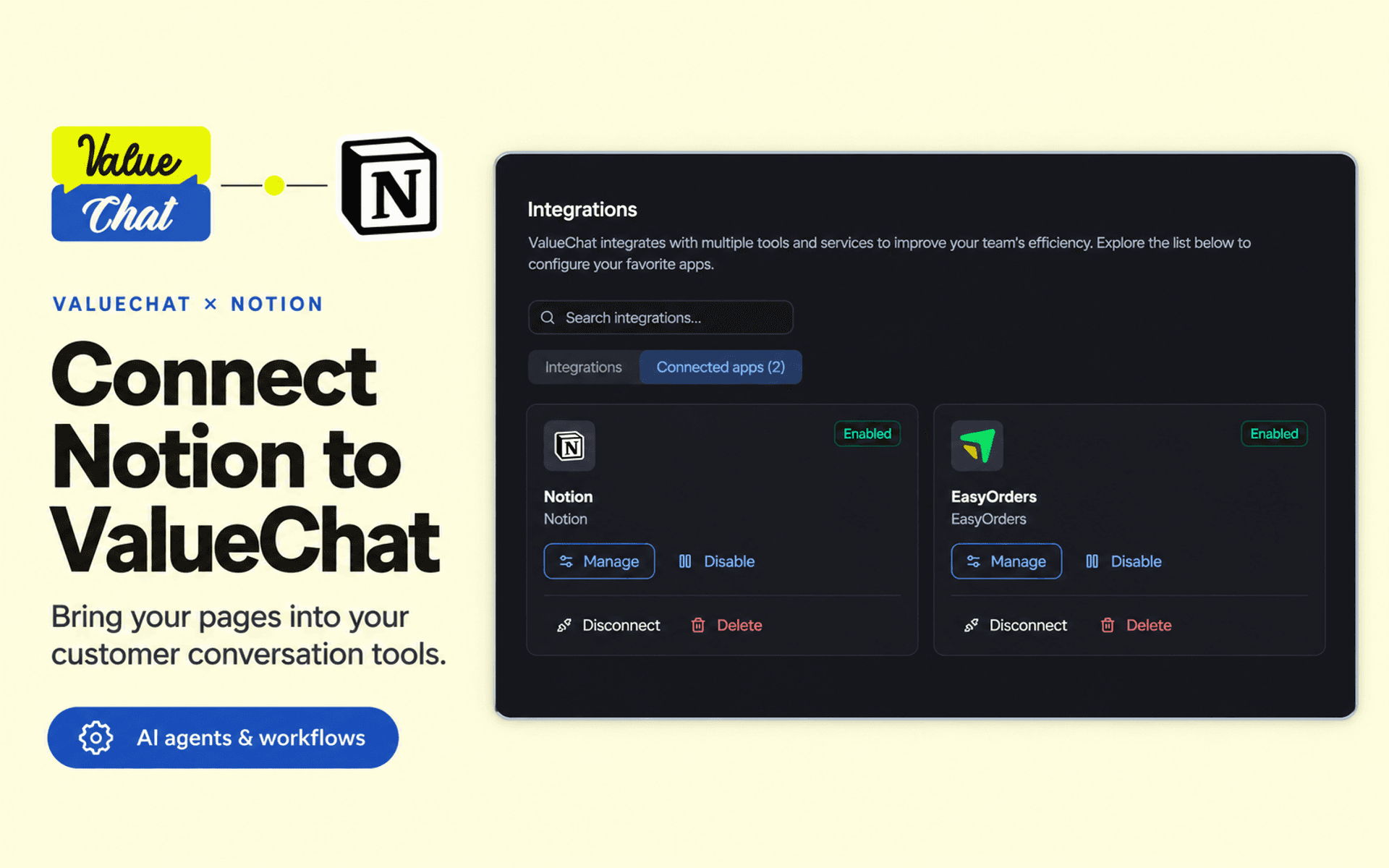
ValueChat connects your customer conversations, AI agents, and workflows with Notion.
Give your agents access to selected Notion pages so they can find information, read page properties and content, create child pages, and append notes when needed.
Use the connection to:
• Find and read information from your selected pages.
• Create a page to capture a customer request or conversation summary.
• Append notes and updates to an existing page.
• Run supported Notion actions from ValueChat AI agents and workflows.
Connect through Notion OAuth without entering an API token. During authorization, choose which pages to make available. In ValueChat, configure which supported actions each agent or workflow can use.
A ValueChat account and a Notion account are required.
ฟีเจอร์
- อ่าน แทรก และอัพเดทเนื้อหาอ่าน แทรก และอัพเดทหน้า ฐานข้อมูล และบล็อคที่แชร์กับการเชื่อมต่อนี้ได้
- อ่านและเพิ่มความคิดเห็นอ่านและเพิ่มความคิดเห็นในหน้าและบล็อคที่เข้าถึงได้
- ดูผู้ใช้ในพื้นที่ทำงานอ่านรายละเอียดโพรไฟล์พื้นฐานเกี่ยวกับสมาชิกและผู้ใช้ชั่วคราวในพื้นที่ทำงาน รวมถึงอีเมล
How to use
1. Sign in to ValueChat or create an account.
2. Open the workspace where you want to use Notion.
3. Go to Settings → Integrations, find Notion, and click Connect.
4. Sign in to Notion, choose your workspace and pages, and approve the connection.
5. Return to ValueChat and add the connected Notion app to an AI agent or workflow.
6. Select the actions you want to allow and explain when they should be used.
7. Test with a sample page: search for it, read its content, or ask the agent to create a child page or append a note.