SendMyVoice

API สาธารณะ
SendMyVoice
About
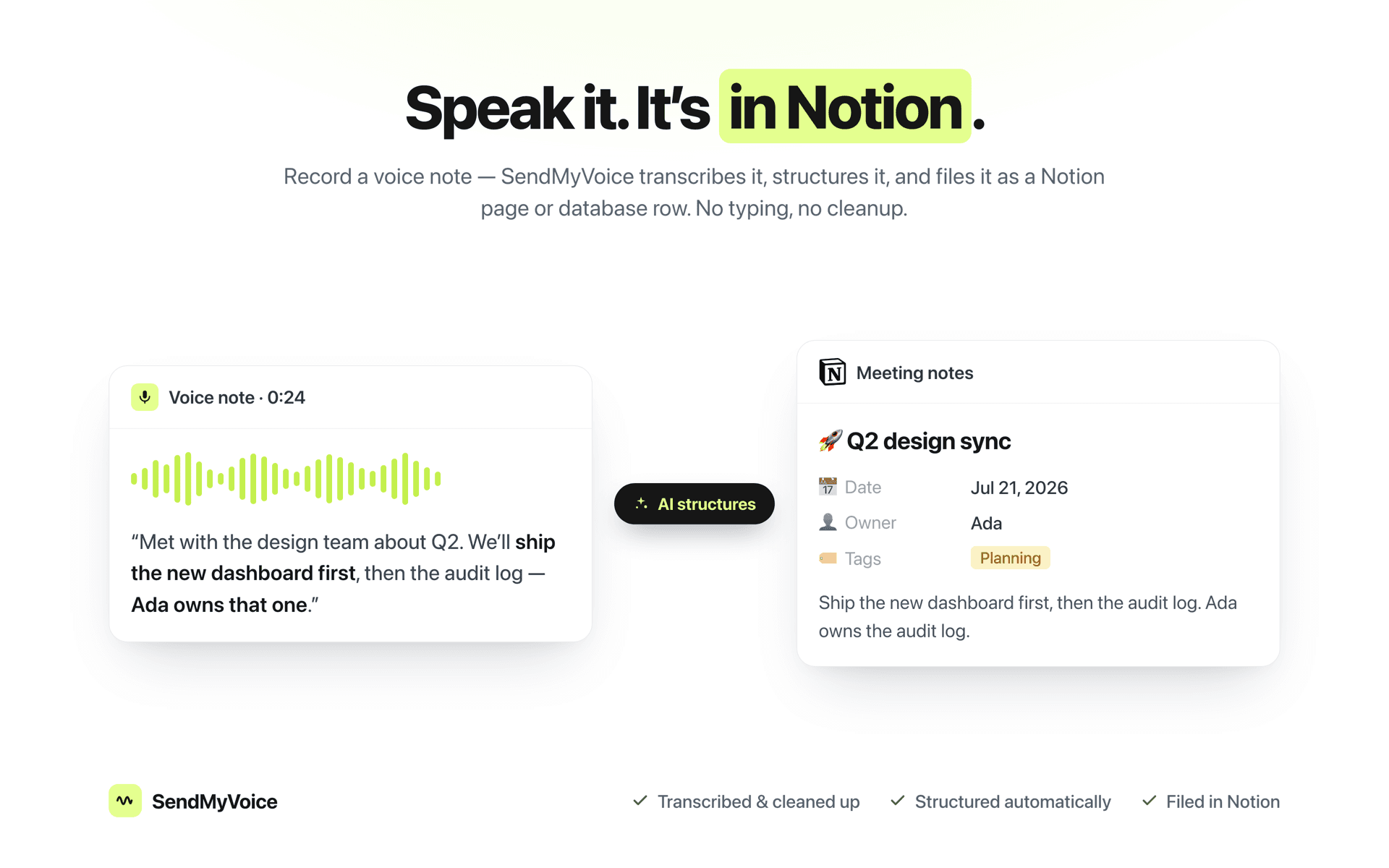
The fastest way to get an idea into Notion is to say it out loud. SendMyVoice records your voice, cleans up the transcript, and turns it into a properly structured Notion page or database row with a clear title, a summary, and the right properties filled in.
Connect your Notion workspace, pick a destination database or page, and every voice note you record lands there already organized. No typing, no copy-paste, no cleaning up rambling transcripts by hand.
What you get:
- 📝 Accurate transcripts, cleaned of filler and false starts
- 🧠 AI structuring into a title and summary - not just raw text dumped onto a page
- 🗂️ Schema-aware database rows: SendMyVoice reads your database's properties and fills the right columns
- ✂️ One note can become several rows: say, three tasks out loud and get three entries
- 📄 Or a full Notion page when you'd rather keep the long-form version
- 🎙️ Record from the web app, your phone, or the browser extension
Great for:
- Meeting notes and action items
- Turning spoken ideas into task-database entries
- Journaling and voice memos that actually get organized
- Anyone who thinks faster than they type
Built for people who run their work in Notion and would rather talk than type.
ฟีเจอร์
- อ่าน แทรก และอัพเดทเนื้อหาอ่าน แทรก และอัพเดทหน้า ฐานข้อมูล และบล็อคที่แชร์กับการเชื่อมต่อนี้ได้
- ดูผู้ใช้ในพื้นที่ทำงานอ่านรายละเอียดโพรไฟล์พื้นฐานเกี่ยวกับสมาชิกและผู้ใช้ชั่วคราวในพื้นที่ทำงาน รวมถึงอีเมล
How to use
- Connect Notion.
Authorize your Notion workspace and pick the pages or databases you want SendMyVoice to use. - Create a workflow.
Choose a destination: a Notion database for structured rows, or a page and SendMyVoice reads its schema so notes land in the right shape. - Record a voice note.
Speak from the web, your phone, or the browser extension. It's transcribed, structured, and filed in Notion automatically.
Details
Made by
Category
- ประสิทธิภาพการทำงาน
- ระบบอัตโนมัติ
Developer links