Orbit

Orbit
About
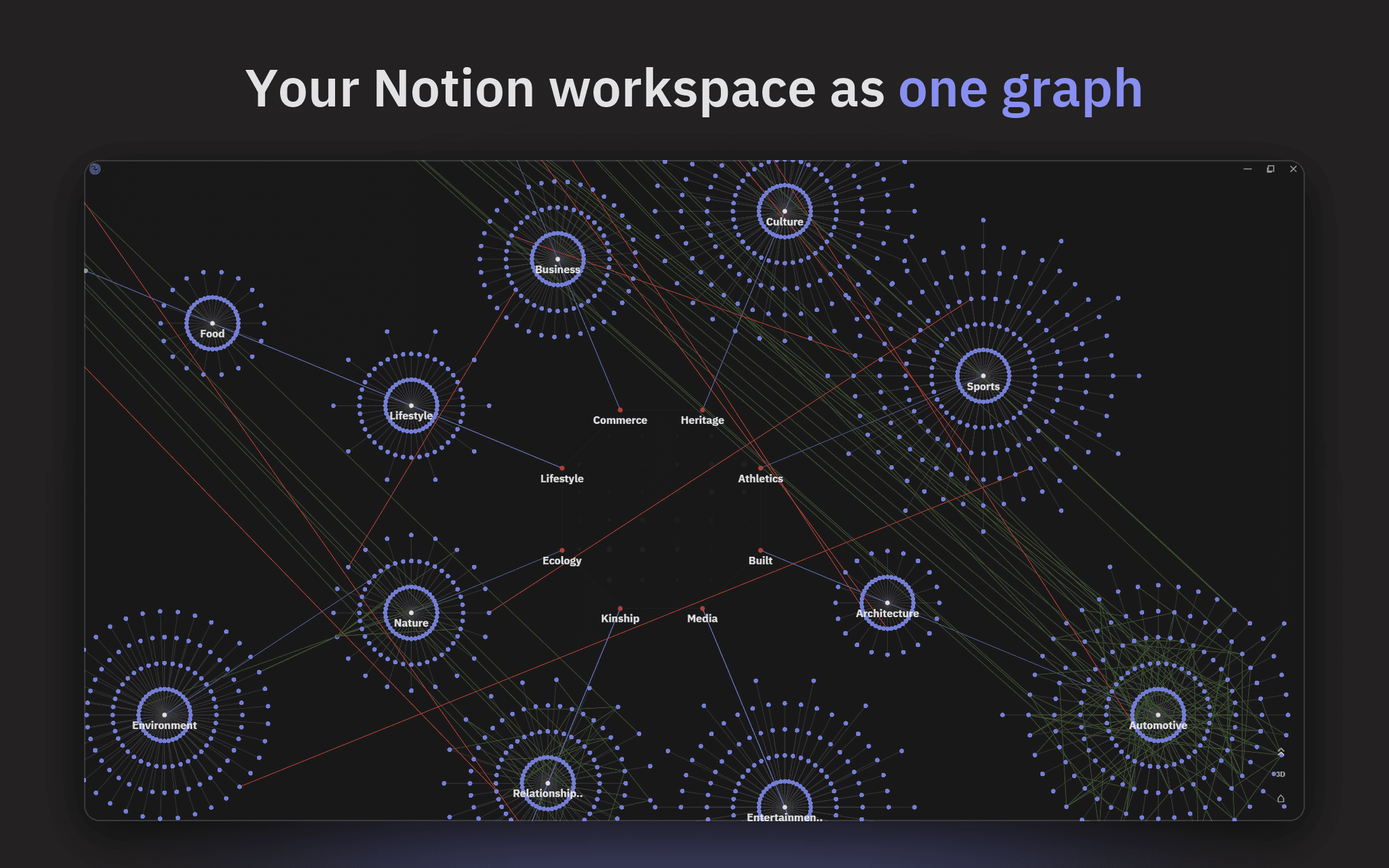
Orbit is a desktop app that shows a Notion workspace as a graph. Pages, databases, relations, and mentions appear in one view, so you can see how the workspace fits together instead of clicking through the sidebar.
Filter by any Notion property, including status, dates, people, and relations, and find pages that have no relations or mentions yet. Switch between 2D and 3D, style nodes with color, size, and icons, and save views to return to later.
Orbit builds the graph locally on your computer and keeps an encrypted local cache, so even large workspaces open quickly. Your page content is never uploaded to our servers.
Orbit currently only reads your workspace and never changes your Notion content. The connection also requests update access, which is reserved for editing features planned for a future version.
Orbit Free includes one filter, one saved view, and up to 1,000 nodes. Orbit Pro adds more nodes, unlimited filters and saved views, custom themes, and export. You can try Pro for 14 days.
Orbit for Windows is available now. Orbit for macOS is coming soon. Join the waitlist on the Orbit website.
ฟีเจอร์
- อ่าน แทรก และอัพเดทเนื้อหาอ่าน แทรก และอัพเดทหน้า ฐานข้อมูล และบล็อคที่แชร์กับการเชื่อมต่อนี้ได้
- ดูผู้ใช้ในพื้นที่ทำงานอ่านรายละเอียดโพรไฟล์พื้นฐานเกี่ยวกับสมาชิกและผู้ใช้ชั่วคราวในพื้นที่ทำงาน รวมถึงอีเมล
How to use
1. Download Orbit for Windows from https://orbit-graph.com/download and install it.
2. Open Orbit. Your browser opens Notion. Sign in and select the pages and databases you want to share with Orbit.
3. Orbit builds the graph locally on your computer. No page content is stored on our servers.
Everything Orbit caches stays on your device, encrypted.