About
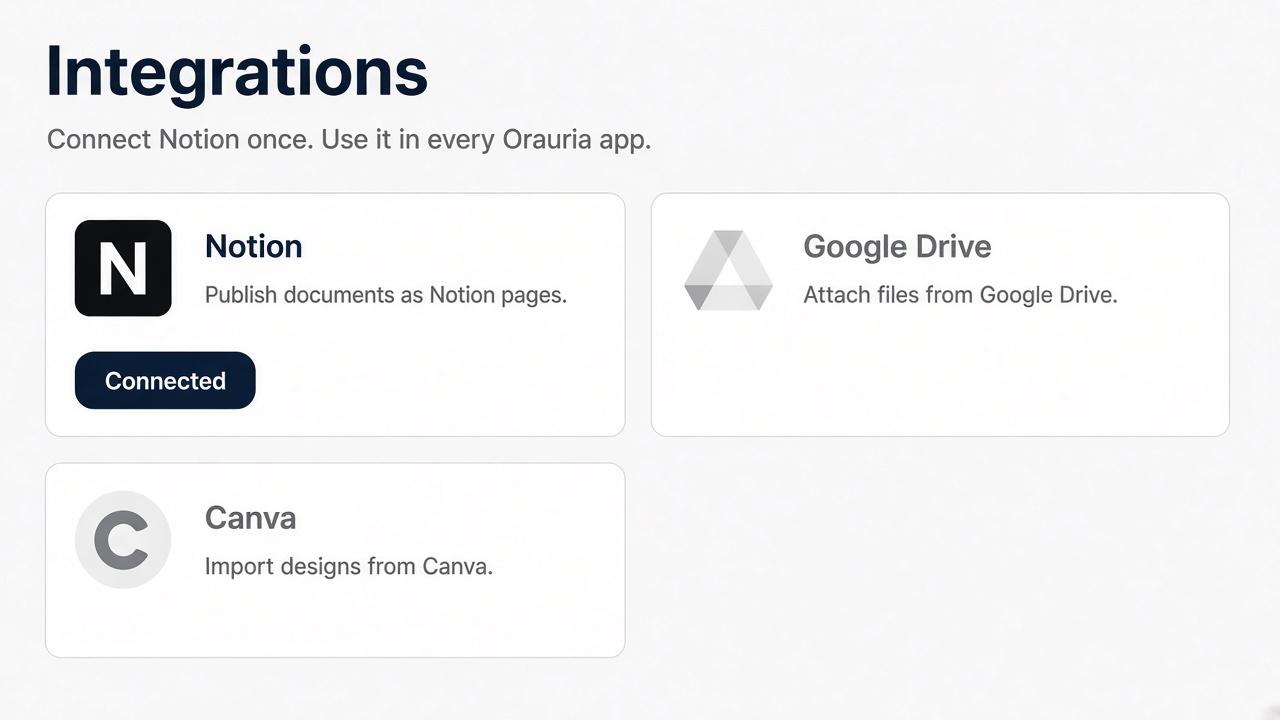
Orauria AI connects your Notion workspace so you can publish documents you create in Orauria into Notion pages you select. You approve the workspace and pages on Notion’s own screen. Orauria keeps the connection on your Orauria account.
ฟีเจอร์
- อ่าน แทรก และอัพเดทเนื้อหาอ่าน แทรก และอัพเดทหน้า ฐานข้อมูล และบล็อคที่แชร์กับการเชื่อมต่อนี้ได้
- อ่านและเพิ่มความคิดเห็นอ่านและเพิ่มความคิดเห็นในหน้าและบล็อคที่เข้าถึงได้
- ดูผู้ใช้ในพื้นที่ทำงานอ่านรายละเอียดโพรไฟล์พื้นฐานเกี่ยวกับสมาชิกและผู้ใช้ชั่วคราวในพื้นที่ทำงาน รวมถึงอีเมล
How to use
1. Sign in at https://orauria.com.
2. Open Account, then Integrations.
3. Select Connect on Notion.
4. Choose your Notion workspace and the pages to share, then allow access.
5. You return to Orauria and Notion shows as connected.
Disconnect any time from Account → Integrations, or remove Orauria AI in Notion Settings → Connections.