

About
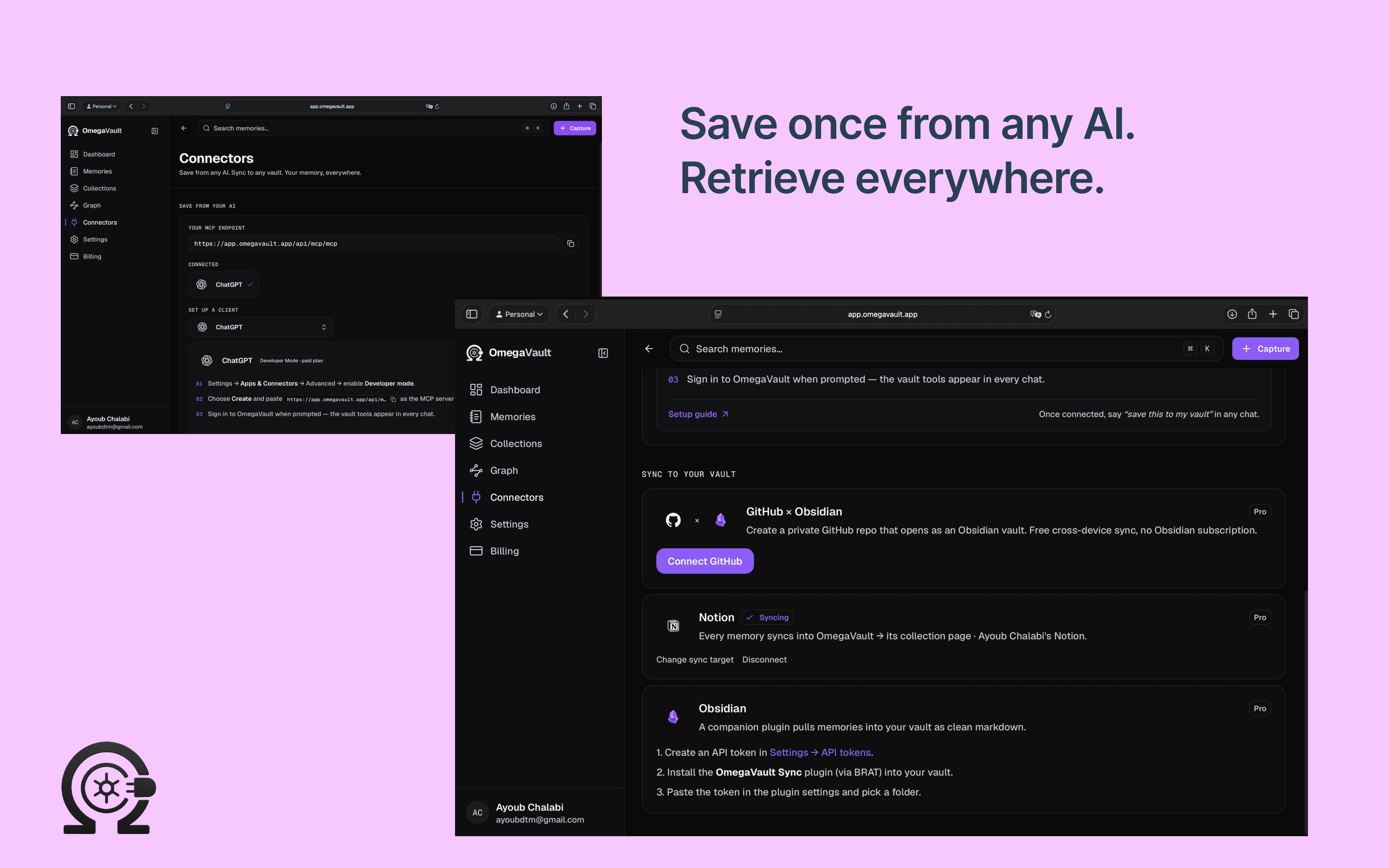
OmegaVault is a universal memory layer for AI assistants. Save a thought once from ChatGPT, Claude, or the OmegaVault app, and it's automatically structured, tagged, and synced into your own knowledge base — no more copy-pasting between chats and notes. Connect Notion to mirror every memory into a database or page hierarchy in your workspace automatically, so your AI conversations become a permanent, searchable part of your Notion setup instead of staying trapped in a chat history.
ฟีเจอร์
- อ่าน แทรก และอัพเดทเนื้อหาอ่าน แทรก และอัพเดทหน้า ฐานข้อมูล และบล็อคที่แชร์กับการเชื่อมต่อนี้ได้
- อ่านและเพิ่มความคิดเห็นอ่านและเพิ่มความคิดเห็นในหน้าและบล็อคที่เข้าถึงได้
How to use
1 - Sign in to OmegaVault at app.omegavault.app and go to Connectors.
2 - Click Connect Notion and authorize OmegaVault in the Notion consent screen.
3 - In Notion, share a database (or a page) with the OmegaVault connection: open it → ••• → Connections → add OmegaVault.
4 - Back in OmegaVault, choose Database mode (mirror into an existing database) or Page hierarchy mode (OmegaVault creates its own page tree), then pick the target.
5 - Every memory you save from ChatGPT, Claude, or the OmegaVault app now syncs into Notion automatically.
Optional external guide link: https://docs.omegavault.app/connectors/notion (confirm this route exists in the docs app before publishing the link — verify, don't assume)
Details

- วิศวกรรม
- ระบบอัตโนมัติ
- การทำงานร่วมกัน