
NOVEX
About
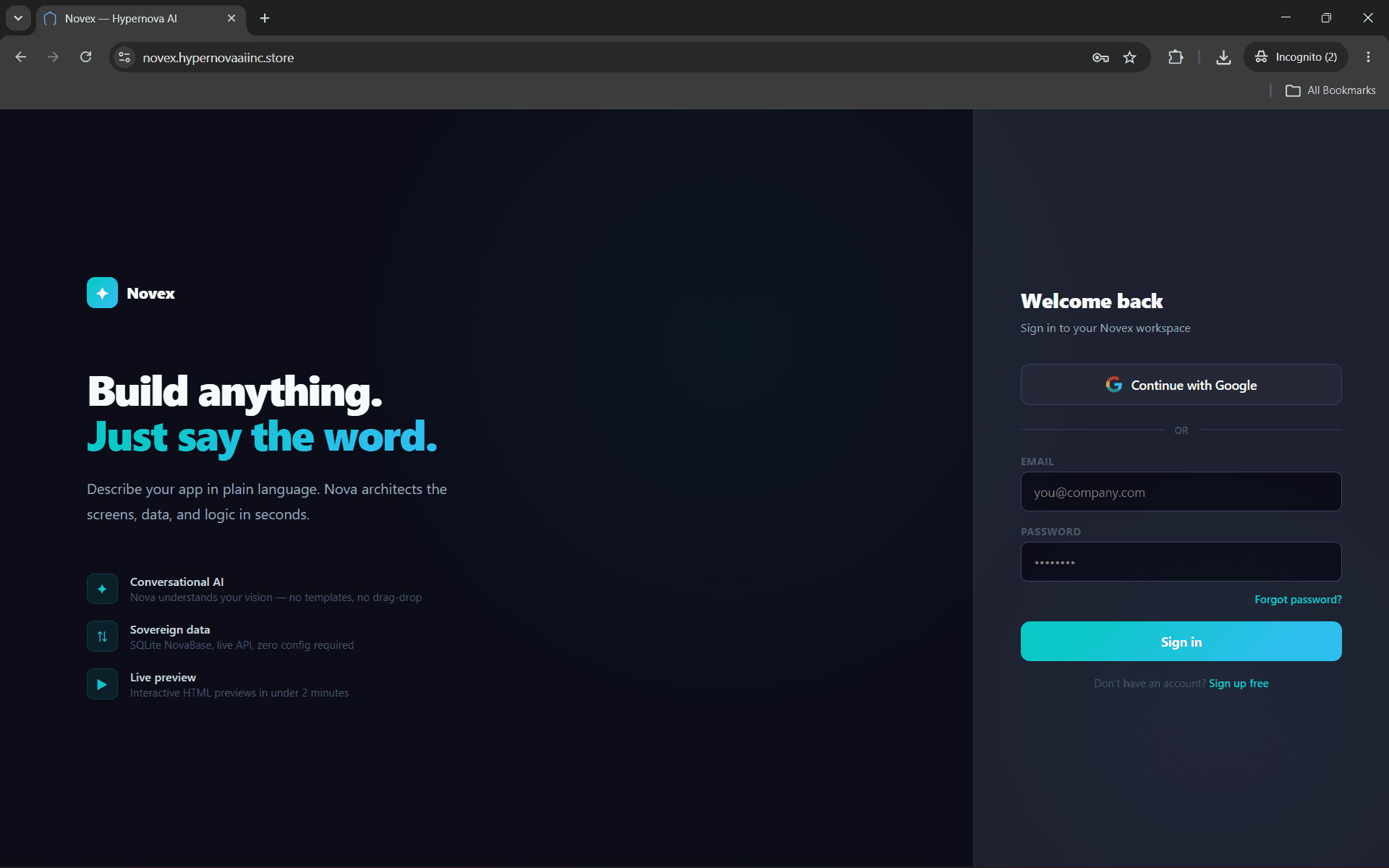
Novex is an AI no-code builder that turns your Notion databases into live production apps. Connect your workspace and Nova AI reads your schema, builds the UI, wires the logic, and deploys — all from a single click in the Database tab.
What you can do:
- Import any Notion database as a live data source
- Build client portals, internal tools, and dashboards from your DB schema
- Forms and actions write back to Notion in real time
- Deploy to a live URL instantly — no code or servers needed
Built for founders and teams who want production software without engineering bottlenecks.
ฟีเจอร์
- อ่าน แทรก และอัพเดทเนื้อหาอ่าน แทรก และอัพเดทหน้า ฐานข้อมูล และบล็อคที่แชร์กับการเชื่อมต่อนี้ได้
- อ่านและเพิ่มความคิดเห็นอ่านและเพิ่มความคิดเห็นในหน้าและบล็อคที่เข้าถึงได้
- ดูผู้ใช้ในพื้นที่ทำงานอ่านรายละเอียดโพรไฟล์พื้นฐานเกี่ยวกับสมาชิกและผู้ใช้ชั่วคราวในพื้นที่ทำงาน รวมถึงอีเมล
How to use
1. Go to novex.hypernovaaiinc.store and create a free account
2. Open any app → click the Database tab
3. Click "Connect Notion" and authorize Novex in your Notion workspace
4. Your databases appear as cards — click "Use as data source" to connect one
5. Tell Nova what to build — it reads your schema and generates the app automatically
Details
- วิศวกรรม
- ระบบอัตโนมัติ
- ประสิทธิภาพการทำงาน