

About
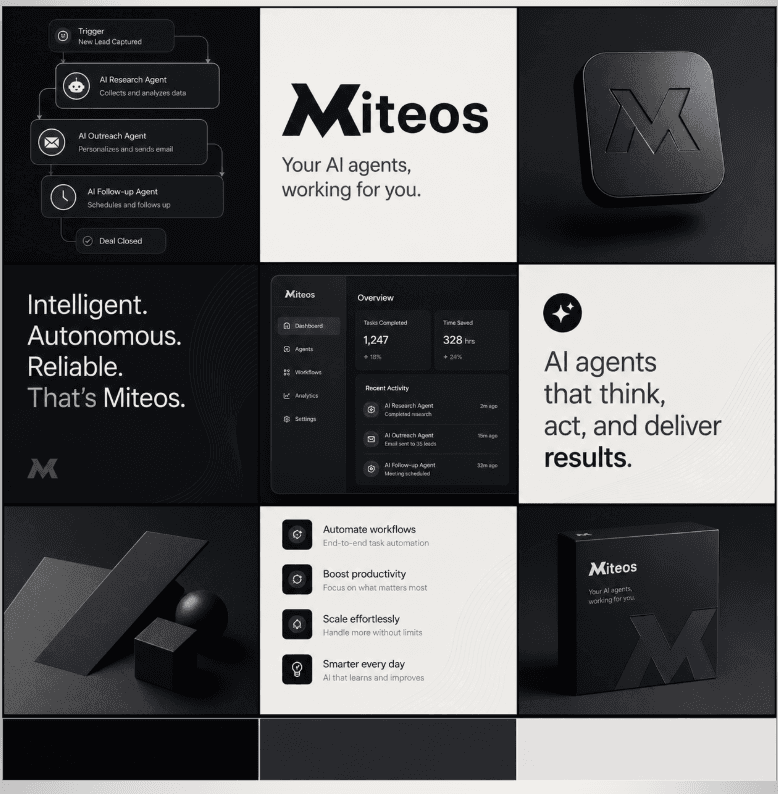
Miteos connects AI agents to your Notion workspace. Agents can search pages, query databases, create new content, and update existing pages on your behalf. All actions require your explicit approval. Use it to automate research notes, project tracking, meeting summaries, and content management directly in your workspace.
ฟีเจอร์
- อ่าน แทรก และอัพเดทเนื้อหาอ่าน แทรก และอัพเดทหน้า ฐานข้อมูล และบล็อคที่แชร์กับการเชื่อมต่อนี้ได้
- ดูผู้ใช้ในพื้นที่ทำงานอ่านรายละเอียดโพรไฟล์พื้นฐานเกี่ยวกับสมาชิกและผู้ใช้ชั่วคราวในพื้นที่ทำงาน รวมถึงอีเมล
How to use
1. Sign up at platform.miteos.com
2. Go to MCP Hub (Integrations page)
3. Click "Connect" on Notion
4. Authorize Miteos to access your workspace
5. Your AI agents can now read and write to Notion
Details
Made by
Category
- ประสิทธิภาพการทำงาน
- การทำงานร่วมกัน
- การตลาด
Developer links