About
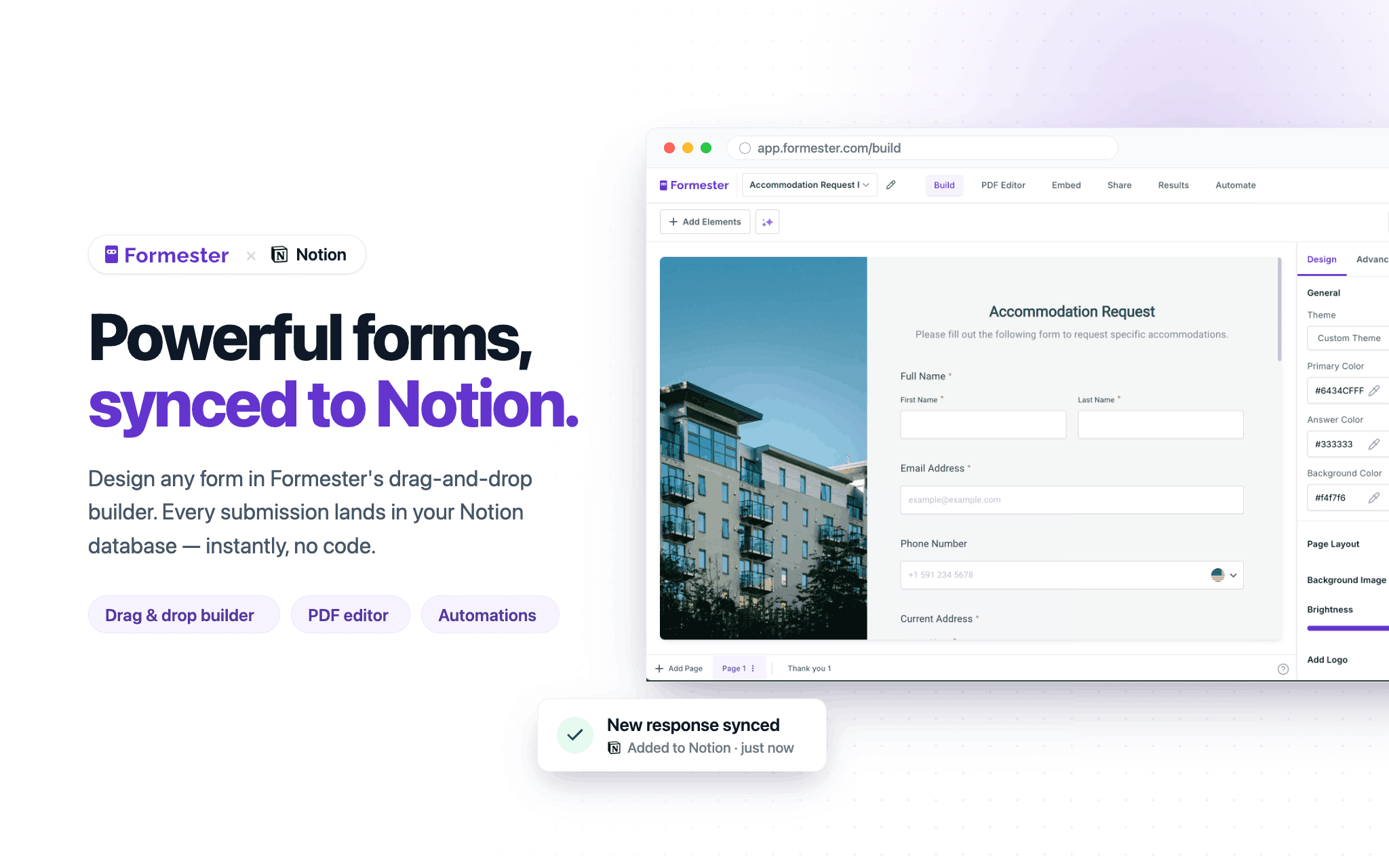
Formester is a powerful online form builder that lets you create customizable forms, surveys, and applications that seamlessly connect with your Notion databases. Collect new entries or update existing records, automatically sync responses to Notion, and keep your data organized in one place.
ฟีเจอร์
- อ่าน แทรก และอัพเดทเนื้อหาอ่าน แทรก และอัพเดทหน้า ฐานข้อมูล และบล็อคที่แชร์กับการเชื่อมต่อนี้ได้
- ดูผู้ใช้ในพื้นที่ทำงานอ่านรายละเอียดโพรไฟล์พื้นฐานเกี่ยวกับสมาชิกและผู้ใช้ชั่วคราวในพื้นที่ทำงาน รวมถึงอีเมล
How to use
1. Sign up or log in to your Formester account.
2. Create a new form or open an existing form you want to connect to Notion.
3. In Formester, connect your Notion account and select the database you want to sync submissions to.
4. Map your form fields to the corresponding properties in your Notion database.
5. Publish your form and share it or embed it where you collect responses.
6. Submit a test response to confirm new pages are created or updated in your Notion database.
7. Manage all responses, automations, and integrations from your Formester dashboard.