
About
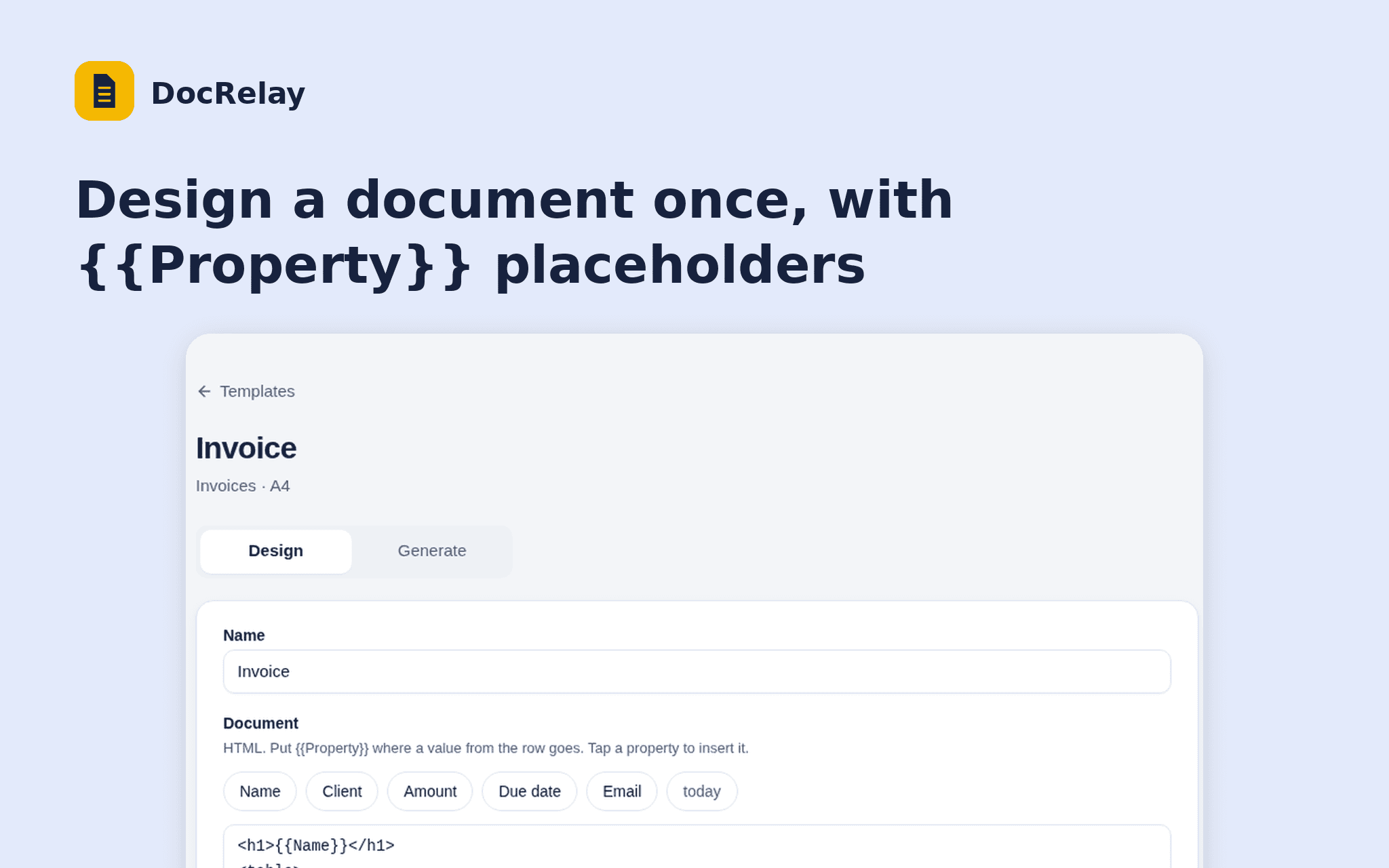
DocRelay turns the rows of a Notion database into PDFs. Design a document once with {{Property}} placeholders, pick the rows and download a PDF for each.
Start from an invoice or certificate layout, see a live preview of any row, and choose the page size and file name.
DocRelay only reads the databases you share and never writes to your workspace. Free while in beta.
ฟีเจอร์
- อ่านเนื้อหาอ่านหน้า ฐานข้อมูล และบล็อคที่แชร์กับการเชื่อมต่อนี้ได้
- ดูผู้ใช้ในพื้นที่ทำงานอ่านรายละเอียดโพรไฟล์พื้นฐานเกี่ยวกับสมาชิกและผู้ใช้ชั่วคราวในพื้นที่ทำงาน รวมถึงอีเมล
How to use
1. Open the install link and sign in with Notion.
2. Select the database DocRelay may read.
3. Create a template and choose the database.
4. Design the document and check the preview.
5. Open Generate, tick the rows and download the PDFs.