
About
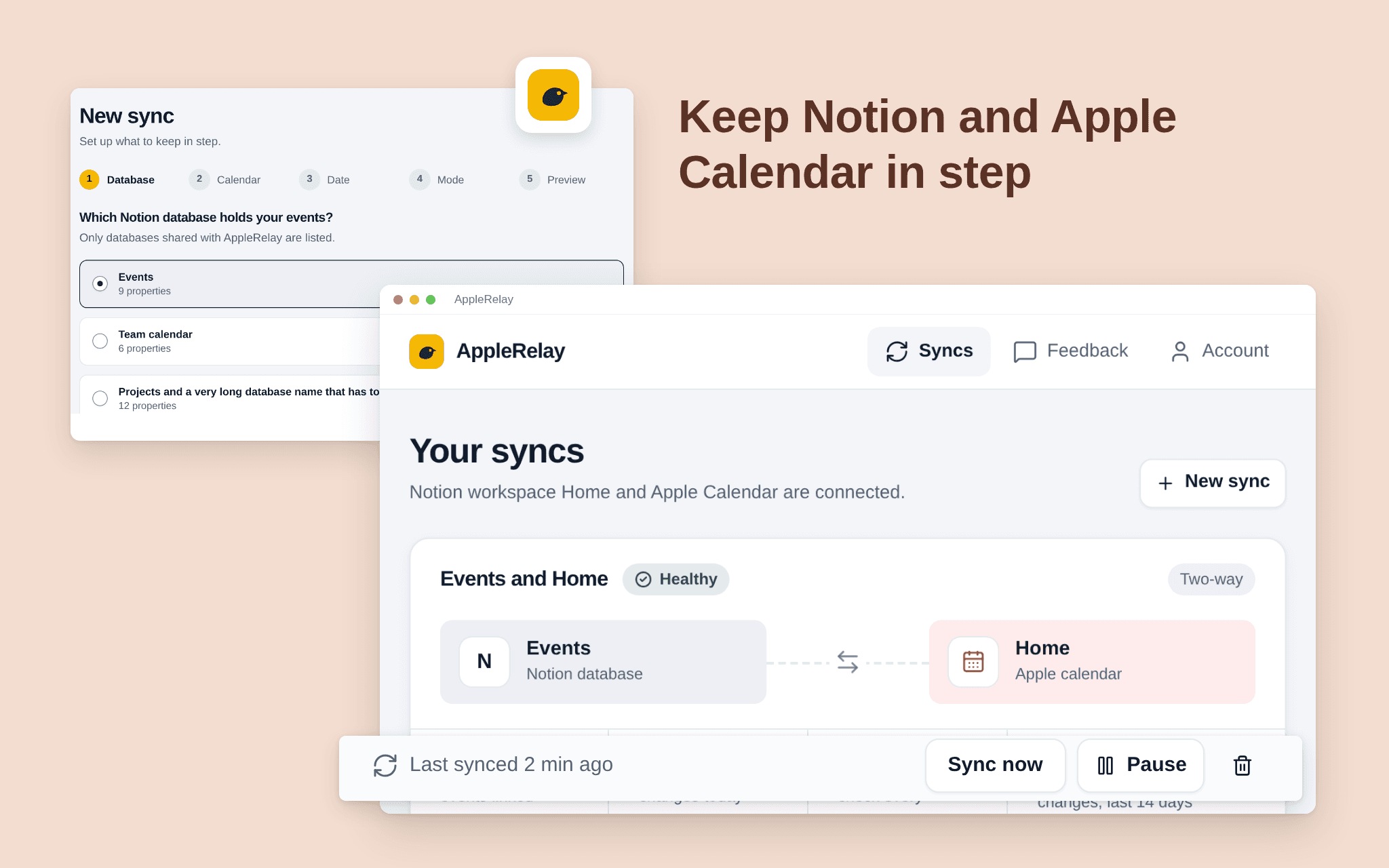
AppleRelay keeps a Notion database and an iCloud calendar in step, both ways or one way. Pick the database, the calendar and the date property; events you add or change in one place appear in the other.
Pick one Notion database and one iCloud calendar; AppleRelay only touches those two.
Choose two-way, Notion first or calendar first.
See what the first sync will do before it runs.
A dashboard shows every sync's health, the last run and what changed.
Calendar events only, not Reminders. Free while in beta.
ฟีเจอร์
- อ่าน แทรก และอัพเดทเนื้อหาอ่าน แทรก และอัพเดทหน้า ฐานข้อมูล และบล็อคที่แชร์กับการเชื่อมต่อนี้ได้
- ดูผู้ใช้ในพื้นที่ทำงานอ่านรายละเอียดโพรไฟล์พื้นฐานเกี่ยวกับสมาชิกและผู้ใช้ชั่วคราวในพื้นที่ทำงาน รวมถึงอีเมล
How to use
1. Open the install link and sign in with Notion.
2. Select the pages or databases AppleRelay may use (it only sees what you share).
3. Connect your iCloud calendar with an app-specific password from your Apple Account.
4. Choose the Notion database, the calendar, the date property and the direction.
5. Check the preview and start the sync.