 2anki
2anki
2anki
About
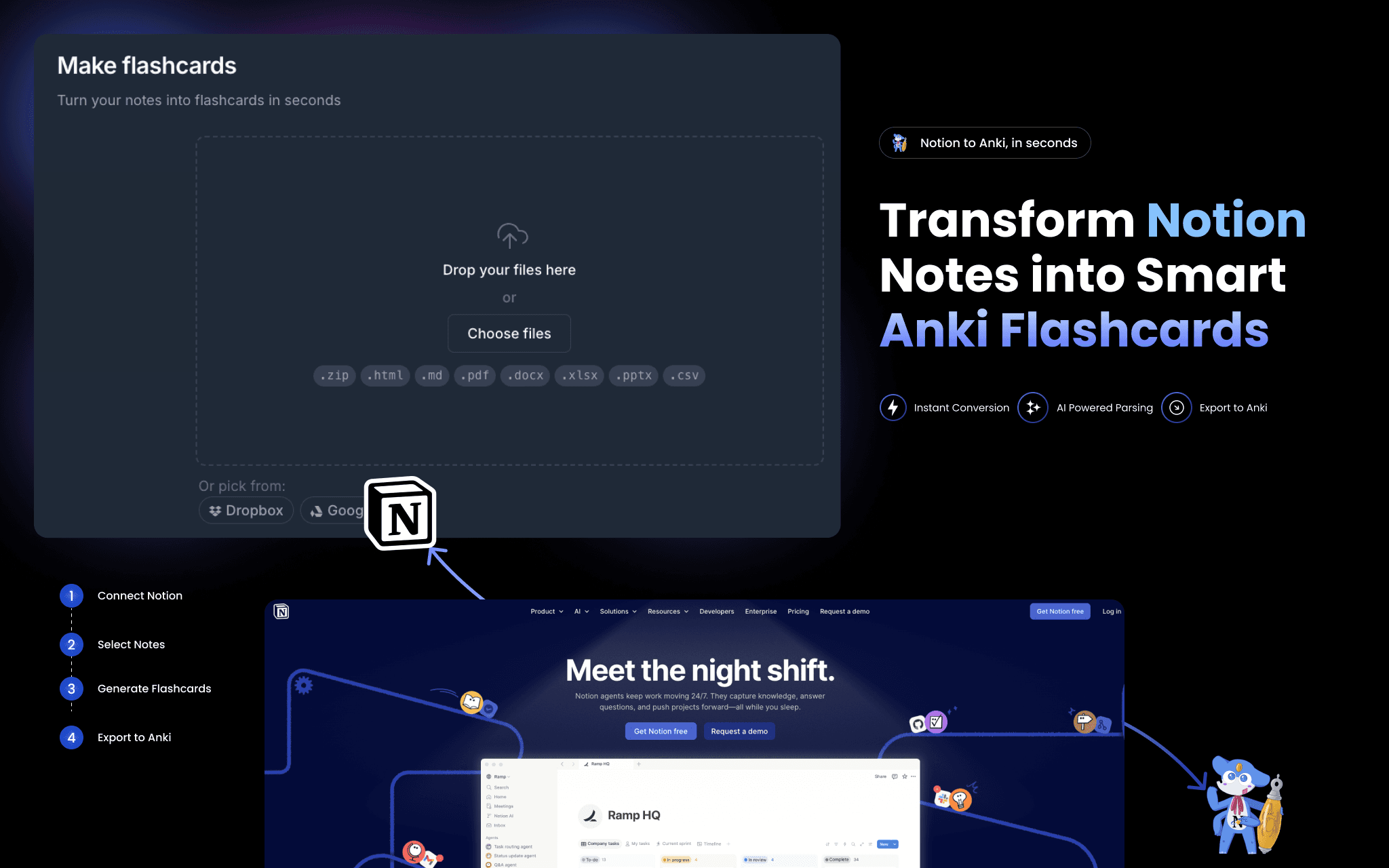
2anki reads your Notion pages and converts them into ready-to-import Anki flashcard decks (.apkg files).
Connect your Notion workspace once — no API token to copy-paste — then paste any page URL to convert. What gets converted:
• Toggle blocks → question/answer flashcards
• Tables and databases → structured card decks
• Images and code blocks → embedded in cards, formatting preserved
• Strikethrough text → card tags
A one-time conversion is a snapshot. For continuous sync, Hosted Anki polls your Notion pages every few minutes and keeps your decks current automatically.
ฟีเจอร์
- อ่าน แทรก และอัพเดทเนื้อหาอ่าน แทรก และอัพเดทหน้า ฐานข้อมูล และบล็อคที่แชร์กับการเชื่อมต่อนี้ได้
- ดูผู้ใช้ในพื้นที่ทำงานอ่านรายละเอียดโพรไฟล์พื้นฐานเกี่ยวกับสมาชิกและผู้ใช้ชั่วคราวในพื้นที่ทำงาน รวมถึงอีเมล
How to use
- Go to 2anki.net and sign in or create a free account.
- Click "Connect Notion" and authorize 2anki to read your workspace.
- Open the Notion to Anki page and paste a Notion page URL.
- Click Convert — your .apkg deck downloads immediately.
- Open Anki on any device and import the file. Start studying.
