
Windmill (Personal)
About
Windmill is an AI-native performance management platform that lives in Slack. It runs continuously — handling feedback, 1:1s, pulse surveys, recaps, and performance reviews — so managers and employees stay connected between review cycles instead of checking in twice a year. The AI assistant (Windy) surfaces insights, drafts reviews, and keeps everything moving without the administrative overhead that makes traditional performance tools feel like a chore.
Funktioner
- Läsa innehållKan läsa sidor, databaser och block som delas med den här anslutningen.
- Läsa kommentarerKan läsa kommentarer på de sidor och block som den har åtkomst till.
- Visa arbetsytans användareLäser grundläggande profiluppgifter om medlemmar och gäster i arbetsytan, bland annat deras e-postadresser.
How to use
How to get started
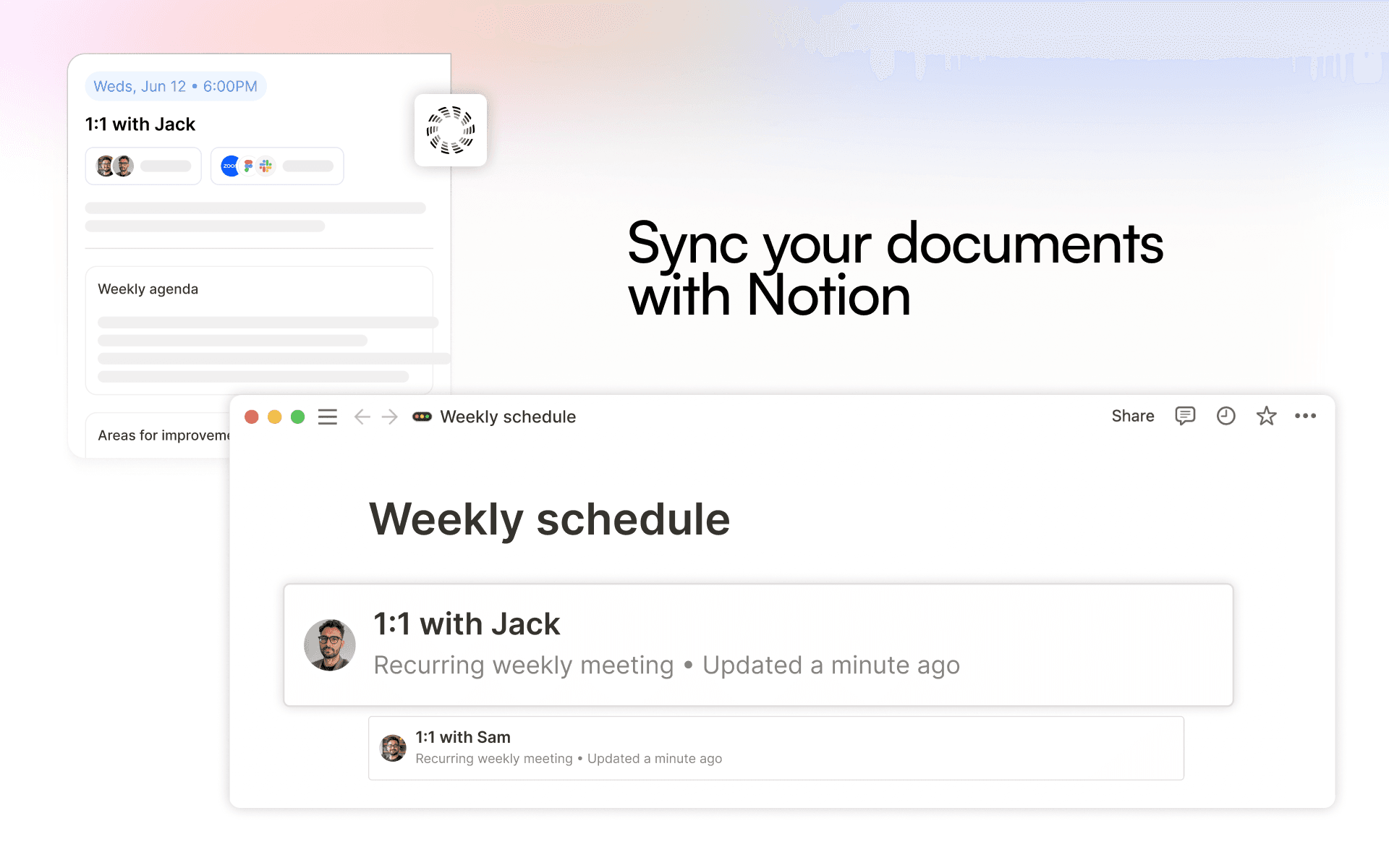
Windmill is an AI-powered performance platform that turns the work your team already does — including your Notion docs, specs, and planning pages — into context for better feedback, 1:1s, and reviews. Connecting Notion takes about a minute.
1. Get your Windmill account
Windmill is set up with help from our team. If you're not a customer yet, grab time with us at https://gowindmill.com/start and we'll get you onboarded. Already have an account? Just log in at app.gowindmill.com (https://app.gowindmill.com/auth).
2. Add the Notion integration
In Windmill, go to Settings → Integrations, find Notion, and click Connect. Choose an Account connection to share context with your whole team, or a Personal connection to keep it to yourself.
3. Choose what Windmill can see
You'll head to Notion to approve access, then pick exactly which pages to share. Windmill only ever sees the pages you select — plus their subpages — and nothing else in your workspace. You stay in control and can add or remove pages anytime.