
About
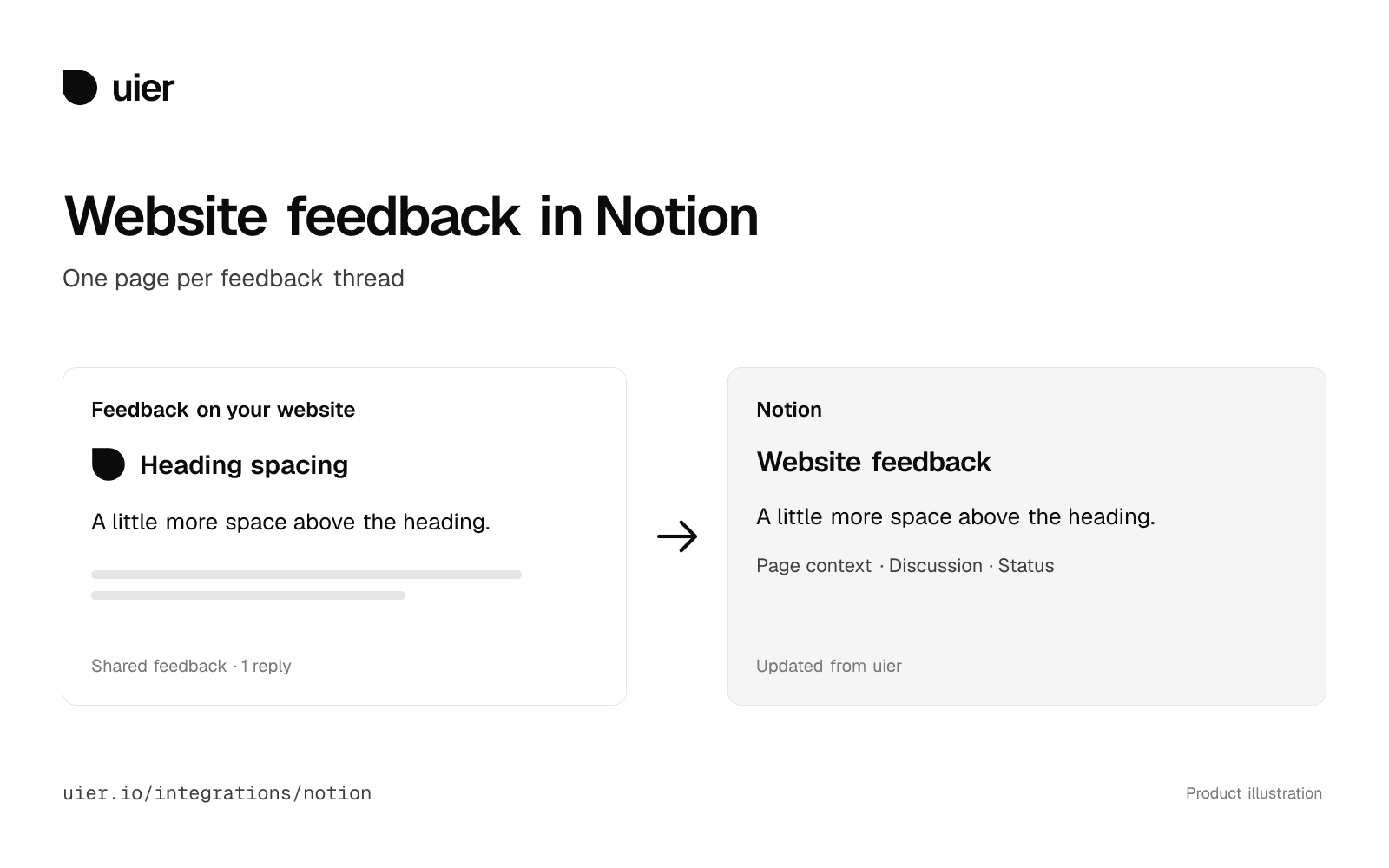
uier lets your team review a live website by leaving feedback directly on the page. Connect a uier project to an existing Notion database to keep one page for each shared feedback thread.
Pages are updated in the background with feedback text, discussion and page context. Saved screenshots can be uploaded to Notion. Map the database title property and a separate rich text property for the uier id; compatible optional properties can also be mapped.
This is a one-way copy from uier. Changes made in Notion do not update the original feedback. Private feedback and the public uier showcase are excluded. Making a thread private or deleting it queues cleanup of reachable managed copies; Notion history and retained files can remain. Disconnect stops future sync and keeps existing copies.
Every feature available today is free and will stay free forever. If we introduce pricing, it will apply only to new features users want.
Funktioner
- Läsa, infoga och uppdatera innehållKan läsa, infoga och uppdatera sidor, databaser och block som delas med den här anslutningen.
- Läsa och lägg till kommentarerKan läsa och lägg till kommentarer på de sidor och block som den har åtkomst till.
How to use
1. Sign in to uier at https://uier.io/app and open or create a project for the website you review.
2. As a uier workspace admin, open the project’s Settings, find Notion and choose Connect Notion.
3. Choose your Notion workspace and share the destination database with the uier connection. The database needs a title property and a separate rich text property for the uier id.
4. Choose the database in uier, map those properties and save the mapping. New shared feedback will sync in the background.
5. To include up to 1,000 existing shared threads, choose Backfill existing feedback.
Setup, permissions, privacy limits and support: https://uier.io/integrations/notion