

About
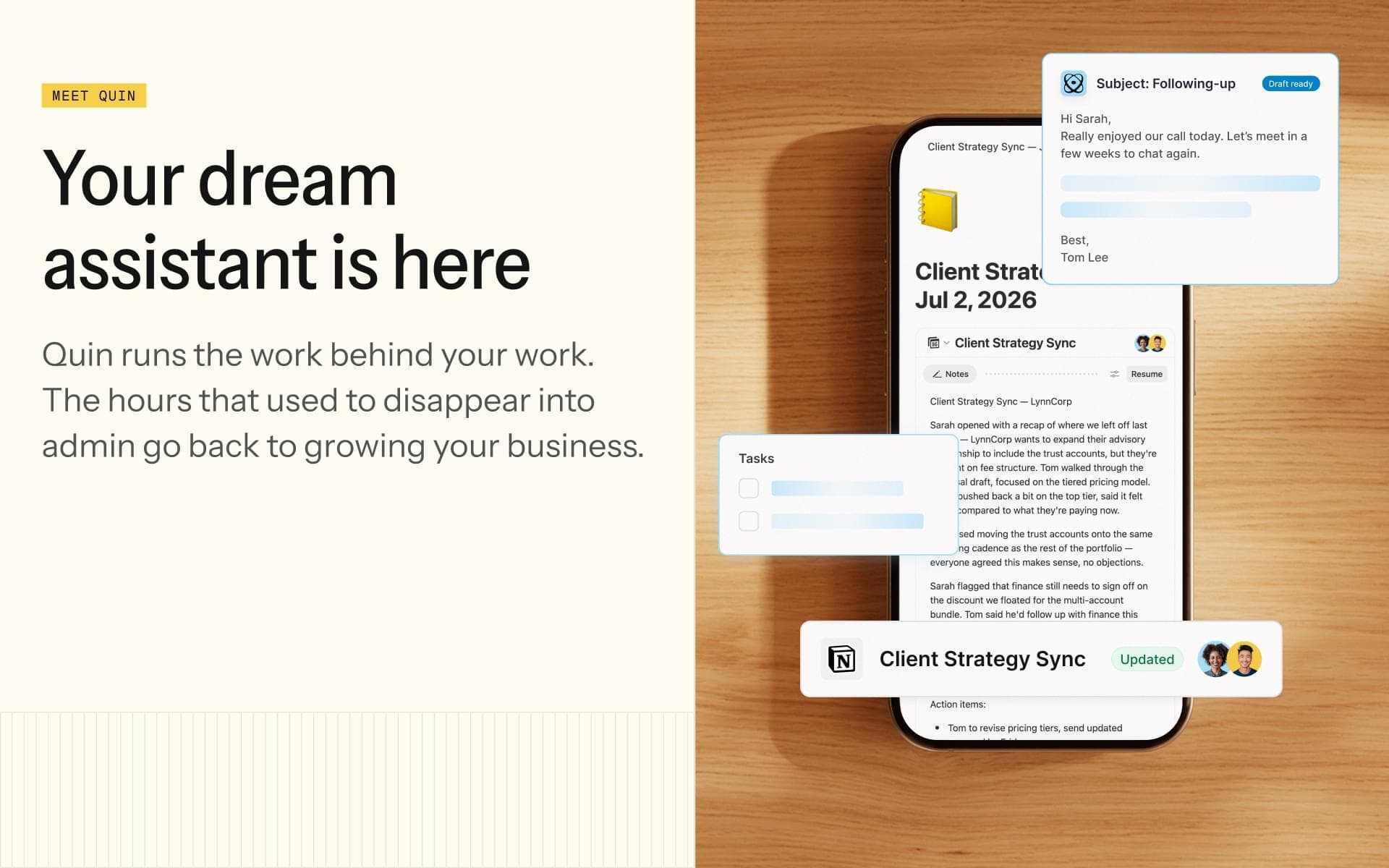
Meet your dream assistant. Quin is like a digital human assistant that automatically manages your inbox, captures notes, creates tasks, drafts follow-ups, and updates your CRM—so you don’t have to. Communicate with Quin via SMS, email, voice notes, or in-app, and it takes care of the busywork so you can stay focused on your clients.
Once you connect Quin to Notion, Quin keeps your records up to date and your day moving—all without interrupting your flow.
With Quin, you can:
- Automatically draft replies to emails in your inbox
- Take notes for all your meetings
- Easily create follow-up tasks and calendar invites
- Update Notion without logging in
- Summarize past meetings and prep for upcoming ones
- Ask questions like "What did I last say to this client?"
- Send updates on the go via text or email
- Create customized automations
- So much more
You can even customize how Quin responds by setting guidelines—add your preferences for tone, formatting, follow-up style, and more. Quin learns how you like things done and applies that every time.
Just message Quin with what you need—notes, updates, follow-ups, or questions. Quin understands your intent, formats everything properly, and syncs it back to Notion.
Funktioner
- Läsa, infoga och uppdatera innehållKan läsa, infoga och uppdatera sidor, databaser och block som delas med den här anslutningen.
- Läsa och lägg till kommentarerKan läsa och lägg till kommentarer på de sidor och block som den har åtkomst till.
- Visa arbetsytans användareLäser grundläggande profiluppgifter om medlemmar och gäster i arbetsytan, bland annat deras e-postadresser.
How to use
To get started with Quin, start your free trial at https://www.heyquin.io/app/signup
Inside Quin:
1. Add the Notion integration here https://www.heyquin.io/app/settings/integrations
2. Connect your Email, Calendar, and other integrations
3. Turn on your automated workflows like email replies, notetaker, daily brief, etc
4. Watch Quin take care of your admin work :)
Details

- Försäljning
- Produktivitet
- Automatiseringar