

About
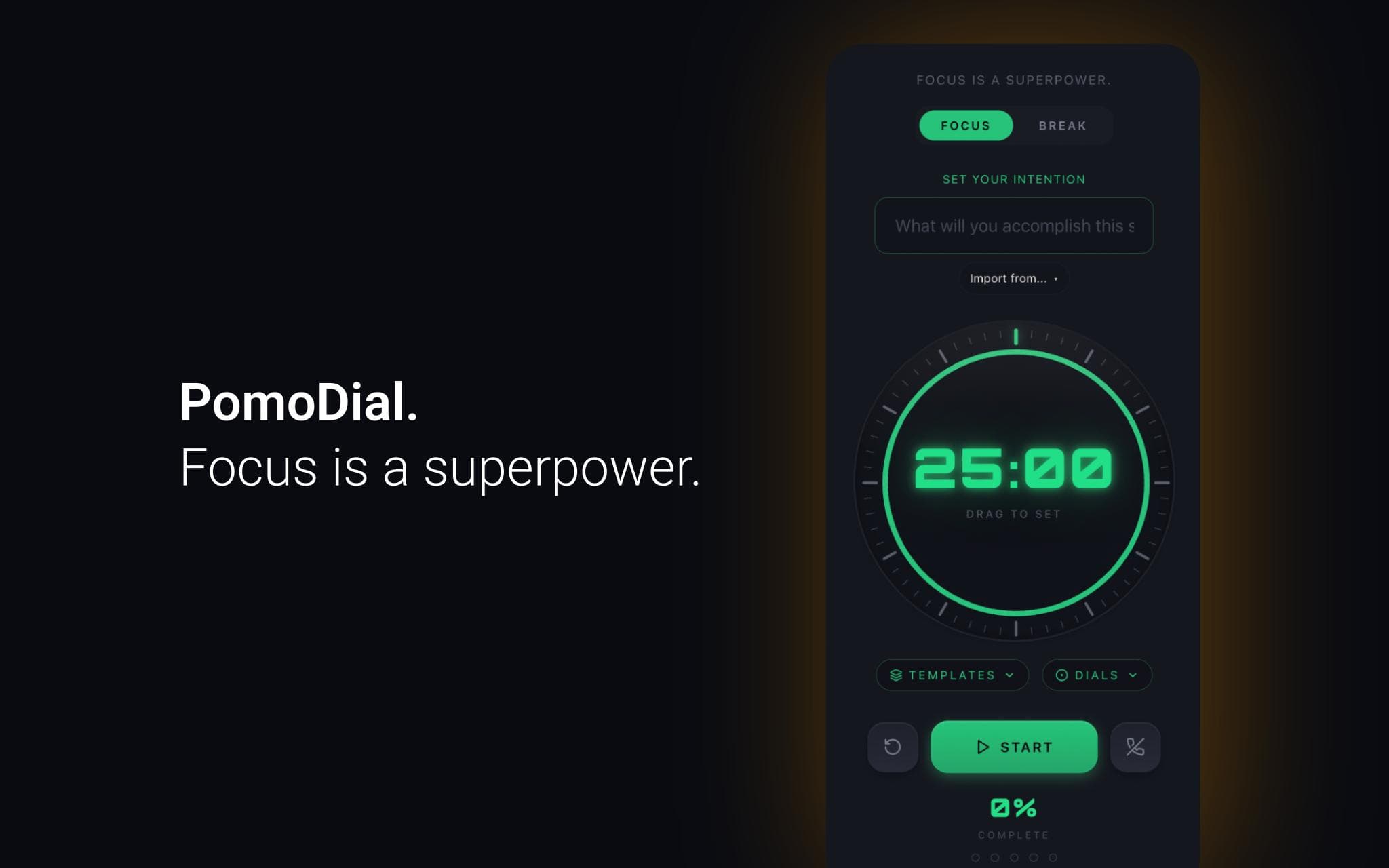
PomoDial is a Pomodoro focus timer that asks what you're working on before the clock starts.
Connect your Notion workspace to import pages and database entries directly as session intentions. Instead of typing what you're working on, just pick it from your Notion workspace — your task, your project, your document.
Every session is saved to your PomoDial history alongside your intention, building a searchable journal of your focused work over time.
Features:
- Import any Notion page or database entry as your session intention
- 25-minute Pomodoro timer with customisable duration
- Full session history and streak tracking
- Also available as a ChatGPT plugin, Claude connector, Todoist integration, and Chrome extension
Requires a free PomoDial account at pomodial.com
Funktioner
- Läsa, infoga och uppdatera innehållKan läsa, infoga och uppdatera sidor, databaser och block som delas med den här anslutningen.
- Visa arbetsytans användareLäser grundläggande profiluppgifter om medlemmar och gäster i arbetsytan, bland annat deras e-postadresser.
How to use
1. Create a free account at pomodial.com
2. Go to your profile and click "Connect to Notion"
3. Authorise PomoDial to access your Notion workspace
4. Start a new session — click "Import from Notion" to browse your pages
5. Select a page or database entry to set as your intention
6. Start your timer and focus
