 Alexander Plam
Nurii
About
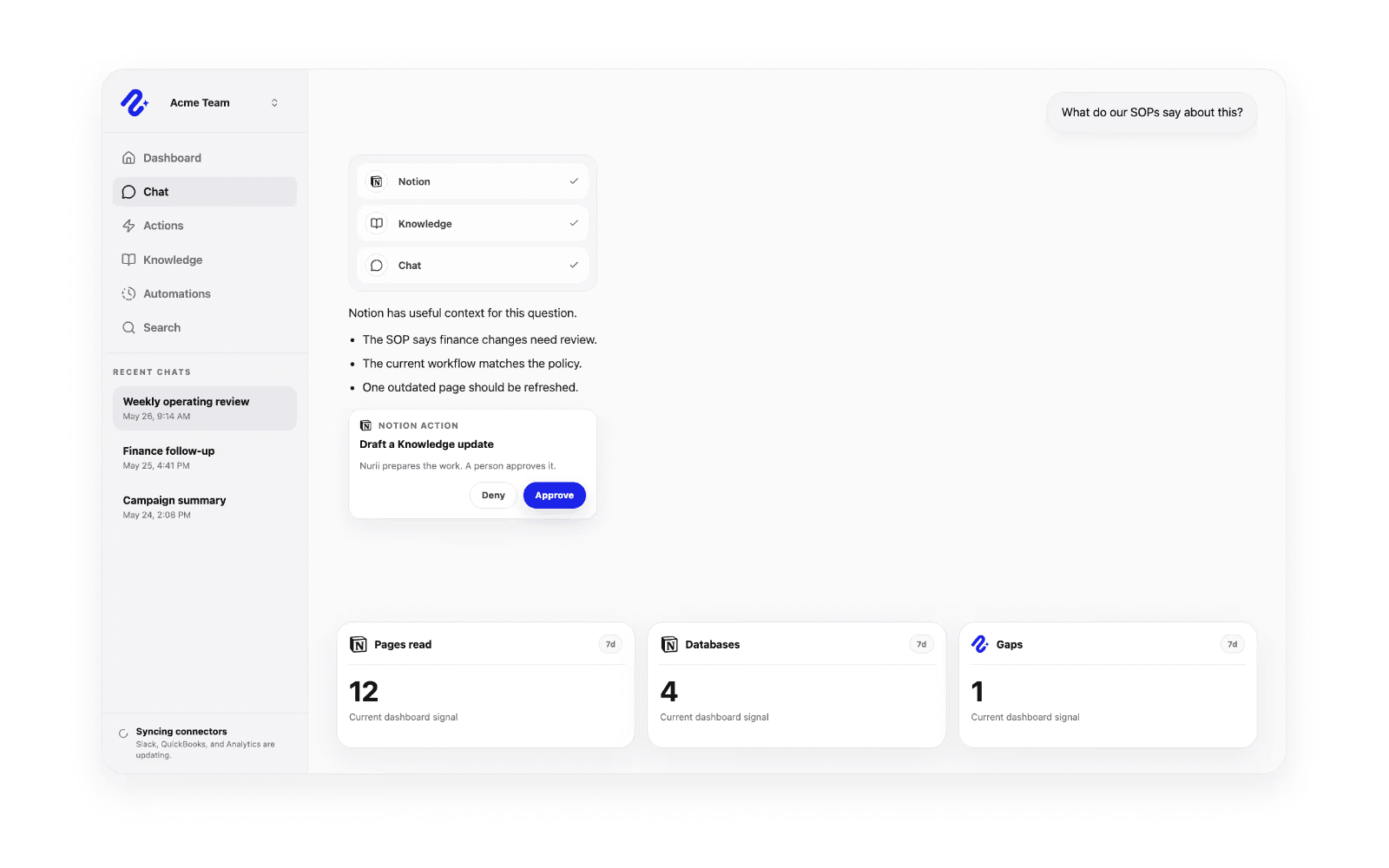
Nurii connects Notion with AI chat, Knowledge, automations, dashboards, and approved action flows so teams can use workspace context alongside the rest of their operations. With Notion connected, Nurii can work from authorized pages, blocks, data sources, entries, comments, and workspace context to answer questions, summarize plans, surface follow-up, and support recurring reports. Teams can combine Notion with tools like HubSpot, Slack, Calendar, Asana, finance systems, analytics, and shared Knowledge to understand what changed and what needs attention. When updates are needed, Nurii can prepare supported Notion actions such as creating or renaming pages, adding blocks, updating entries, changing to-do state, restoring or trashing content, and creating comments through a human review path before changes run.
Funktioner
- Läsa, infoga och uppdatera innehållKan läsa, infoga och uppdatera sidor, databaser och block som delas med den här anslutningen.
- Läsa och lägg till kommentarerKan läsa och lägg till kommentarer på de sidor och block som den har åtkomst till.
- Visa arbetsytans användareLäser grundläggande profiluppgifter om medlemmar och gäster i arbetsytan, bland annat deras e-postadresser.
How to use
- Connect your Notion workspace to Nurii and choose the pages, data sources, and workspace context your team wants available.
- Ask Nurii questions, build recurring workflows, or use Notion context alongside your other connected tools.
- Review any proposed Notion updates before they run, including page, block, entry, to-do, and comment changes.
Details

- Analys
- Automatiseringar
- Produktivitet