

About
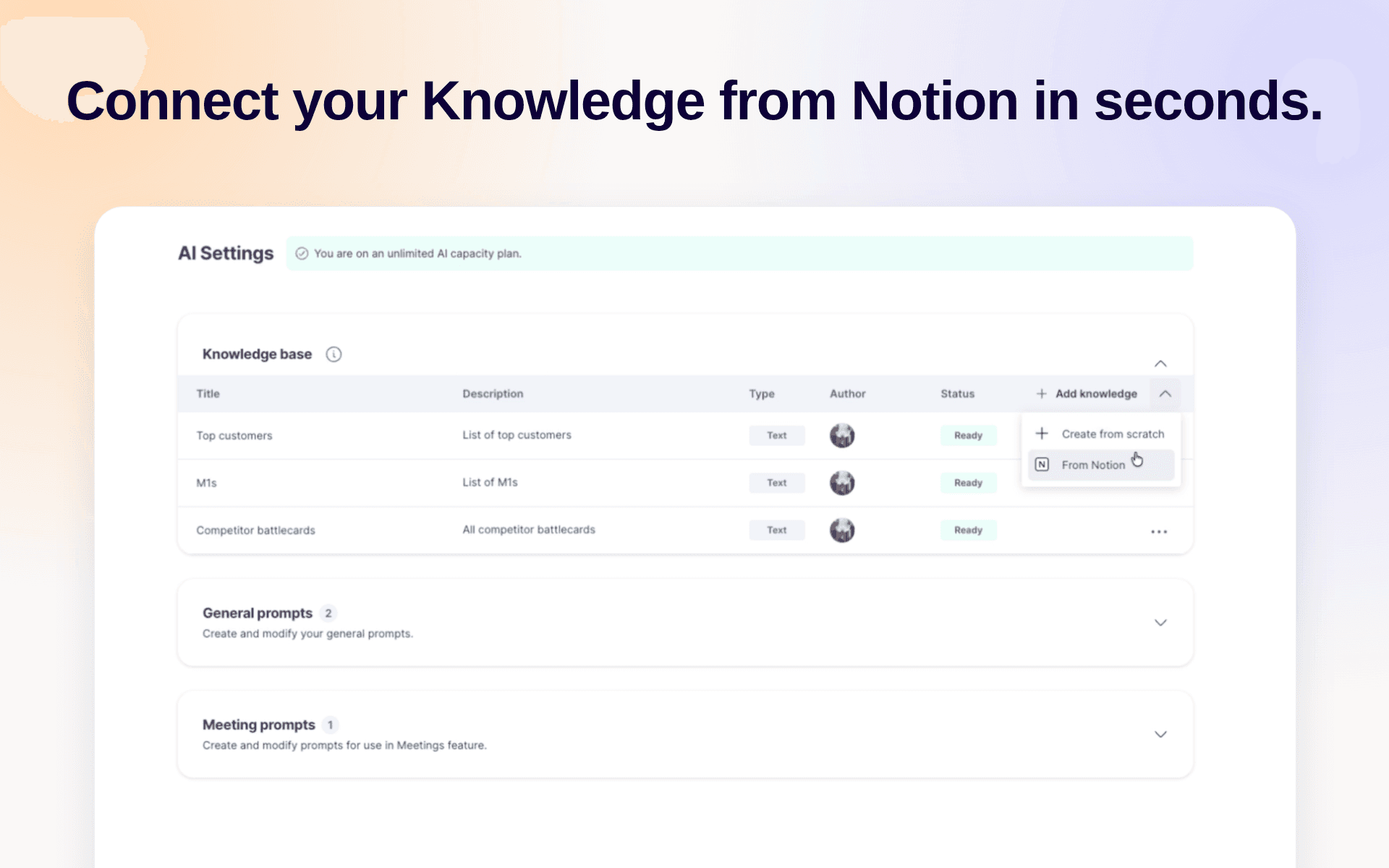
Use Notion as the source of your company knowledge in GetAccept, so you never have to keep the same information in more than one place. With your knowledge base inside GetAccept, our AI agent learns from it to give you and your buyers relevant insights.
Funktioner
- Läsa innehållKan läsa sidor, databaser och block som delas med den här anslutningen.
- Läsa kommentarerKan läsa kommentarer på de sidor och block som den har åtkomst till.
- Visa arbetsytans användareLäser grundläggande profiluppgifter om medlemmar och gäster i arbetsytan, bland annat deras e-postadresser.
How to use
-
Create a GetAccept account at
https://app.getaccept.com -
Navigate to
https://app.getaccept.com/settings/ai-settings -
Knowledge Base → Click on the caret next to "Add knowledge" → "From Notion"
-
Sign in to Notion and pick the pages you want to include
-
Wait for GetAccept to import and sync the pages. Each page is marked
Readywhen it's done.
