 Sisi | The UGC Playbook
Chasepad
About
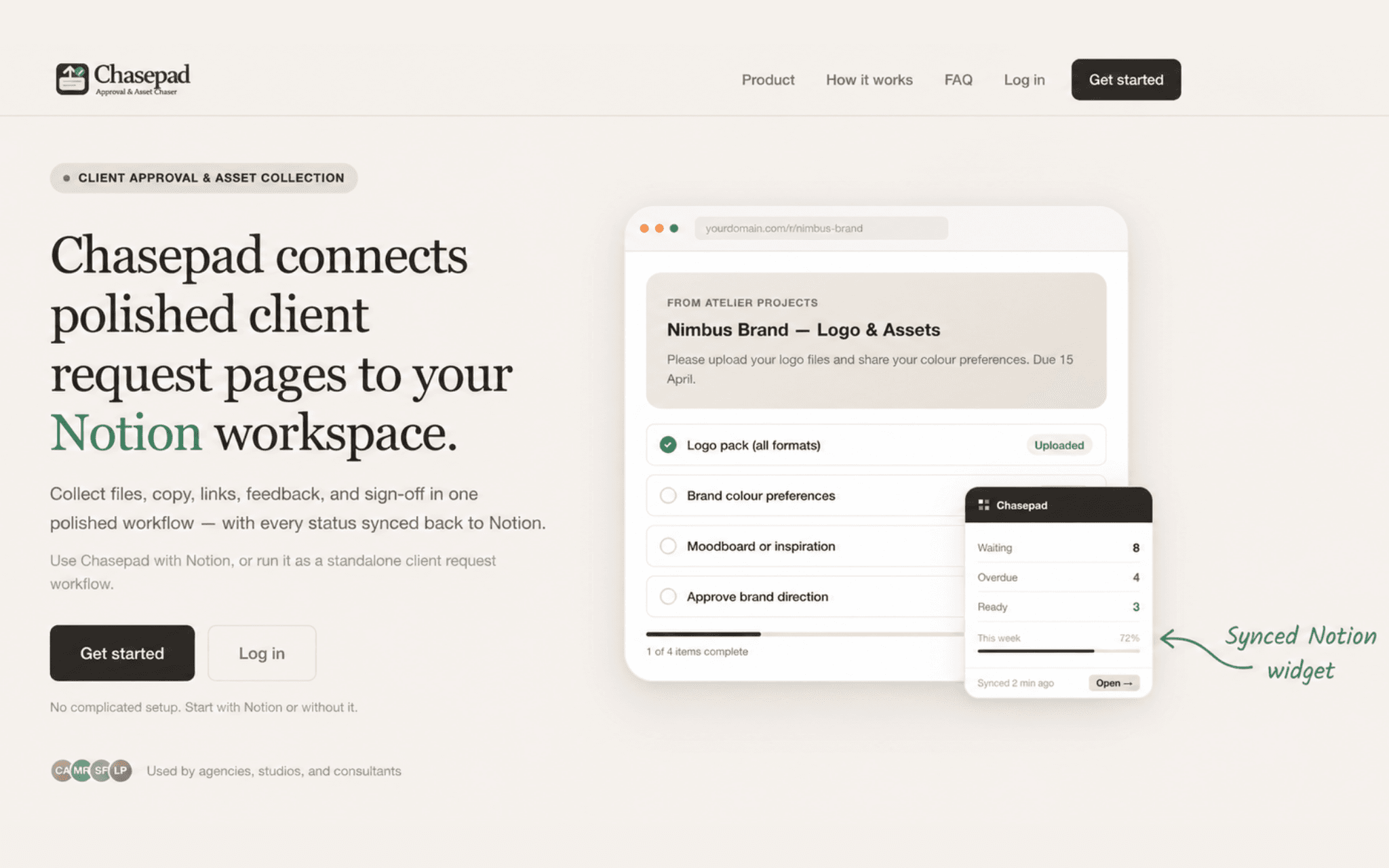
Chasepad helps agencies, studios, consultants, and client-facing teams collect everything a project needs from clients — files, copy, links, feedback, replacements, and approvals — through one clean request page.
Instead of chasing across email threads, shared folders, and messages, teams can send a polished client link, track what is missing or overdue, review submissions, request changes, and keep the latest request status synced back to Notion.
Clients do not need a Notion account. They simply open the request link and complete the items assigned to them, while the team keeps its Notion workspace accurate with live request status, approval progress, and an embeddable dashboard widget.
Funktioner
- Läsa, infoga och uppdatera innehållKan läsa, infoga och uppdatera sidor, databaser och block som delas med den här anslutningen.
How to use
- Sign up to Chasepad
- Connect Chasepad to your Notion workspace.
- Let Chasepad create your client requests database and live widget.
- Create a request page for a client or project.
- Ask for files, copy, links, feedback, or approval in one flow.
- Share the client request link.
- Track missing, overdue, submitted, and approved items from Chasepad and Notion.
Details
Made by

Category
- Produktivitet
- Filhantering
- Samarbete
Developer links