
About
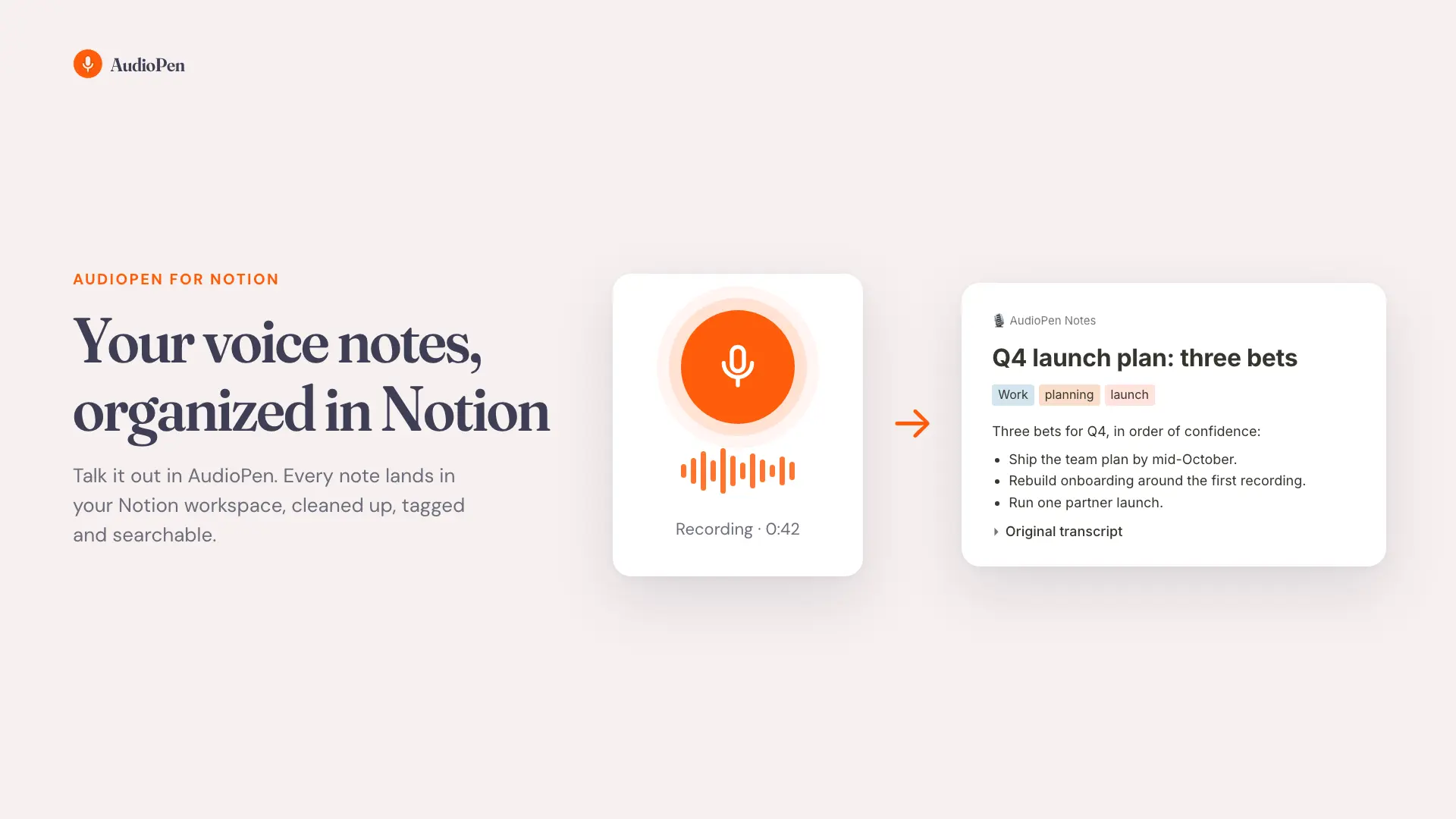
The AudioPen connection brings every note into Notion, so your spoken ideas live next to the rest of your work.
What you get
- An AudioPen Notes database in the Notion page you choose
- Every note as its own page: the cleaned-up text, with your original transcript in a toggle underneath
- Folder, tags, created and updated dates as columns, ready for boards, filters and views
- New and edited notes arrive about a minute after you finish them, from any device
Your edits stay yours
Change a page in Notion and AudioPen never overwrites it. The connection only reads from AudioPen: nothing in your AudioPen account is ever changed.
Requires an AudioPen Prime subscription.
Funktioner
- Läsa, infoga och uppdatera innehållKan läsa, infoga och uppdatera sidor, databaser och block som delas med den här anslutningen.
How to use
1. Go to https://notion.audiopen.ai
2. Sign in with your AudioPen email
3. Choose the Notion page for your notes