
Mais informações
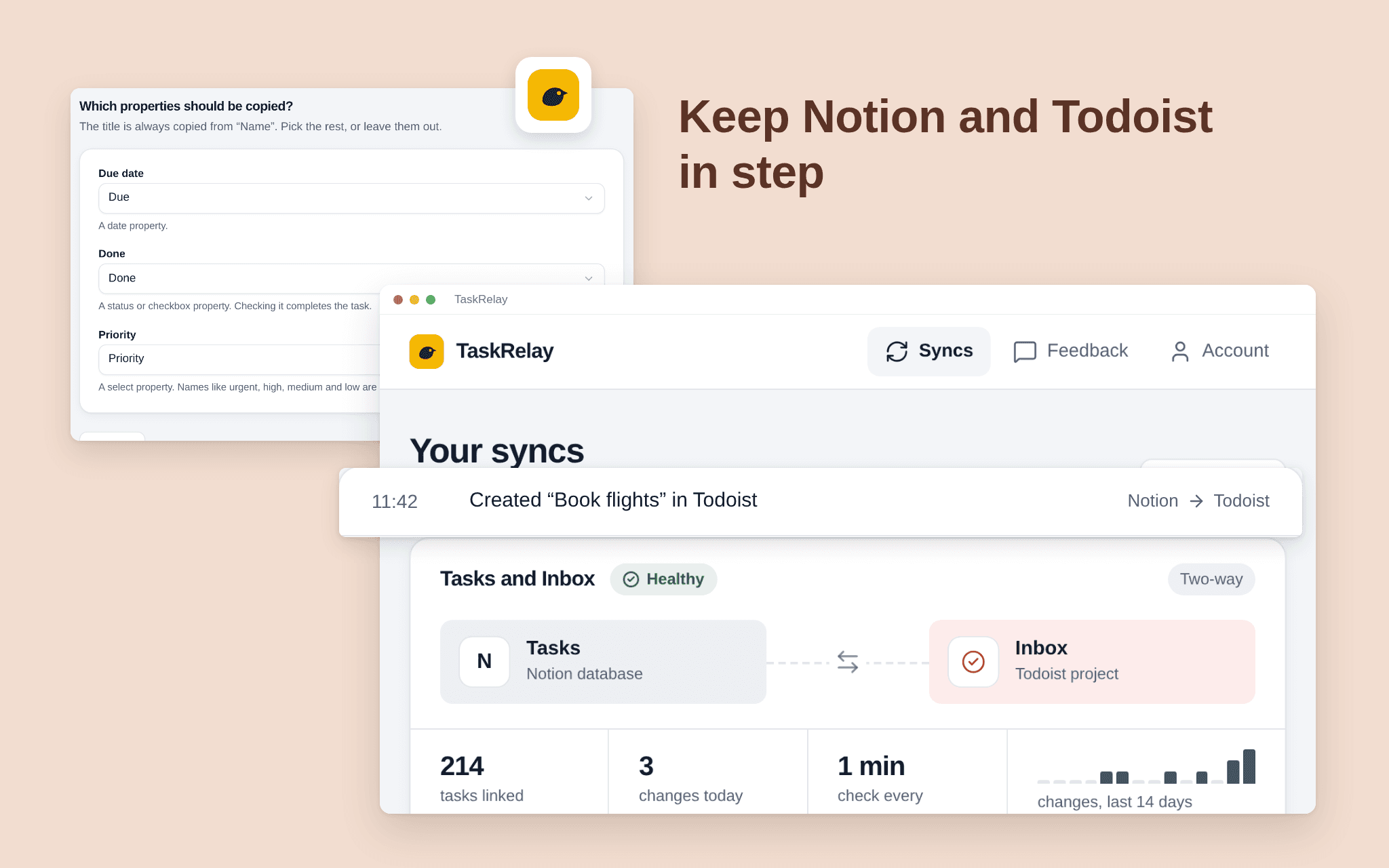
TaskRelay keeps a Notion database and a Todoist project in step. Add or edit a task on either side and it shows up on the other within a couple of minutes. Pick one Notion database and one Todoist project; TaskRelay only touches those two. Choose two-way or Notion first, and which fields travel, such as title and due date. See what the first sync will do before it runs. A dashboard shows every sync's health, the last run and what changed. Free while in beta.
Recursos
- Ler, inserir e atualizar conteúdoPode ler, inserir e atualizar páginas, bases de dados e blocos compartilhados com esta conexão.
- Veja os usuários do espaço de trabalhoLê detalhes básicos do perfil sobre membros e convidados do espaço de trabalho, incluindo seus endereços de e-mail.
Como usar
1. Open the install link and sign in with Notion. 2. Select the pages or databases TaskRelay may use; it only sees what you share. 3. Connect Todoist. 4. Choose the Notion database and the Todoist project, the fields and the direction. 5. Check the preview and start the sync.
Detalhes
Desenvolvida por
Categoria
- Produtividade
Links do desenvolvedor