SendMyVoice

SendMyVoice
Mais informações
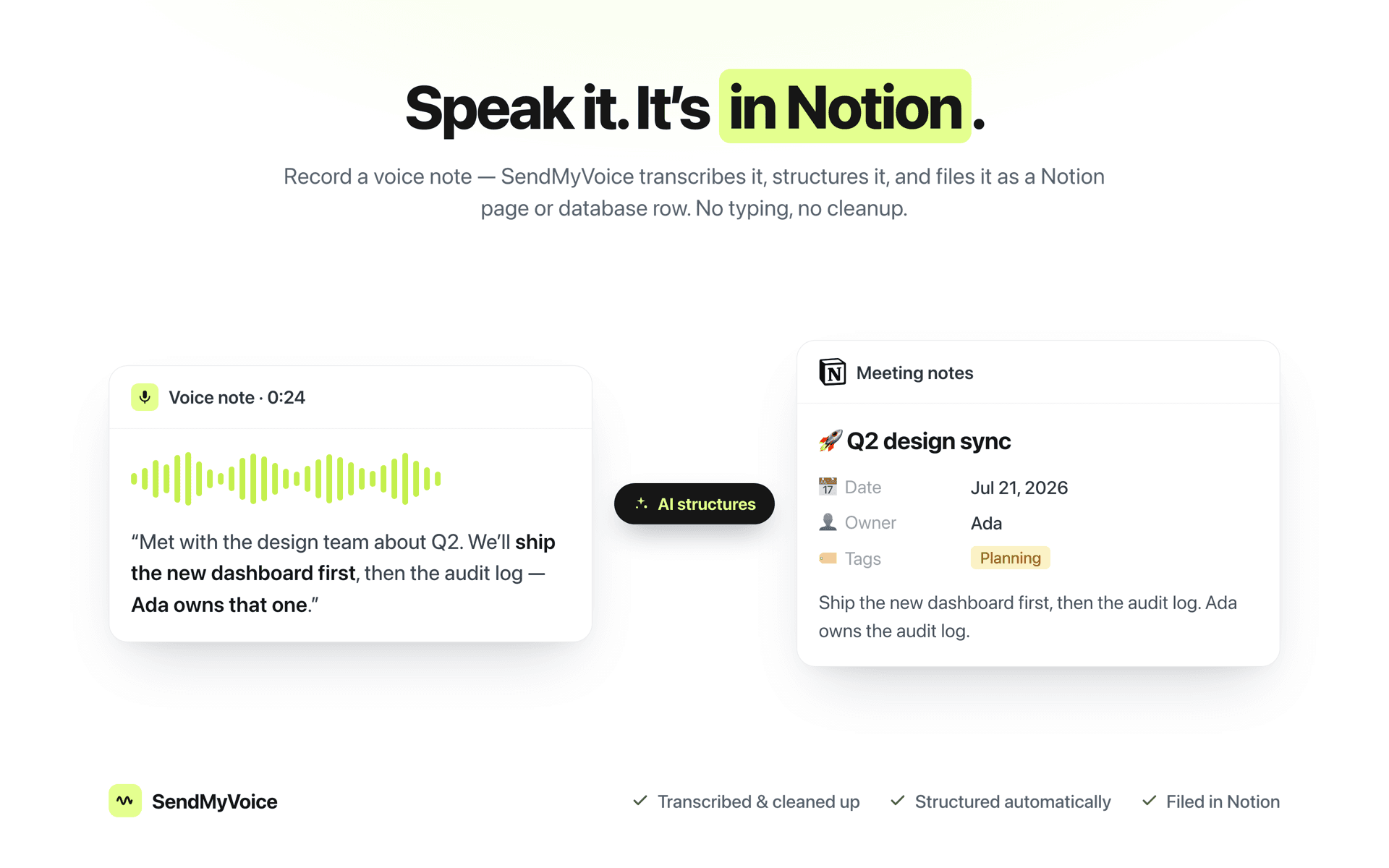
The fastest way to get an idea into Notion is to say it out loud. SendMyVoice records your voice, cleans up the transcript, and turns it into a properly structured Notion page or database row with a clear title, a summary, and the right properties filled in.
Connect your Notion workspace, pick a destination database or page, and every voice note you record lands there already organized. No typing, no copy-paste, no cleaning up rambling transcripts by hand.
What you get:
- 📝 Accurate transcripts, cleaned of filler and false starts
- 🧠 AI structuring into a title and summary - not just raw text dumped onto a page
- 🗂️ Schema-aware database rows: SendMyVoice reads your database's properties and fills the right columns
- ✂️ One note can become several rows: say, three tasks out loud and get three entries
- 📄 Or a full Notion page when you'd rather keep the long-form version
- 🎙️ Record from the web app, your phone, or the browser extension
Great for:
- Meeting notes and action items
- Turning spoken ideas into task-database entries
- Journaling and voice memos that actually get organized
- Anyone who thinks faster than they type
Built for people who run their work in Notion and would rather talk than type.
Recursos
- Ler, inserir e atualizar conteúdoPode ler, inserir e atualizar páginas, bases de dados e blocos compartilhados com esta conexão.
- Veja os usuários do espaço de trabalhoLê detalhes básicos do perfil sobre membros e convidados do espaço de trabalho, incluindo seus endereços de e-mail.
Como usar
- Connect Notion.
Authorize your Notion workspace and pick the pages or databases you want SendMyVoice to use. - Create a workflow.
Choose a destination: a Notion database for structured rows, or a page and SendMyVoice reads its schema so notes land in the right shape. - Record a voice note.
Speak from the web, your phone, or the browser extension. It's transcribed, structured, and filed in Notion automatically.
Detalhes
Desenvolvida por
Categoria
- Produtividade
- Automações
Links do desenvolvedor