
Mais informações
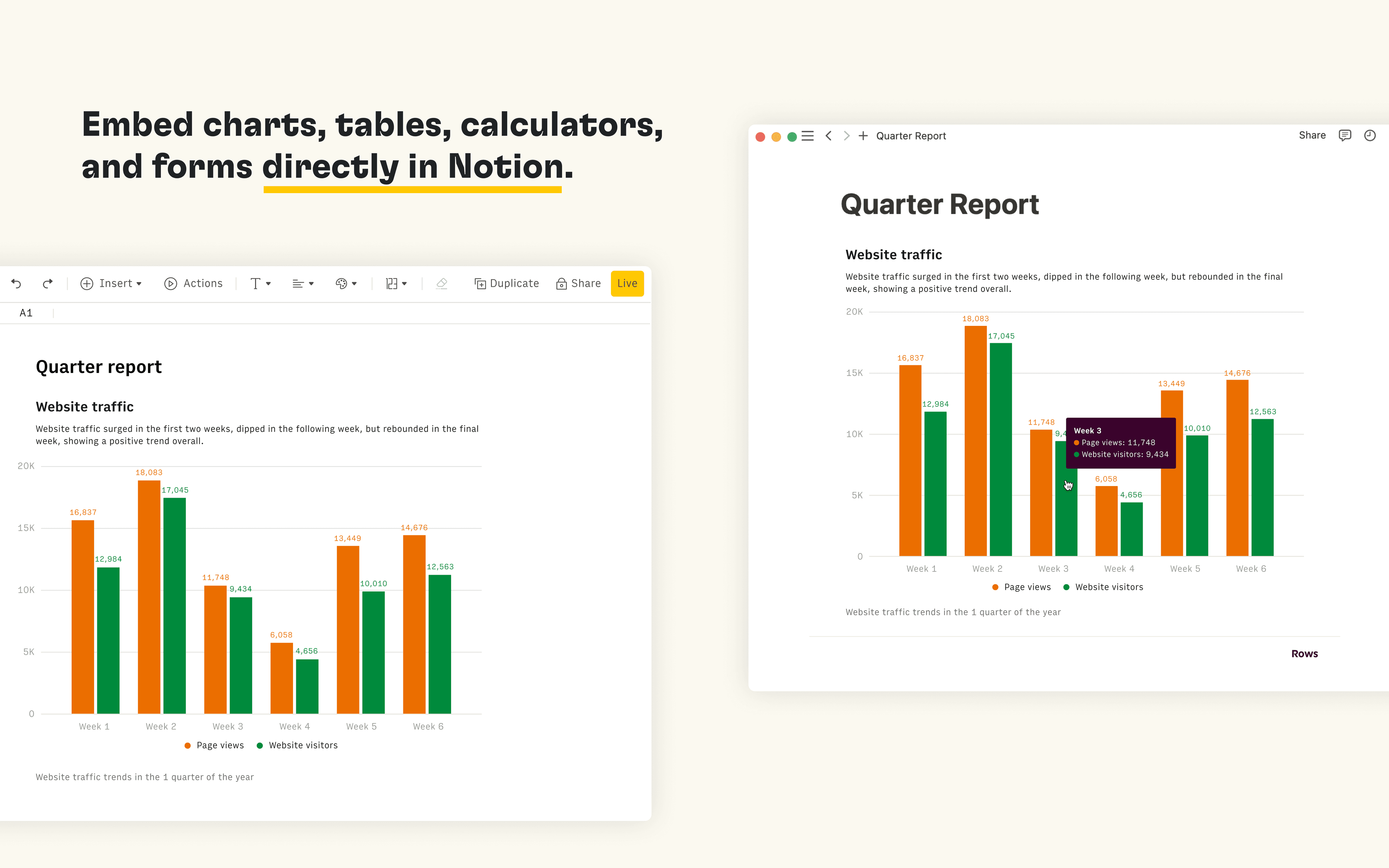
Rows is the spreadsheet where data comes to life. The Notion integration in Rows allows you to import and query your Notion databases in Rows, analyze and transform data using AI, and embed interactive tables and charts in your Notion pages.
Recursos
- Ler, inserir e atualizar conteúdoPode ler, inserir e atualizar páginas, bases de dados e blocos compartilhados com esta conexão.
- Veja os usuários do espaço de trabalhoLê detalhes básicos do perfil sobre membros e convidados do espaço de trabalho.
Como usar
Connect the Notion integration in Rows and import the contents of your databases to a table in Rows
Once you’re ready to embed your data into Notion, select
Embednext to the table, form or chart you want to share in Notion and selectCopy URL. The embed link should be in the following format:https:/ / rows. com/ embed/ projectIDPaste the Rows embed link into Notion and select
Create embedFor more information, see the Rows docs and watch the integration demo