

Mais informações
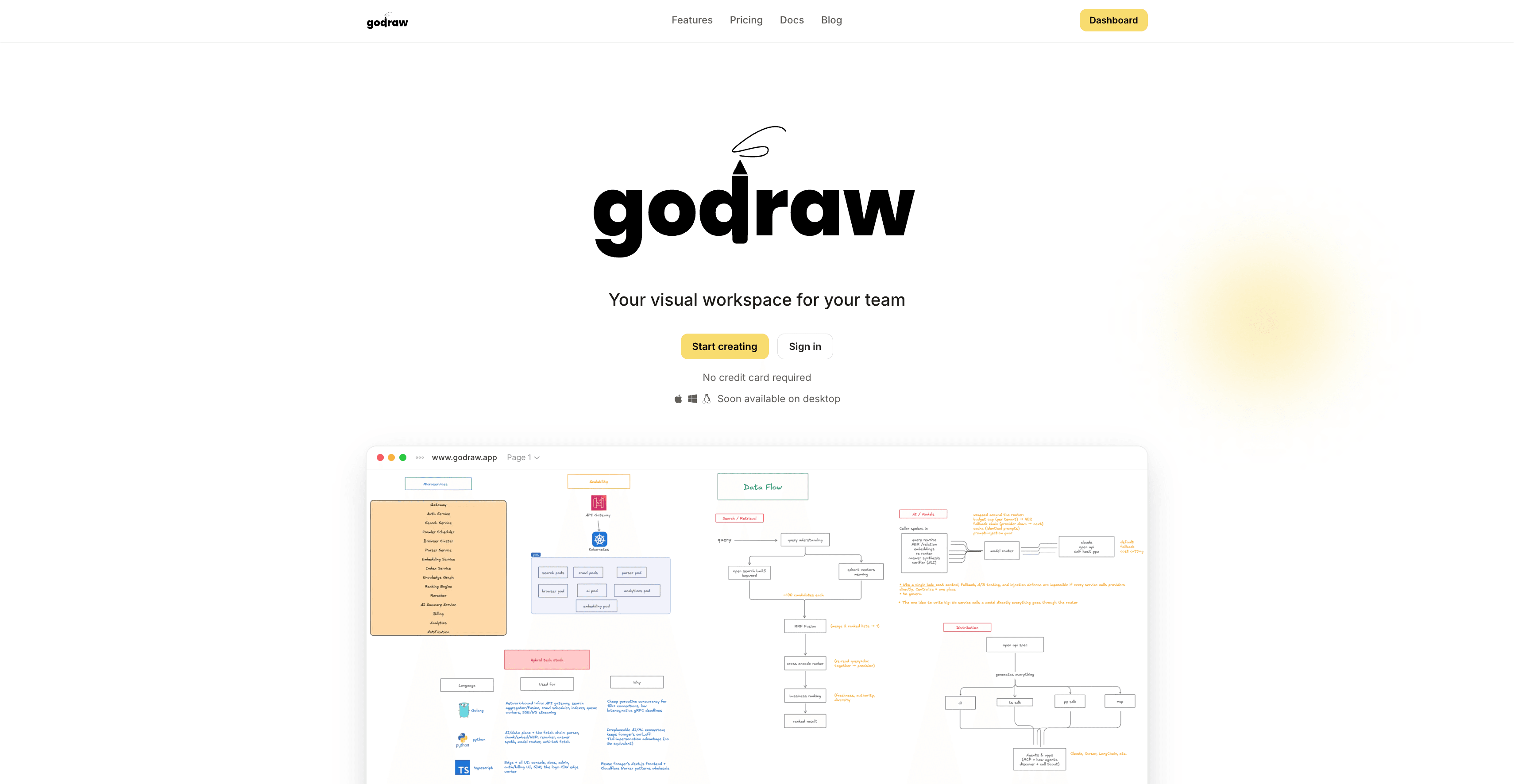
GoDraw is a collaborative whiteboard for diagrams, flowcharts, ER models and
mind maps. This connection brings a GoDraw board into Notion as a page you can
keep alongside the rest of your documentation.
Send a board to Notion and GoDraw creates a new page under any page you choose,
containing:
• A live embed of the board — it always shows the current version, so the
diagram in your docs never goes out of date.
• A still image of the board, so the diagram is still visible in Notion's PDF
exports and mobile views, where embeds don't render.
• Your page notes, converted to Notion blocks — headings, lists, checklists,
quotes, code blocks and formatting all carry across as native Notion content

you can edit.
Useful for keeping an architecture diagram next to a technical spec, a flowchart
inside a process doc, or a retro board in a meeting note.
How access works: during setup you choose which Notion pages GoDraw can reach,
in Notion's own page picker. GoDraw can create pages under those, and cannot
see anything else in your workspace. Content flows one way — from GoDraw into
Notion — so nothing in Notion is ever changed or overwritten.
The live embed requires the board to be published to the web in GoDraw first.
If it isn't, the page is still created with your notes and a note explaining
how to include the canvas.
Recursos
- Ler, inserir e atualizar conteúdoPode ler, inserir e atualizar páginas, bases de dados e blocos compartilhados com esta conexão.
- Veja os usuários do espaço de trabalhoLê detalhes básicos do perfil sobre membros e convidados do espaço de trabalho, incluindo seus endereços de e-mail.
Como usar
1. Open a board in GoDraw at www.godraw.app.
2. Open the board menu (top right) and choose "Send to Notion…".
If you haven't connected Notion yet, you'll be asked to connect first.
3. When Notion asks, select the pages GoDraw should be allowed to use. GoDraw
will only ever create pages under the ones you pick.
4. Back in GoDraw, choose the parent page, give the new page a title, and
select what to include — the board, your notes, or both.
5. Choose "Create page". GoDraw creates the Notion page and gives you a link
straight to it.
Tip: to include the live, always-current embed of your board, publish it first
in GoDraw (Share → Publish to web). Without publishing, Notion has no public
link to embed, so the page is created with your notes instead.
Need help? Email [email protected]
Detalhes

- Engenharia
- Design
- Colaboração