

Mais informações
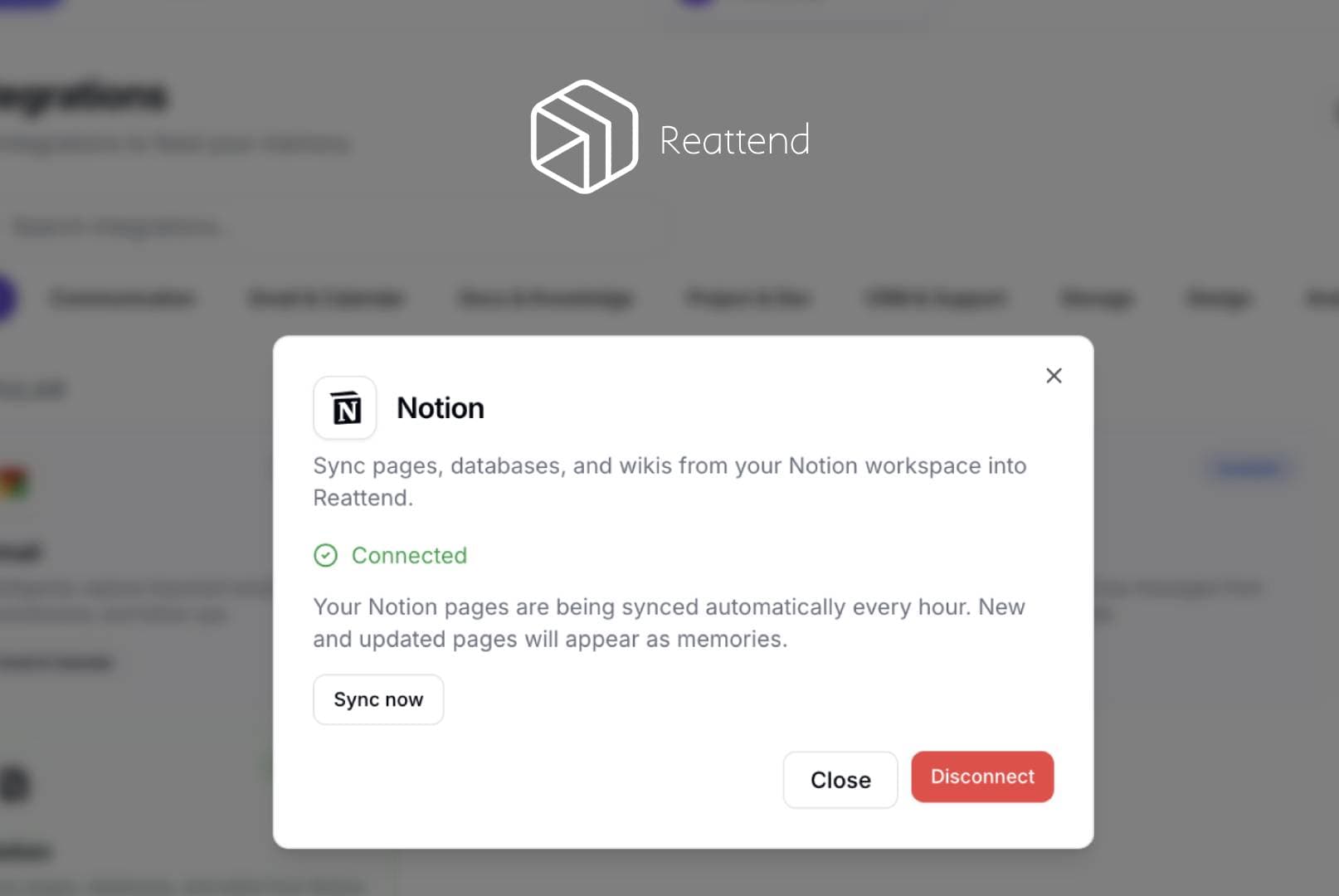
Reattend syncs Notion pages into the user's private Reattend memory. When a user connects their Notion workspace via OAuth, Reattend reads the pages they grant access to using the Notion API (search and blocks endpoints). Page titles and block content are extracted as plain text and stored as memories in the user's Reattend account. The integration re-syncs every 60 minutes, checking page last_edited_time to only process new or updated pages. No data is written back to Notion - it is read-only. Users can disconnect at any time from the Reattend integrations page, which revokes the access token.
Recursos
- Ler, inserir e atualizar conteúdoPode ler, inserir e atualizar páginas, bases de dados e blocos compartilhados com esta conexão.
- Veja os usuários do espaço de trabalhoLê detalhes básicos do perfil sobre membros e convidados do espaço de trabalho, incluindo seus endereços de e-mail.
Como usar
- Sign up at reattend.com and log in
- Go to Settings → Integrations
- Click "Notion" → "Connect Notion"
- Authorize Reattend in the Notion popup - select which pages to share
- Pages are automatically imported as searchable memories
- Ask questions about your Notion content using Reattend's AI assistant
- New and edited pages sync automatically every hour
- To disconnect, go to Integrations → Notion → Disconnect
Detalhes
Desenvolvida por

Categoria
- Produtividade
- Colaboração
Links do desenvolvedor