Adam

Jasper
Mais informações
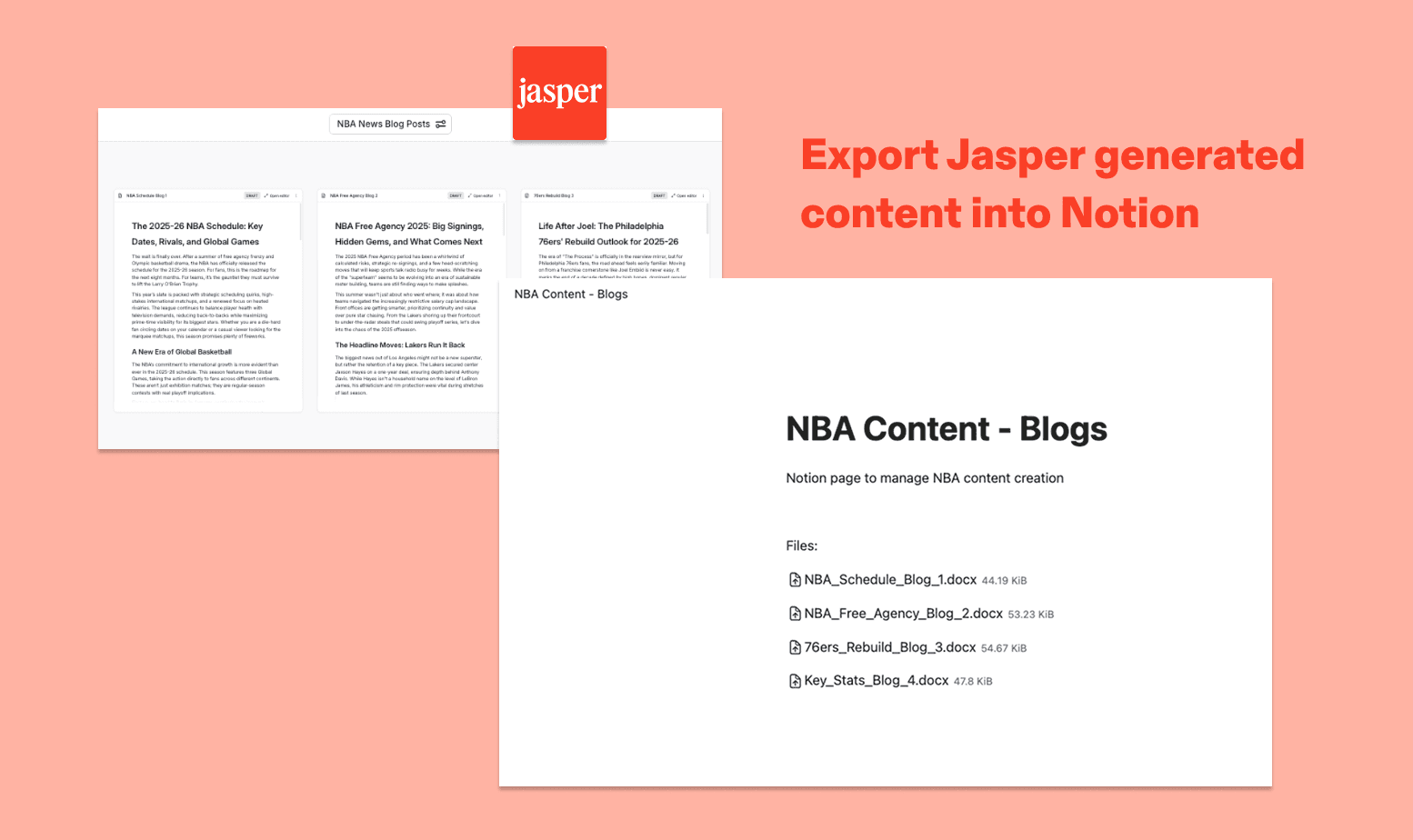
With Jasper's Notion integration, you can export documents, images, and other assets directly into your Notion workspace. Once connected, simply browse your existing Notion pages or create a new one, and your content will be uploaded as a DOCX or PNG — ready to share, review, or publish.
Recursos
- Ler, inserir e atualizar conteúdoPode ler, inserir e atualizar páginas, bases de dados e blocos compartilhados com esta conexão.
- Veja os usuários do espaço de trabalhoLê detalhes básicos do perfil sobre membros e convidados do espaço de trabalho, incluindo seus endereços de e-mail.
Como usar
- A Jasper Workspace admin enables the Notion integration in Jasper. This makes Notion available as a connection option for all users in the Workspace.
- Each Jasper user connects their Notion account, either from the Integrations settings page or when they first try to export content to Notion.
- Notion will prompt the user to review the permissions Jasper is requesting: viewing and editing pages, creating new content within selected pages, and viewing workspace users and their emails.
- The user then selects which Notion pages Jasper should have access to. Only the pages selected here will be accessible to Jasper.
- Once authorized, Jasper is connected to the user's Notion account and ready to use.
Detalhes
Categoria
- Marketing
Links do desenvolvedor