Verbindingspictogram

Notion AI Connector for GitHub

Overview

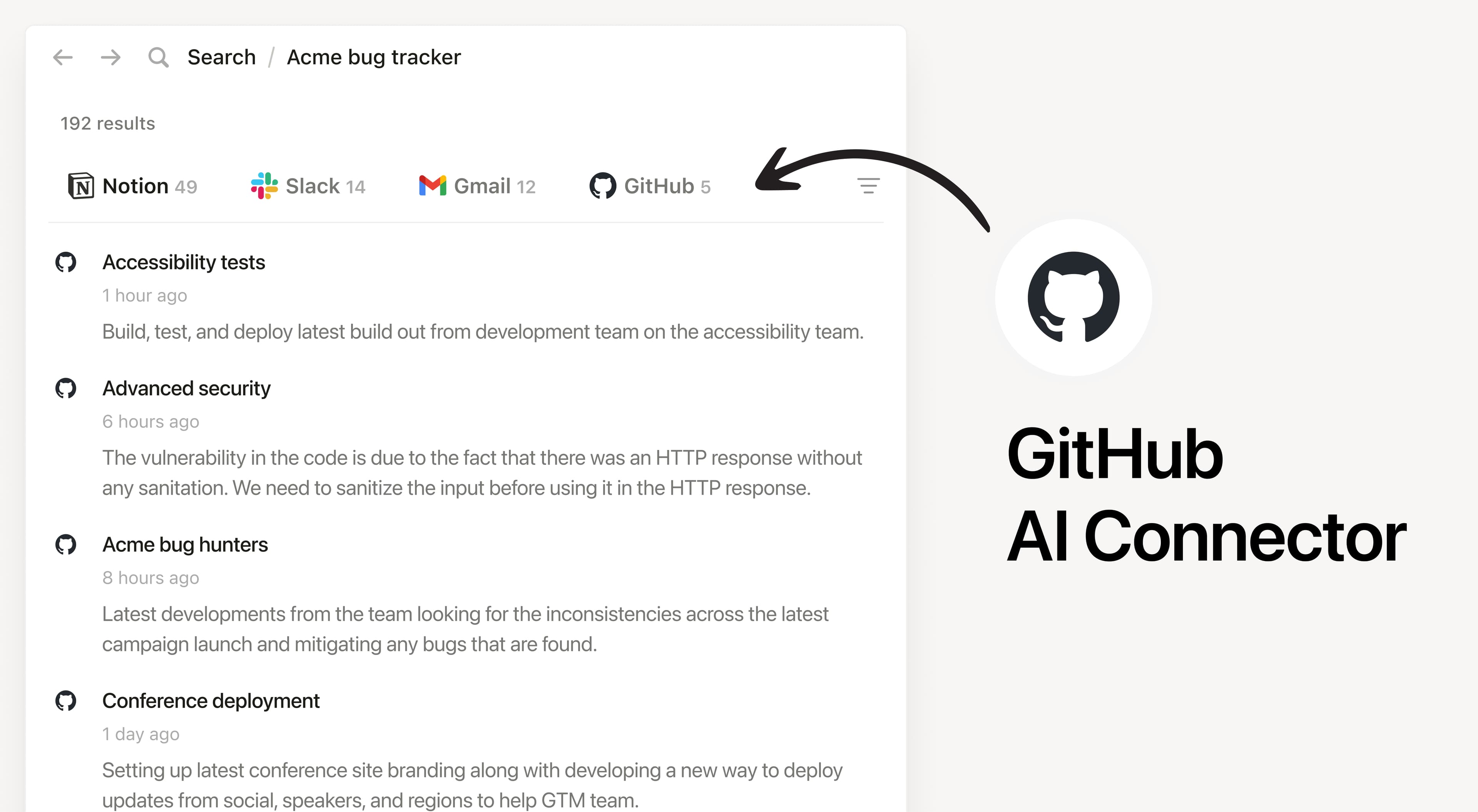
Install Notion's AI Connector to your GitHub Organization. Get the latest and most relevant context on your code files ranging from PR descriptions, Issues, conversations, READMEs, and more without having to leave Notion.

How to use

Must be a Notion workspace owner on the Business or Enterprise plan and GitHub organization owner to connect.

In Notion, navigate to GitHub AI Connector by going to SettingsNotion AIAI ConnectorsGitHub and follow the setup steps. You'll be taken to GitHub to continue.

Once the connection is made, members of your Notion workspace must log in to access the repositories that they have access to.

For detailed instructions, check out our Help Center.

After installation is complete, ask Notion AI about a recent example of how your team implemented a feature or when a product was shipped in GitHub.

Alle handelsmerken van derden (inclusief logo's en pictogrammen) waarnaar hierin wordt verwezen, zijn het eigendom van hun respectieve eigenaren. Tenzij integraties specifiek zijn aangeduid als Gemaakt door Notion, worden ze niet ondersteund of onderhouden door Notion. De externe producten of diensten waarmee de integraties verbinding maken, zijn geen toepassingen van Notion (zoals gedefinieerd in de Hoofdovereenkomst inzake abonnementen of Persoonlijke gebruiksvoorwaarden, indien van toepassing). Door een integratie in te schakelen of anderszins gebruik te maken van de Notion-integratiegalerij, ga je akkoord met de Voorwaarden van de integratiegalerie.