Ikon for tilkobling

Notion AI Connector for Slack

Overview

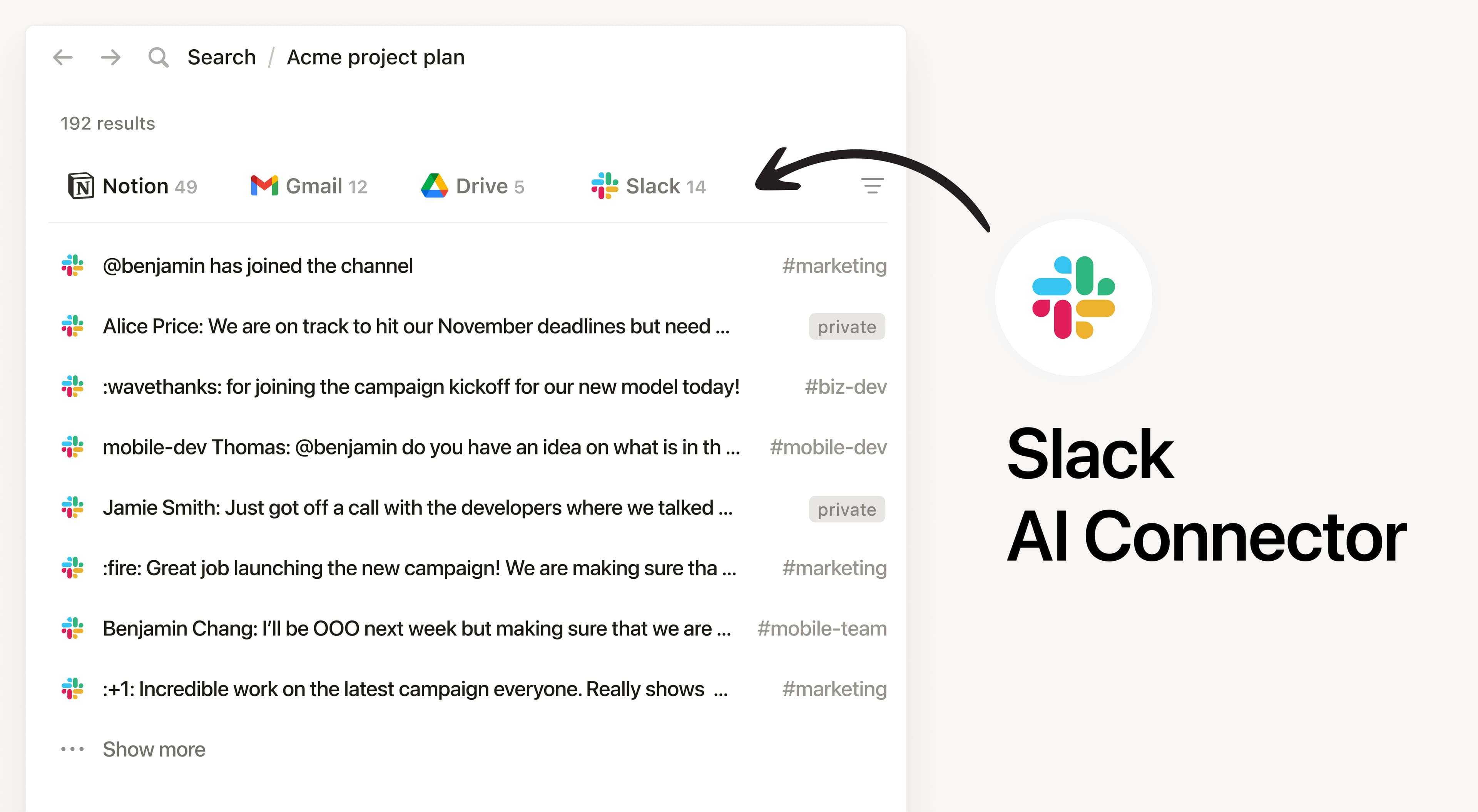
Install Notion's AI Connector to your Slack workspace to search content from public channels, private channels and direct messages (with appropriate permissions). You can search and ask questions about any threads, conversations, or updates you might have missed.

How to use

Must be a Notion workspace owner on the Business or Enterprise plan and Slack workspace admin to connect.

In Notion, navigate to the Slack AI Connector by going to SettingsNotion AIAI ConnectorsSlack and follow the setup steps. You'll be taken to Slack to continue.

Once the connection is made, members of your Notion workspace can authenticate for access to their private channels and direct messages.

For detailed instructions, check out our Help Center.

After installation is complete, ask Notion AI to summarize the key points of a Slack thread or ask about a recent project discussed in a public channel.

Alle tredjepartsvaremerker (inkludert logoer og ikoner) som det refereres til her, tilhører deres respektive eiere. Med mindre de spesifikt angis som «Laget av Notion», støttes eller vedlikeholdes ikke integrasjoner av Notion. Tredjepartsproduktene eller -tjenestene som integrasjoner kobler til, er ikke-Notion-applikasjoner (som definert i Notions abonnementshovedavtale eller personlige brukervilkår, der det er aktuelt). Ved å aktivere en integrasjon eller på annen måte bruke Notions integrasjonsgalleri, godtar du Notions vilkår for integrasjonsgalleri.