

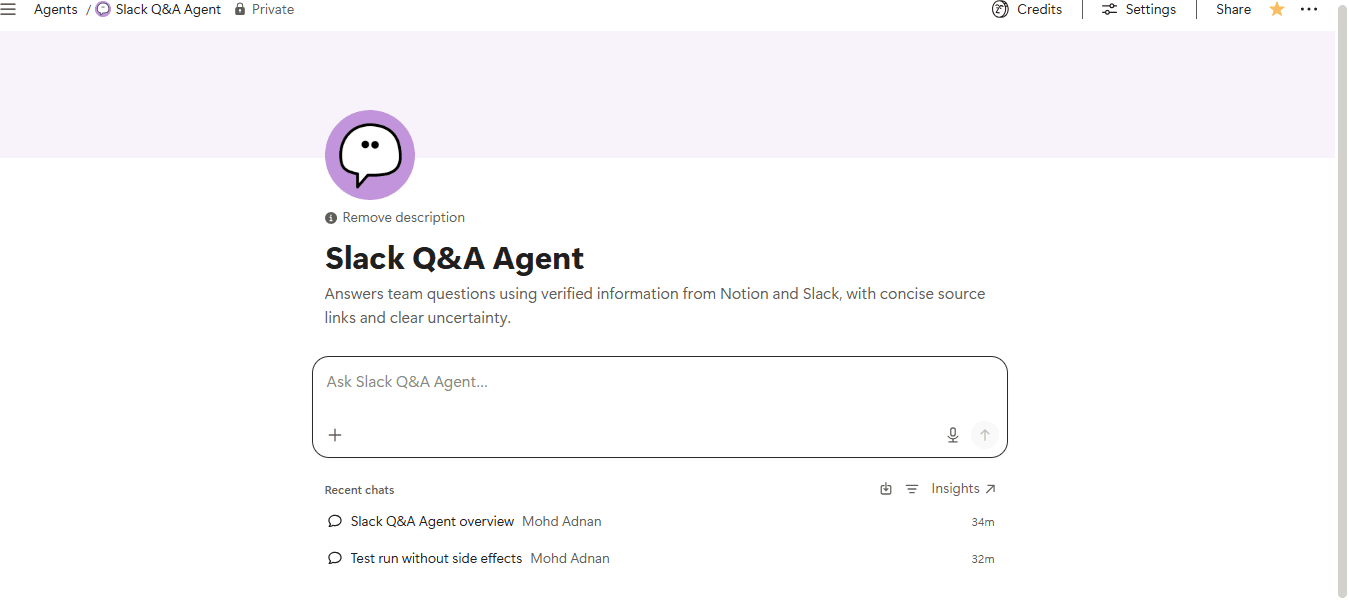
Slack Q&A Agent
Get clear answers from your team’s Slack conversations and Notion workspace, with relevant sources and context.- Søker på tvers av arbeidsområdet
- Samler informasjon fra flere kilder
- Faktasjekker eller verifiserer informasjon
Om denne agenten
Overview
Get instant, sourced answers to team questions by searching your Notion workspace and Slack conversations together. This agent surfaces the right information, flags conflicts, and tells you when it doesn't know.
Who it's for
Teams that store knowledge across Notion and Slack and need a reliable way to find answers without digging through both manually.
What's included
- Notion search: Looks up documentation, SOPs, policies, project pages, and knowledge bases to find authoritative answers.
- Slack search: Pulls in recent discussions, decisions, and project context to complement official documentation.
- Source-linked responses: Every answer includes links to the Notion pages or Slack conversations it drew from.
- Conflict detection: When sources disagree, the agent surfaces both with dates rather than silently picking one.
- Uncertainty handling: Clearly states when an answer cannot be verified and suggests where the missing information should live.
- Mention trigger: Activated when you mention the agent in Notion, so it fits naturally into your existing workflow.
- Read-only guardrails: Never modifies Notion content, sends Slack messages, or makes decisions on your behalf.
How to use it
- Add the agent to your workspace: Install and connect it to your Notion workspace and a Slack workspace.
- Mention the agent: In any Notion page, type "@" followed by the agent's name to trigger it.
- Ask your question: Type a natural-language question, such as "What is our client onboarding process?" or "Who owns the product roadmap?"
- Review the answer: The agent replies with a direct answer, source links, and any relevant caveats or conflicts.
- Follow up or refine: Ask follow-up questions in the same thread, or note gaps the agent flags so your team can fill missing documentation.
Galleri
Opplysninger
Relaterte agenter
Founder Daily Assistantyour daily AI assistant for staying focused as a founder. Set your top priorities, plan next actions, protect deep work time, and end the day with a simple review—so you can focus on what moves your business forward.
Gratis

Business OS AssistantYour AI copilot for running your business in Notion. Plan projects, organize operations, turn meetings into action items, track progress, and get clear business updates on demand.
Gratis

Sales Operations Assistant AI-powered sales assistant that reviews deals, identifies bottlenecks, recommends next actions, and helps move opportunities through your pipeline. Stay organized, prioritize follow-ups, and keep sales progressing inside Notion.
Gratis