About
Sotionly — Your Social Media Workflow, Right Inside Notion.
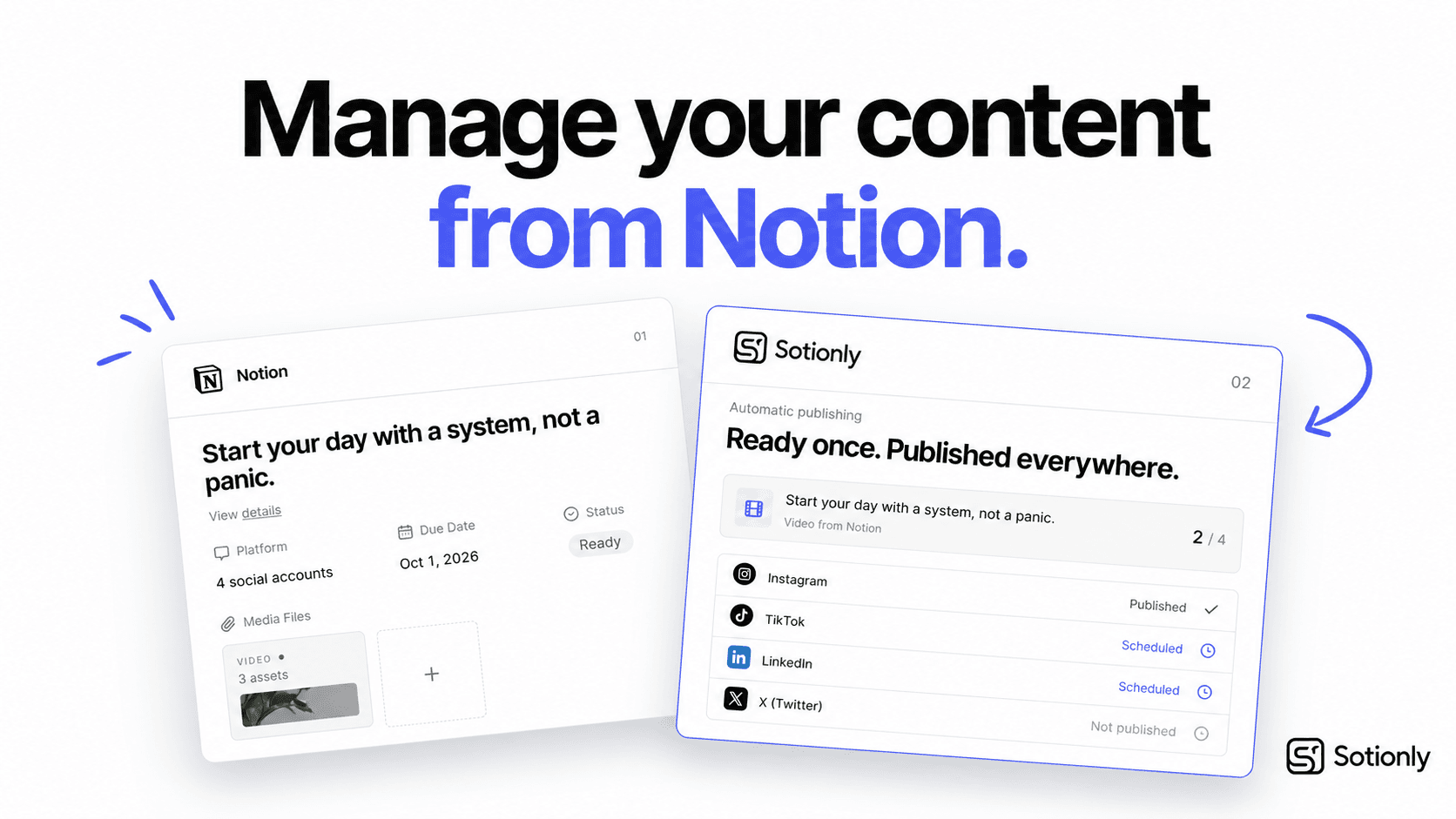
Sotionly is a social media management platform that turns Notion into your all-in-one content workspace.
Built for content creators, solopreneurs, and businesses, Sotionly helps you plan, organize, schedule, and publish content directly from Notion to Instagram, Threads, TikTok, and YouTube.
From content ideas to publishing and performance tracking, Sotionly simplifies your entire social media workflow, eliminating the need to switch between multiple apps.
Plan in Notion. Publish everywhere. Stay organized with Sotionly.
Funksjoner
- Lese, sette inn og oppdatere innholdKan lese, sette inn og oppdatere sider, databaser og blokker som deles med denne tilkoblingen.
- Vis brukere av arbeidsområdetLeser grunnleggende profilopplysninger om medlemmer og gjester i arbeidsområdet.
How to use
1. Create Your Sotionly Account
Sign up for Sotionly and access your dashboard.
2. Connect Your Notion Workspace
Authorize Sotionly to access your Notion workspace and connect your content database.
3. Connect Your Social Media Accounts
Link your Instagram, Threads, TikTok, or YouTube accounts to Sotionly.
4. Plan and Schedule Your Content
Create posts in Notion, organize your content calendar, and set publishing dates.
5. Publish and Track Your Content
Let Sotionly handle publishing and monitor your content performance from one connected workflow.
That's it! You're ready to manage your social media workflow directly from Notion.