

About
Orbiform - The AI Form Builder Behind Beautiful, Conversational Forms
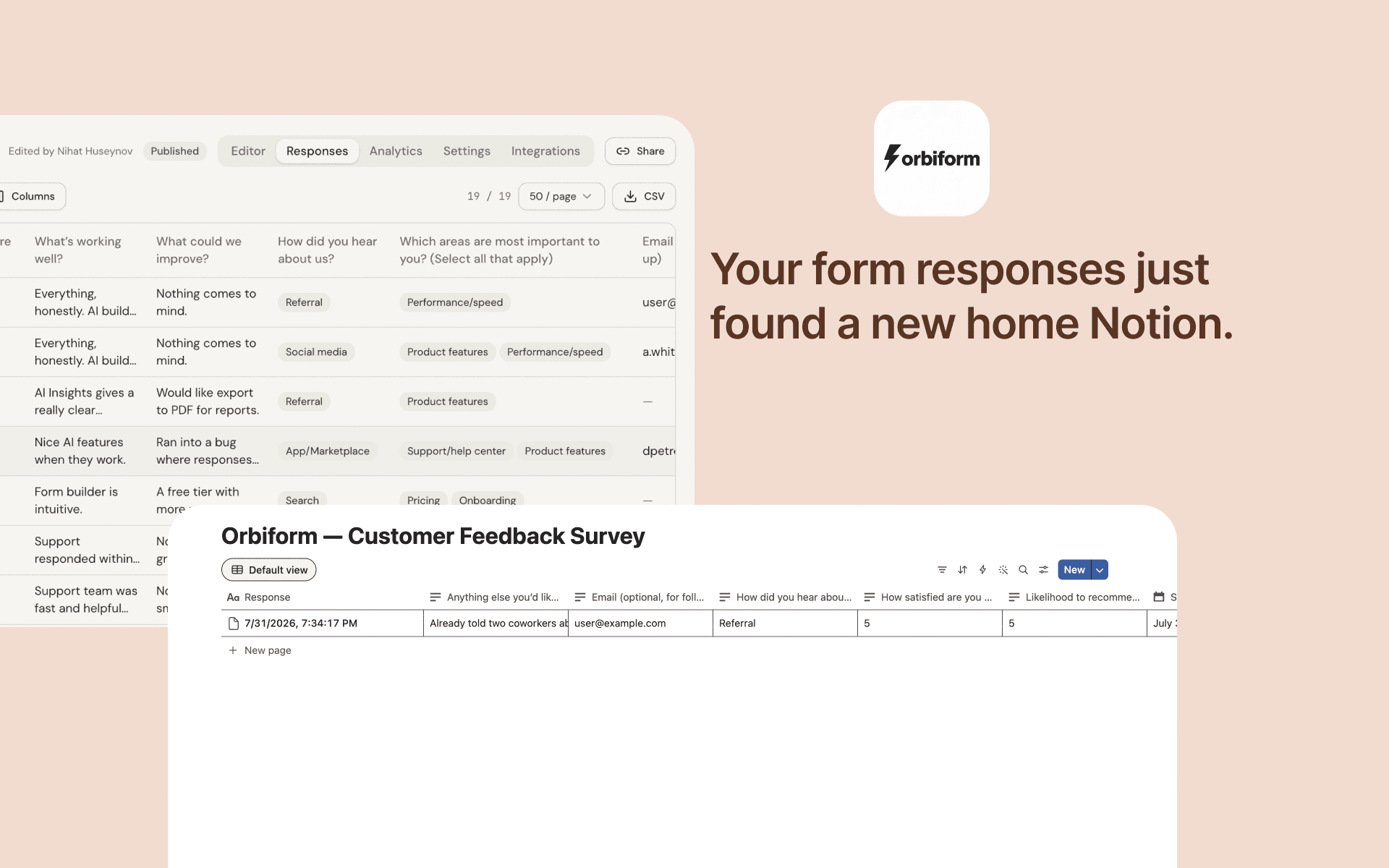
Orbiform is an AI-powered online form and survey builder. Describe what you need and watch your form appear. Collect answers in a calm, conversational flow - then let AI turn every response into insight. All in one workspace.
Funksjoner
- Lese, sette inn og oppdatere innholdKan lese, sette inn og oppdatere sider, databaser og blokker som deles med denne tilkoblingen.
- Vis brukere av arbeidsområdetLeser grunnleggende profilopplysninger om medlemmer og gjester i arbeidsområdet, inkludert e-postadressene deres.
How to use
1. Open a form in your Orbiform dashboard and go to its Integrations tab.
2. Click "Connect Notion" and sign in with your Notion account.
3. On Notion's consent screen, select the page you want Orbiform to create a database under — Orbiform only ever accesses that page, never your whole workspace.
4. Orbiform automatically creates a database there, named after your form, with one property per question.
5. From then on, every new form response is added as a page in that database in real time. Disconnect anytime from the same Integrations tab — the database and its data stay untouched.
