FanRanked

FanRanked
About
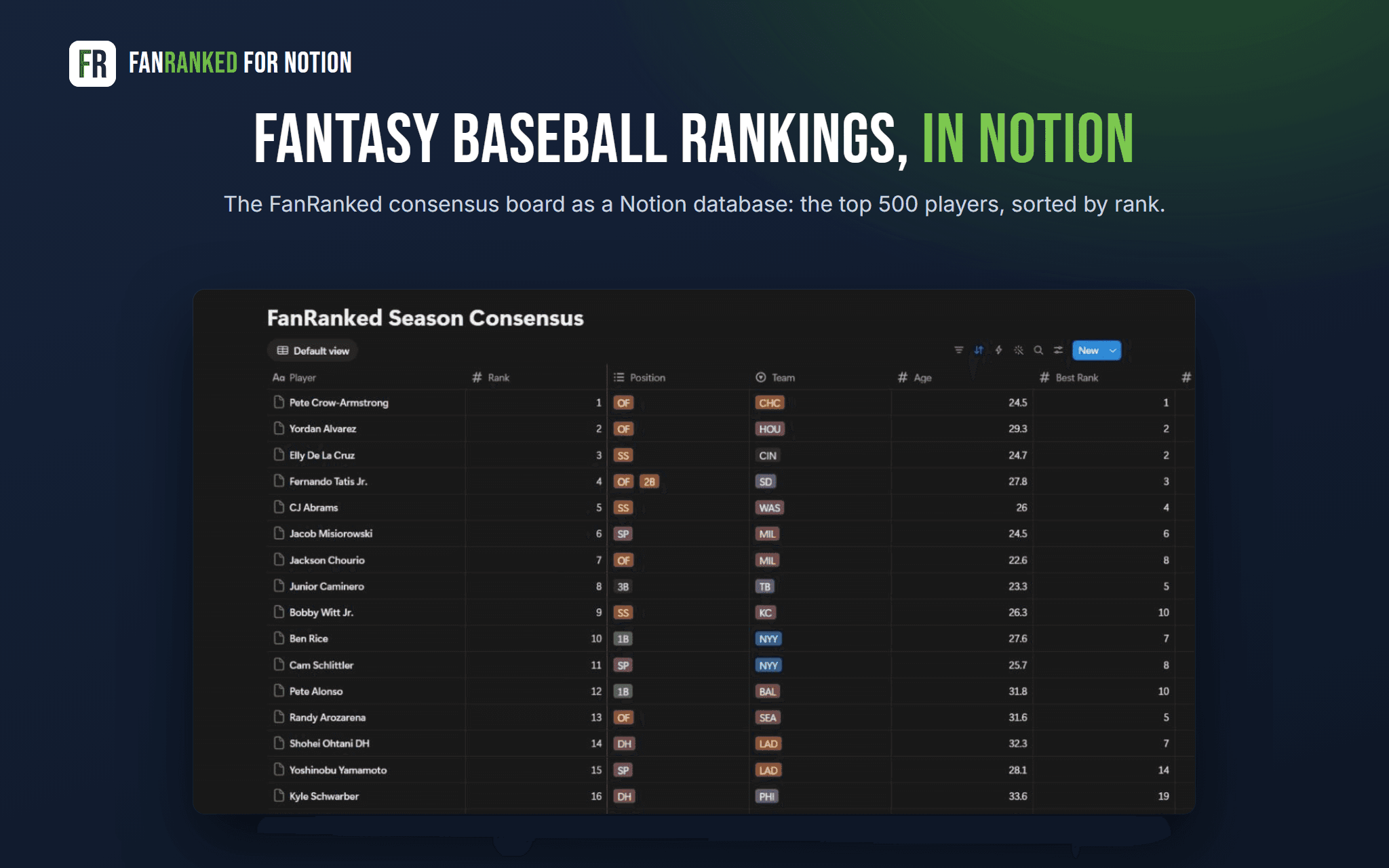
FanRanked blends the public fantasy baseball rankings it tracks into one consensus board. FanRanked for Notion sends that board into a database in your own workspace, so you can sort it, filter it, and keep your own ranks, tiers and notes right beside the consensus.
What lands in Notion
- One database per board: Dynasty Consensus, Season Consensus or Prospect Consensus
- The top 500 players, one row per player
- Rank, position, team and age, the best and worst rank among the sources, and how many sources rank the player
- A link to each player's FanRanked page
Your columns stay yours
Every database comes with empty My Rank, Tier, Target and Notes columns. FanRanked never writes them.
Fresh every day
FanRanked refreshes your boards every day, and whenever you press Refresh. It updates the ranking columns on rows that changed and adds new players. A player who drops off the board keeps the row, with the rank cleared. Rows are never deleted.
Free
FanRanked for Notion is free. It needs a free FanRanked account.
Funksjoner
- Lese, sette inn og oppdatere innholdKan lese, sette inn og oppdatere sider, databaser og blokker som deles med denne tilkoblingen.
How to use
- Go to fanranked.com/integrations/notion and sign in to FanRanked (free).
- Press Connect Notion. Notion asks which pages FanRanked may use; pick the page where your boards should go.
- Press Send to Notion on a board. FanRanked makes the database in that page and fills it; the first fill takes about three minutes.
- Add your own ranks, tiers and notes. FanRanked refreshes the rankings every day.
To stop, press Disconnect on the FanRanked page, or remove FanRanked under Settings, Connections in Notion. Your databases stay in Notion.