
About
Caddie AI is a Slack-native agent that each person on your team trains to work the way they do. Connect your tools — Gmail, Calendar, LinkedIn, HubSpot, Attio, and more — and tell Caddie what to automate in plain English.
Ask for a morning roundup and it triages messages across email, Slack, and calendar, surfacing what actually needs your attention. Tell it to draft a follow-up and it writes in your voice, not a generic template. Set up signal detection and it monitors your channels for the keywords and triggers you define. Say "update the CRM" and it finds the right record, logs your notes, and moves the deal forward — you never leave Slack.
What makes Caddie different: every agent is unique to its owner. Through onboarding, you teach Caddie your role, your priorities, and how you communicate. Through ongoing feedback, it gets sharper — learning your preferences, proposing new rules, and adapting to how you actually work. No two Caddies behave the same way.
How to use
1. Add to Slack
One click. Caddie shows up as a DM in your workspace — like a new coworker.
2. Connect your tools
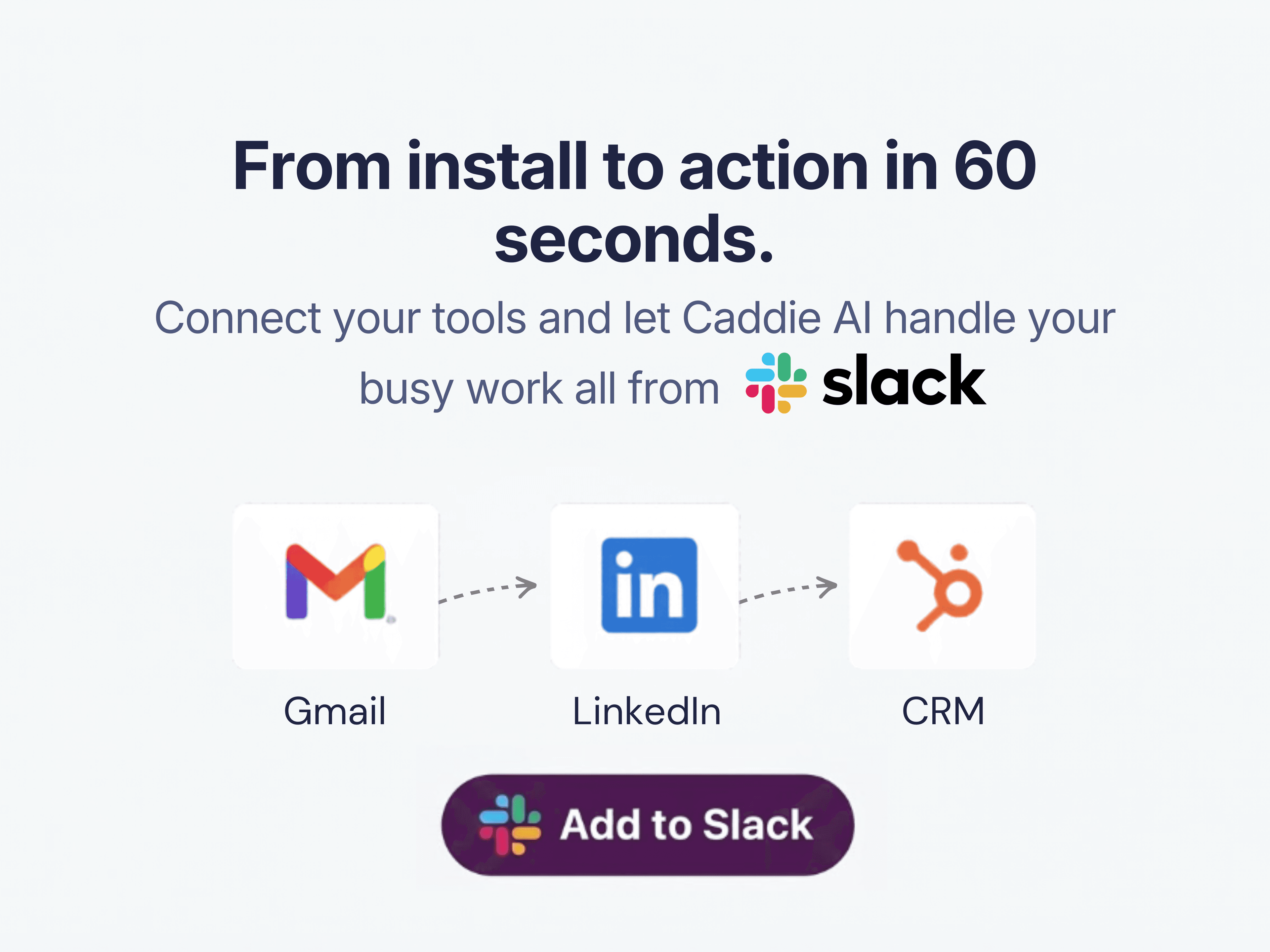
Click to authorize Notion, Gmail, Calendar, LinkedIn, HubSpot, Attio, Sheets. Choose from 100+ tools. Each one takes 5 seconds.
3. Tell it about you
Describe your role, your ICP, and how you like to communicate. Caddie builds your personal ruleset.
4. Use pre-made skills from experts, or create your own.
Morning roundups. Follow-up drafts. Signal detection. CRM updates. LinkedIn messages. All on autopilot — all from Slack.
Details
- Produktivitet
- Samarbeid
- Salg