
About
Brief is a product strategy agent that helps your team work from shared decisions, customer knowledge, and priorities.
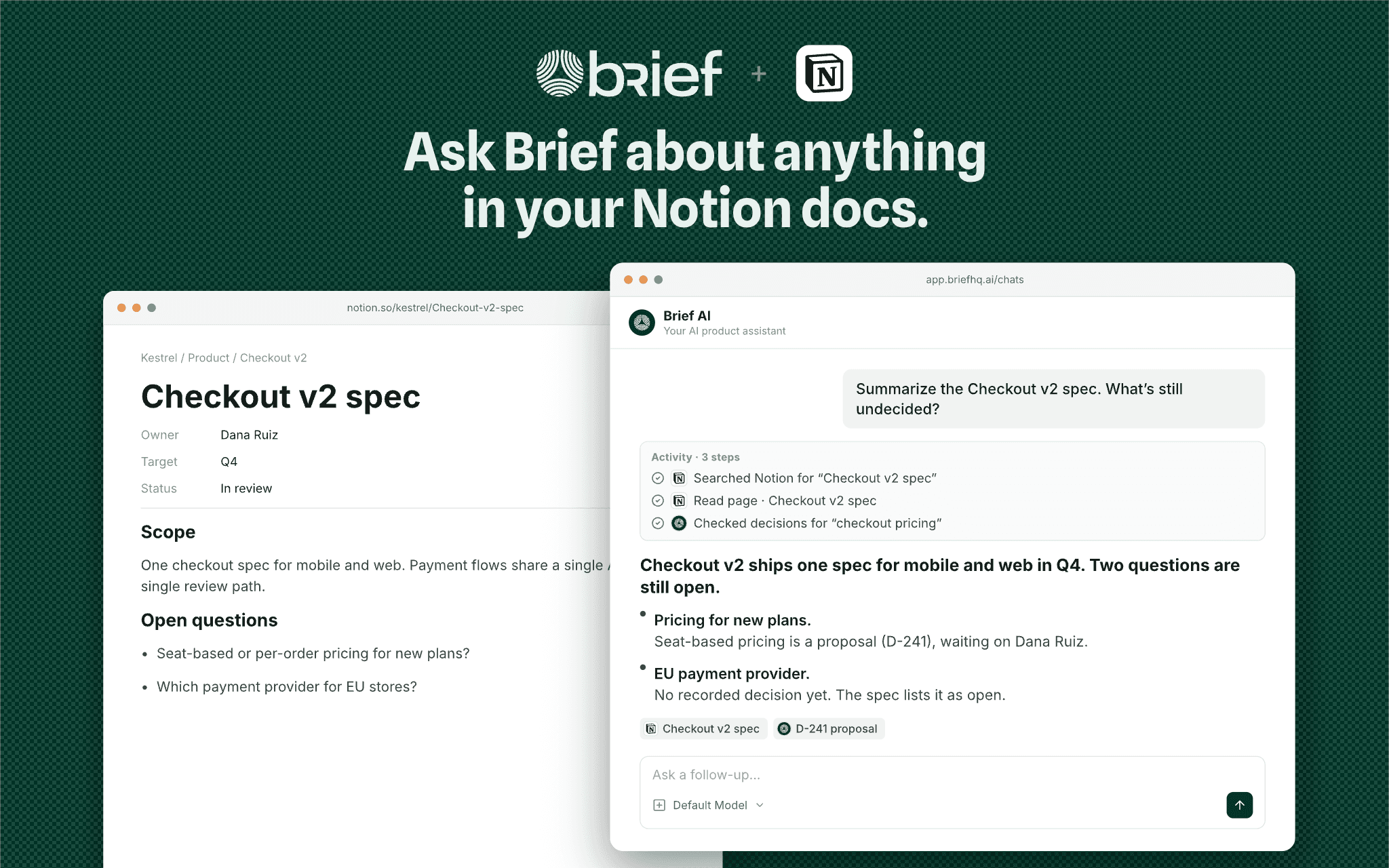
Connect Notion to use the pages and databases you authorize as context for product questions, research, and planning. Ask Brief to find a spec, summarize a page, compare a proposal with existing decisions, or create and update Notion content when you request it.
You control which content the connection can access in Notion. Brief’s chat tools use the requesting user’s connected access; selecting content for team sharing does not replace Notion permissions.
A Brief account and a Notion workspace are required. Learn more at https://usebrief.com/docs/notion-integration/.
Funksjoner
- Lese, sette inn og oppdatere innholdKan lese, sette inn og oppdatere sider, databaser og blokker som deles med denne tilkoblingen.
- Lese og legge til kommentarerKan lese og legge til kommentarer på sidene og i blokkene den har tilgang til.
- Vis brukere av arbeidsområdetLeser grunnleggende profilopplysninger om medlemmer og gjester i arbeidsområdet, inkludert e-postadressene deres.
How to use
1. Sign in to Brief at https://app.briefhq.ai and open Integrations.
2. Find Notion and select Connect.
3. Authorize Brief in Notion and grant access to the pages and databases you want it to use.
4. Back in Brief, select any content you want to share with your team and complete setup.
5. Ask Brief to find or summarize an authorized Notion page.
To change your team selection later, open Configure on the connection. To change the content Brief can access, update the connection’s access in Notion.
Setup guide: https://usebrief.com/docs/notion-integration/
Support: https://usebrief.com/support/
Details
- Produktivitet
- Teknisk arbeid
- Samarbeid