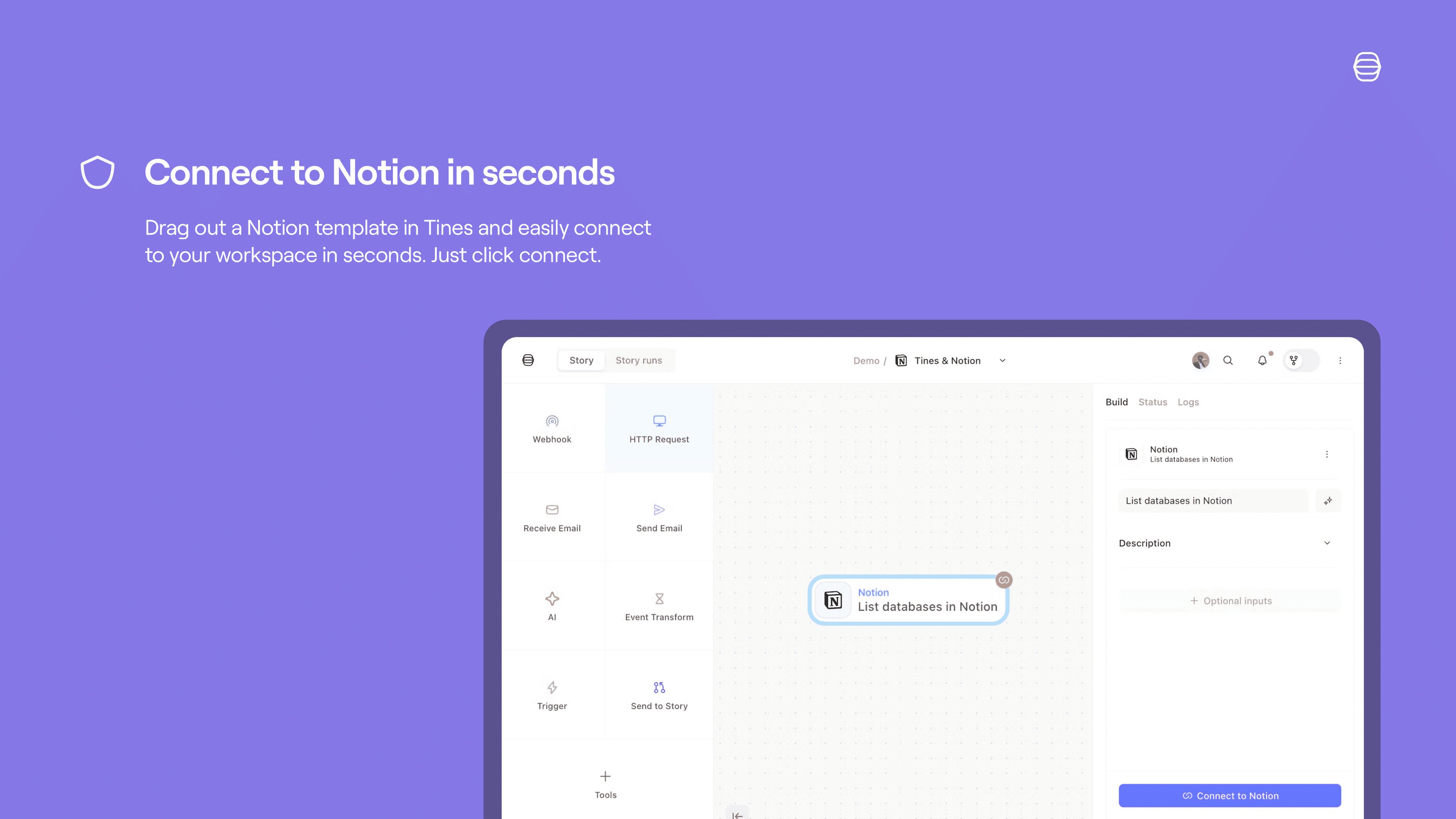
The Tines integration for Notion allows you to seamlessly automate your security and IT operations, using and updating Notion as the source of truth. Collaborate, track cases, and involve humans-in-the-loop in Notion, while your workflows run automatically in the background in Tines.
How to use
Set up a Tines connect flow for Notion:
Credentials home: select + New credential and choose the product you'd like to connect to Tines.
Storyboard:
Story overview pane:
Select + in the credentials section and choose Notion
Select Connect by the product name and choose Create credential or New connection.
Select Replace after hovering over the product name and choose Create credential.
Product template: if you select a template for a product that has a connect flow, a connect button will appear. Select Connect and then New connection to start the connect flow for that product.
Tutti i marchi di terze parti (inclusi loghi e icone) a cui si fa riferimento nel presente documento sono di proprietà dei rispettivi titolari. Le integrazioni non sono supportate né gestite da Notion, a meno che non siano specificamente indicate come "Realizzate da Notion". I prodotti o i servizi di terze parti a cui si connettono le integrazioni non sono applicazioni Notion (come definito nel Contratto quadro di abbonamento o nei Termini di utilizzo personali di Notion, a seconda dei casi). Abilitando le integrazioni o utilizzando in altro modo la Raccolta delle integrazioni di Notion, accetti i Termini della raccolta delle integrazioni di Notion.