
About
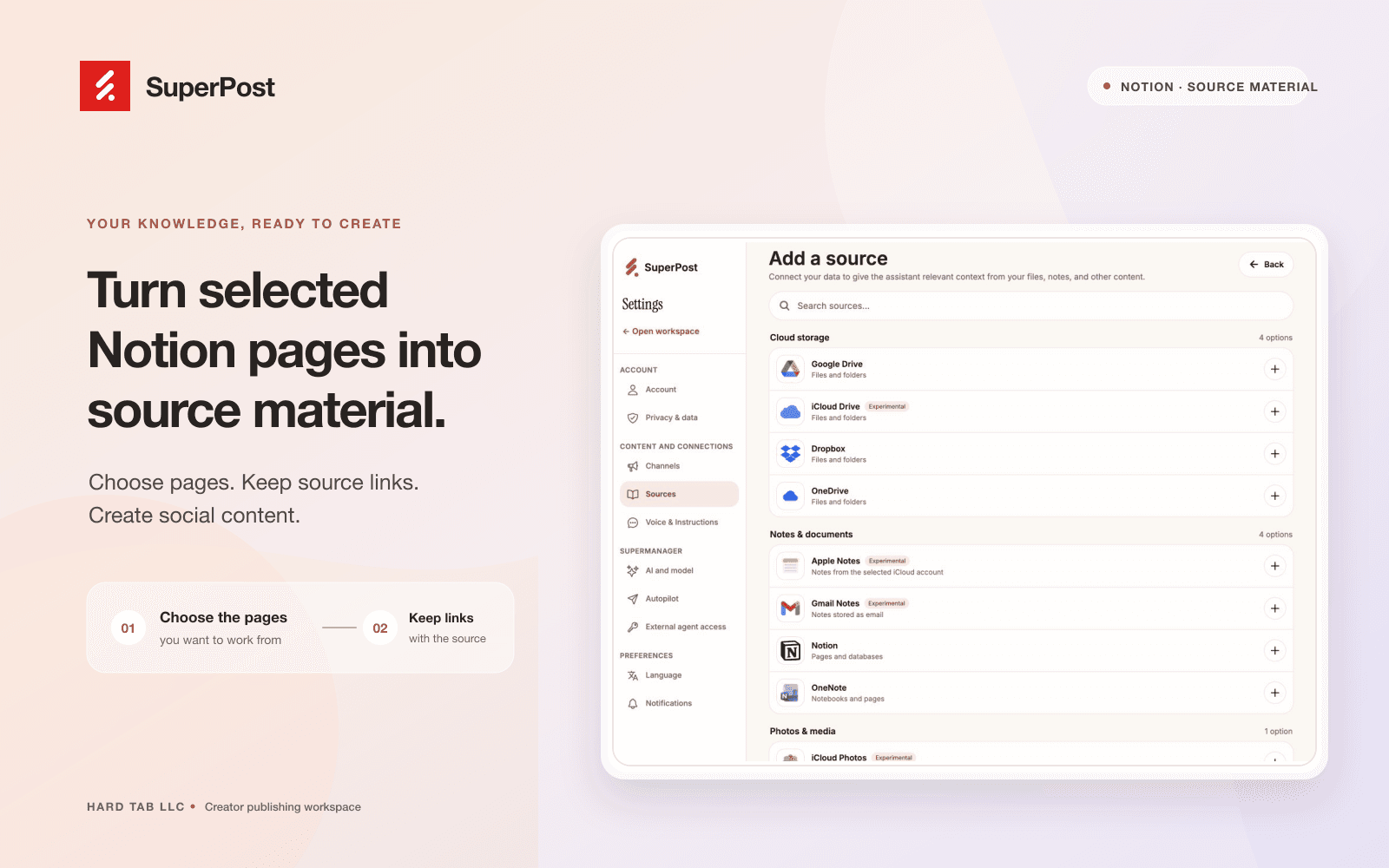
Connect Notion to SuperPost to use pages you select as source material for social content. SuperPost reads the connected pages and preserves their source links so you can review the original material while planning and writing posts.
You choose which pages to share during Notion authorization. The connection reads content; it does not create, edit, or delete your Notion pages. Manage your sources and disconnect the connection from SuperPost settings.
Fitur
- Membaca kontenDapat membaca halaman, database, dan blok yang dibagikan dengan koneksi ini.
- Lihat pengguna ruang kerjaMembaca detail profil dasar tentang anggota dan tamu ruang kerja, termasuk alamat email mereka.
How to use
1. Sign in at https://superpost.social
2. Open Settings → Sources and choose Notion.
3. Authorize the connection and select the pages you want SuperPost to read.
4. Return to SuperPost, choose source pages, and review the imported material before using it to create social content.
5. You can disconnect Notion from Settings → Sources.