
About
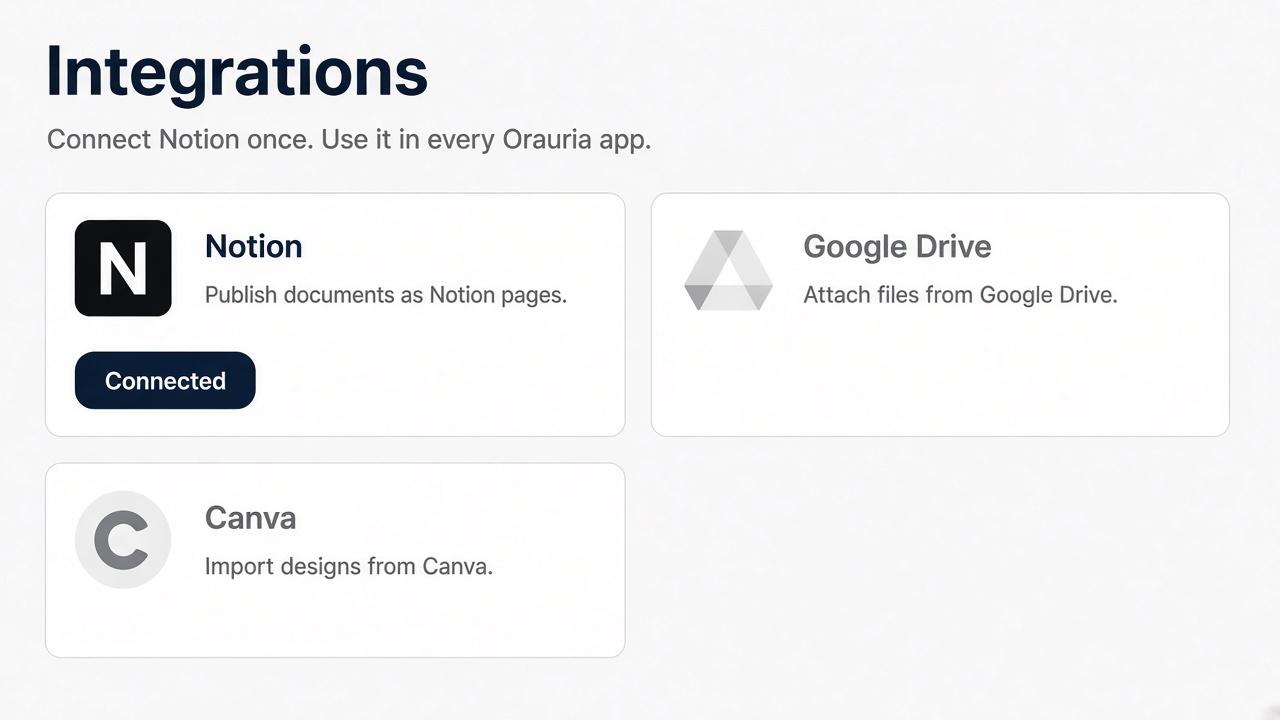
Orauria AI connects your Notion workspace so you can publish documents you create in Orauria into Notion pages you select. You approve the workspace and pages on Notion’s own screen. Orauria keeps the connection on your Orauria account.
Fitur
- Membaca, menyisipkan, dan memperbarui kontenDapat membaca, menyisipkan, dan memperbarui halaman, database, dan blok yang dibagikan dengan koneksi ini.
- Membaca dan menambahkan komentarDapat membaca dan menambahkan komentar pada halaman dan blok yang dapat diaksesnya.
- Lihat pengguna ruang kerjaMembaca detail profil dasar tentang anggota dan tamu ruang kerja, termasuk alamat email mereka.
How to use
1. Sign in at https://orauria.com.
2. Open Account, then Integrations.
3. Select Connect on Notion.
4. Choose your Notion workspace and the pages to share, then allow access.
5. You return to Orauria and Notion shows as connected.
Disconnect any time from Account → Integrations, or remove Orauria AI in Notion Settings → Connections.