

About
Connect ALM, PLM, MES, ERP, CRM and WMS without replacing them. Describe the outcome, Mapping Intelligence handles the cross-system process.
Fitur
- Membaca, menyisipkan, dan memperbarui kontenDapat membaca, menyisipkan, dan memperbarui halaman, database, dan blok yang dibagikan dengan koneksi ini.
- Lihat pengguna ruang kerjaMembaca detail profil dasar tentang anggota dan tamu ruang kerja, termasuk alamat email mereka.
How to use
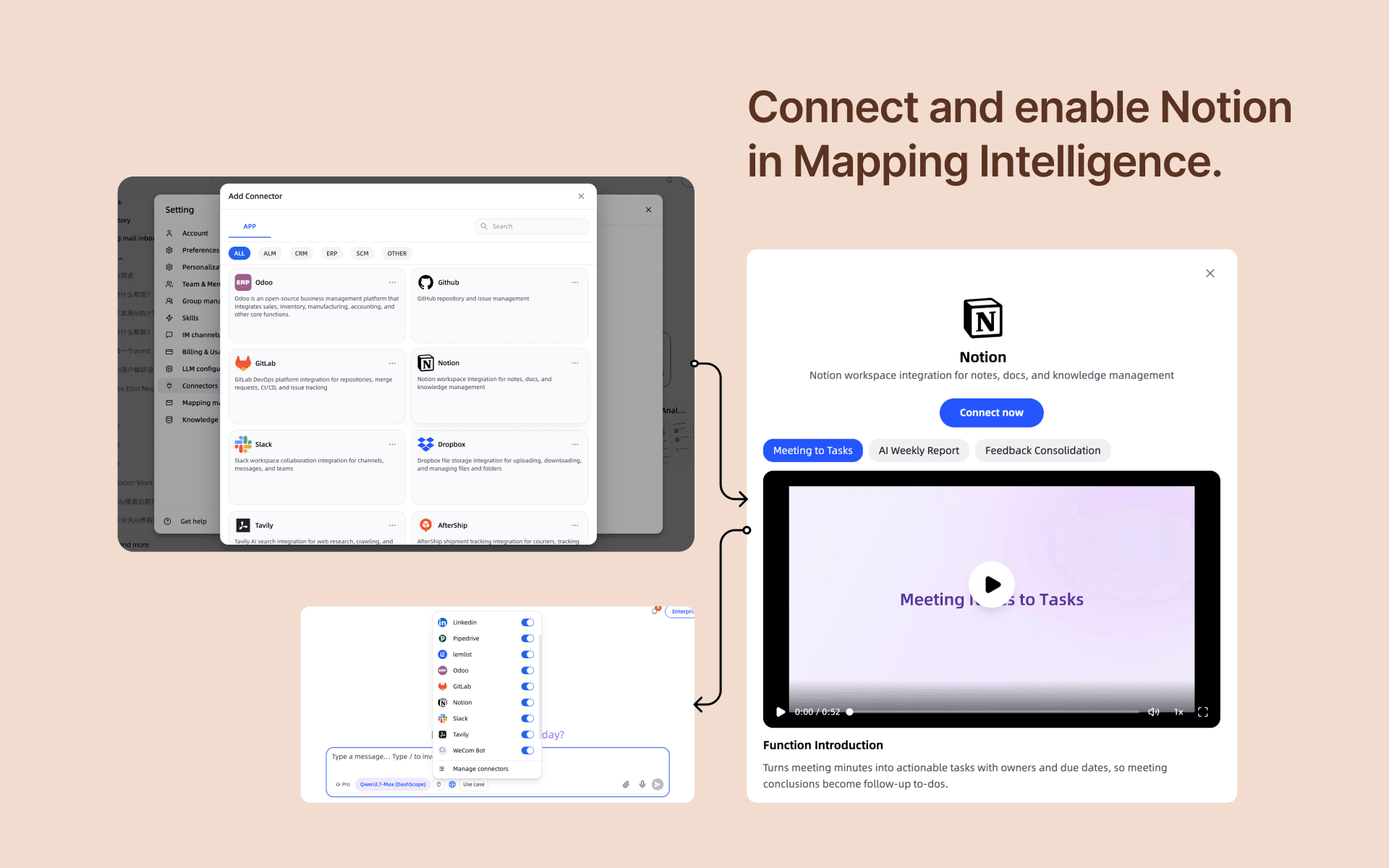
MappingIntelligence Connector brings your Notion workspace into your AI assistant.
What it does:
- Search, read, and create Notion pages and databases directly from chat
- Update page content, manage database entries, and answer questions with live Notion data
- Give your AI team assistant context from your team's Notion knowledge base
How to install:
1. Click Install and authorize MappingIntell to access your Notion workspace
2. Choose which workspace to connect (each member connects their own account)
3. Approved by your workspace admin, the connection is ready to use
How to use:
- Ask your assistant to "search my Notion for X" or "create a page titled X"
- Reference database IDs or page titles in any conversation
- All actions require your own authorized connection — your data stays scoped to your account
Details

- Automasi
- Produktivitas